
106 INK Rest Disp Change
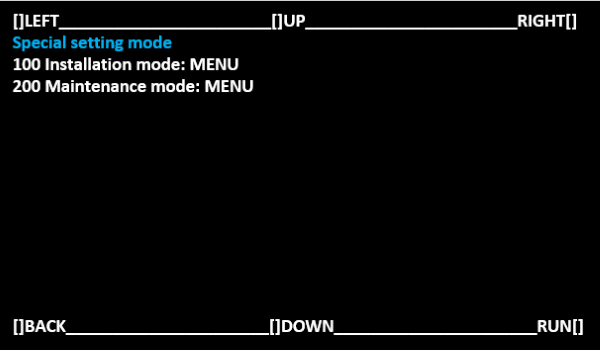
- Start special setting mode.(Special Setting Mode Starting Method)
Select [100 Installation mode: MENU] and select [RUN].
 Note / 補足
Operate with the following buttons.
[UP] button: Move the selected item (move up)
[DOWN] button: Move the selected item (move down)
[RUN] button: Execute the selected item
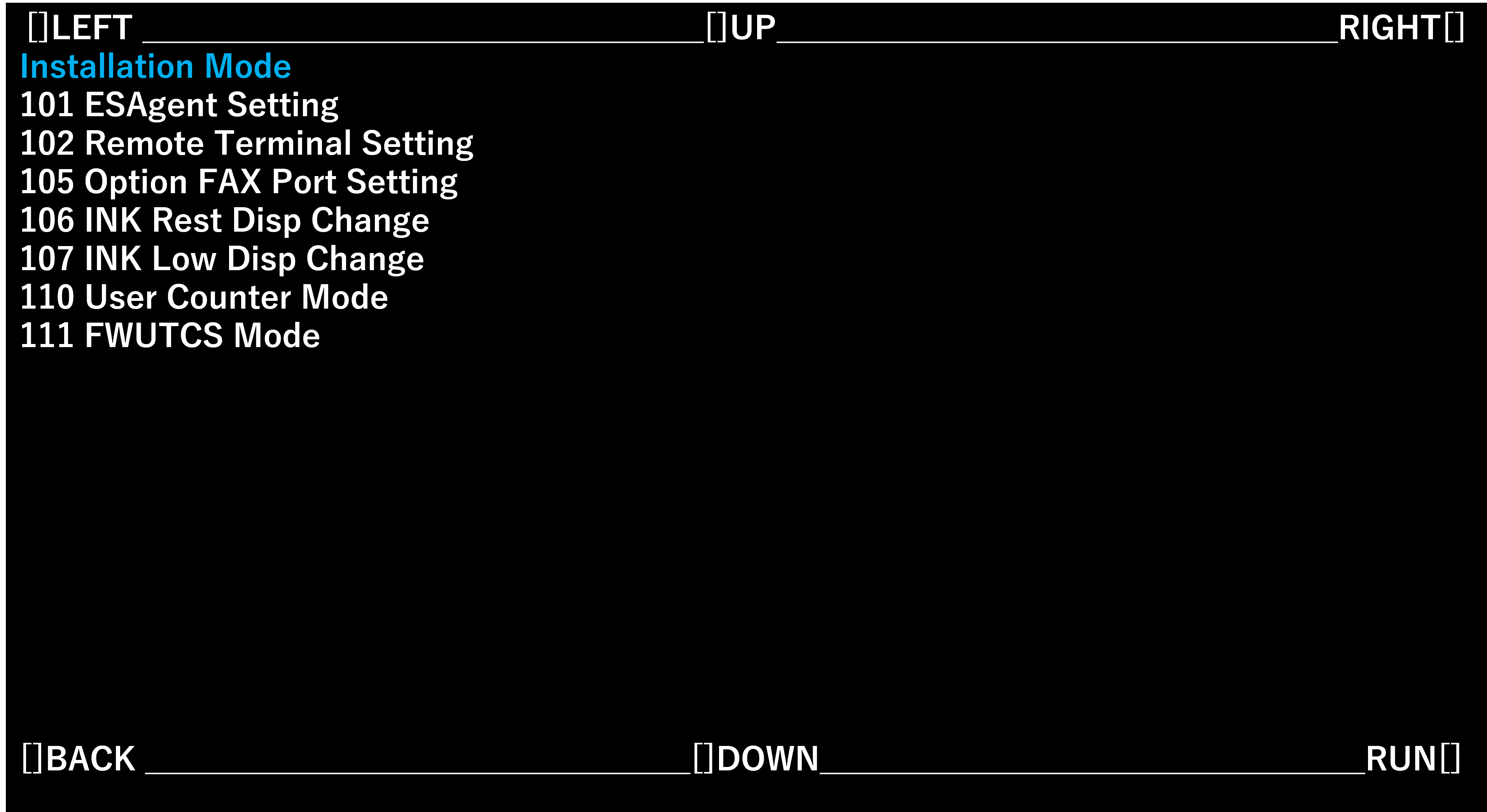
- Select [106 INK Rest Disp Change] and select [RUN].
- Select the optimum setting value for the contract status and optional product configuration.
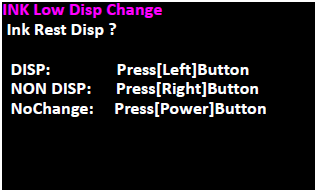
Setting value Overview DISP Display the waring message of ink Remaining amount NON DISP Do not display the waring message of ink Remaining amount NoChange Do not change configuration