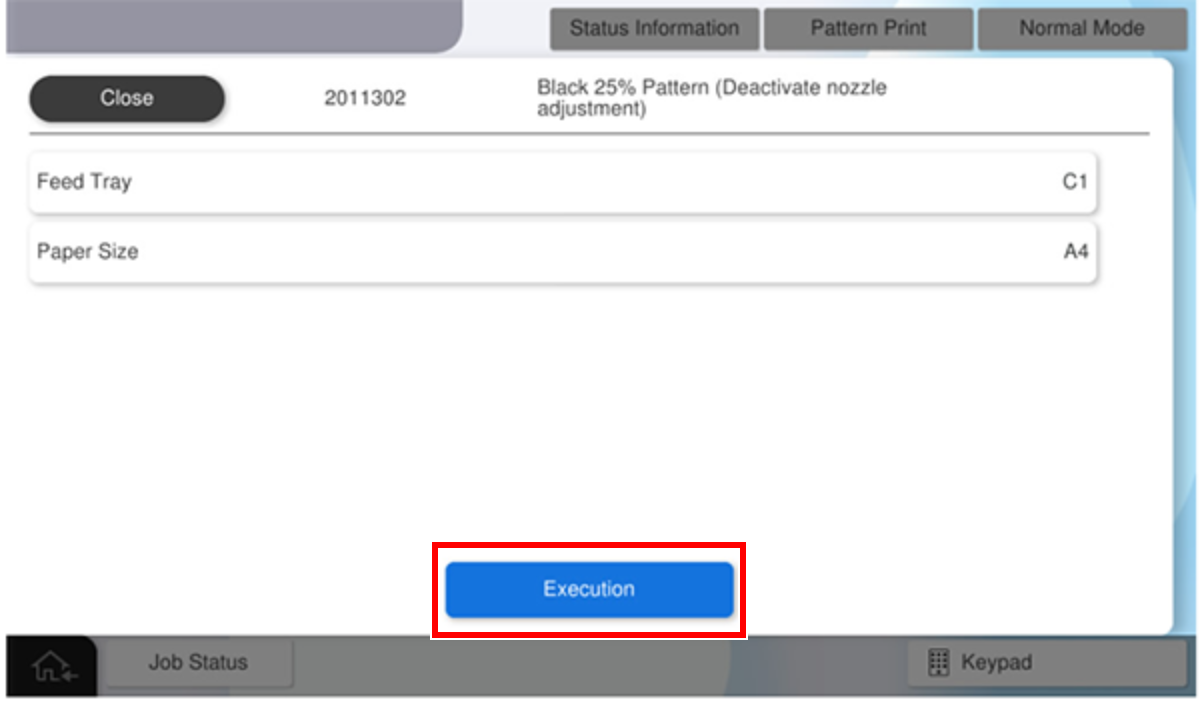
2011302 Black 25% Pattern (Deactivate nozzle adjustment)
Program No. |
Pattern Name |
Specifications |
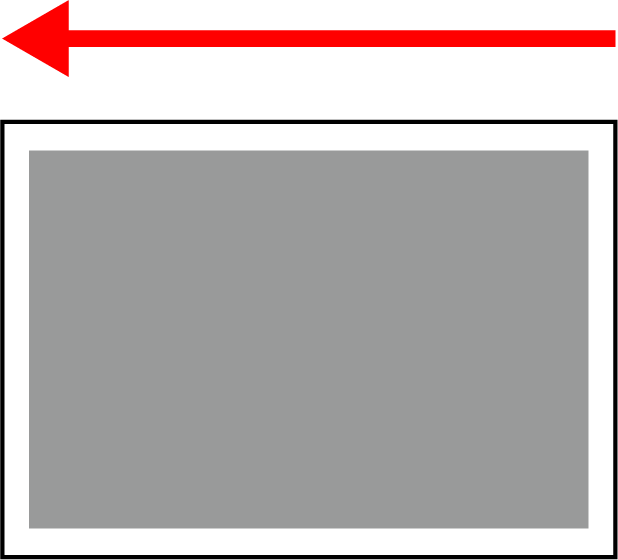
Pattern Image (Paper transport direction: arrow direction) |
Target image quality defect |
|---|---|---|---|---|
2011302 |
Black 25% Pattern (Deactivate nozzle adjustment) |
|
|
|
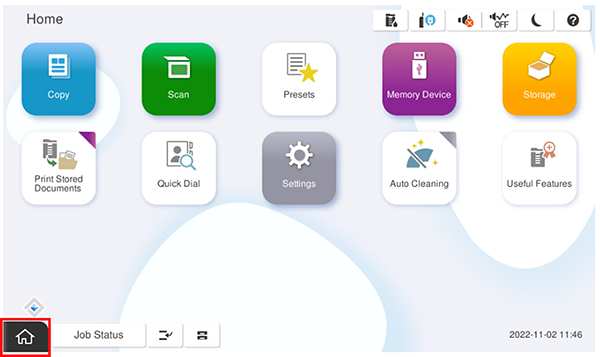
- Start service support mode.
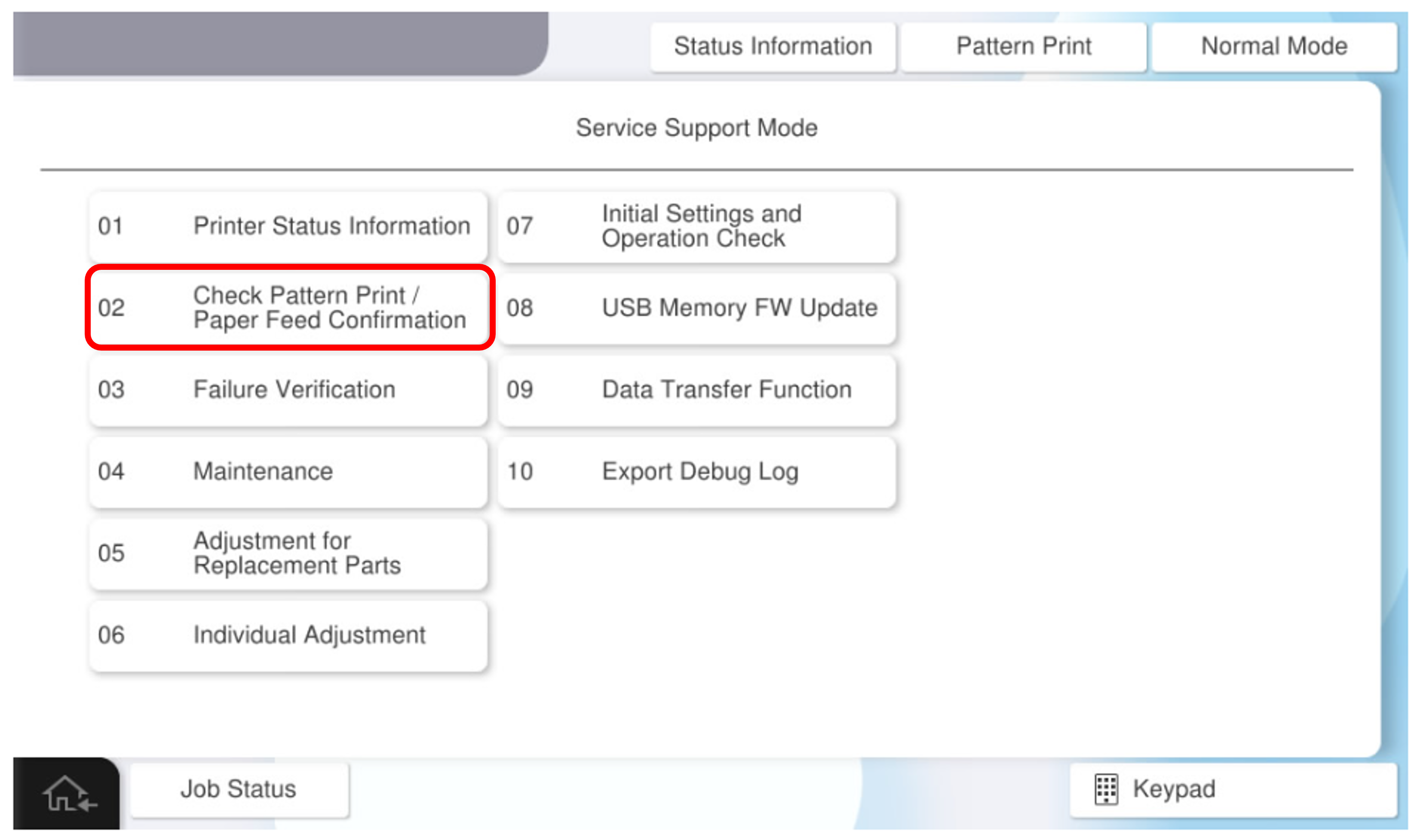
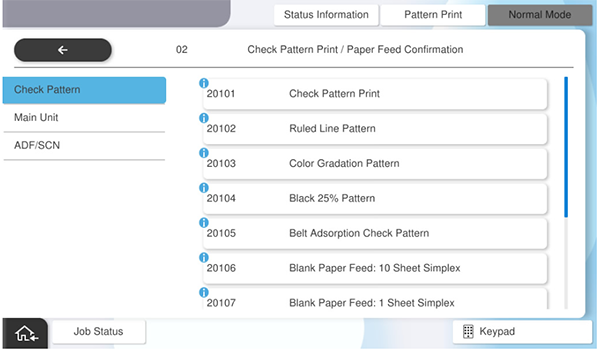
- Select [02 Check Pattern Print / Paper Feed Confirmation].
- Select [Check Pattern Print] tab.
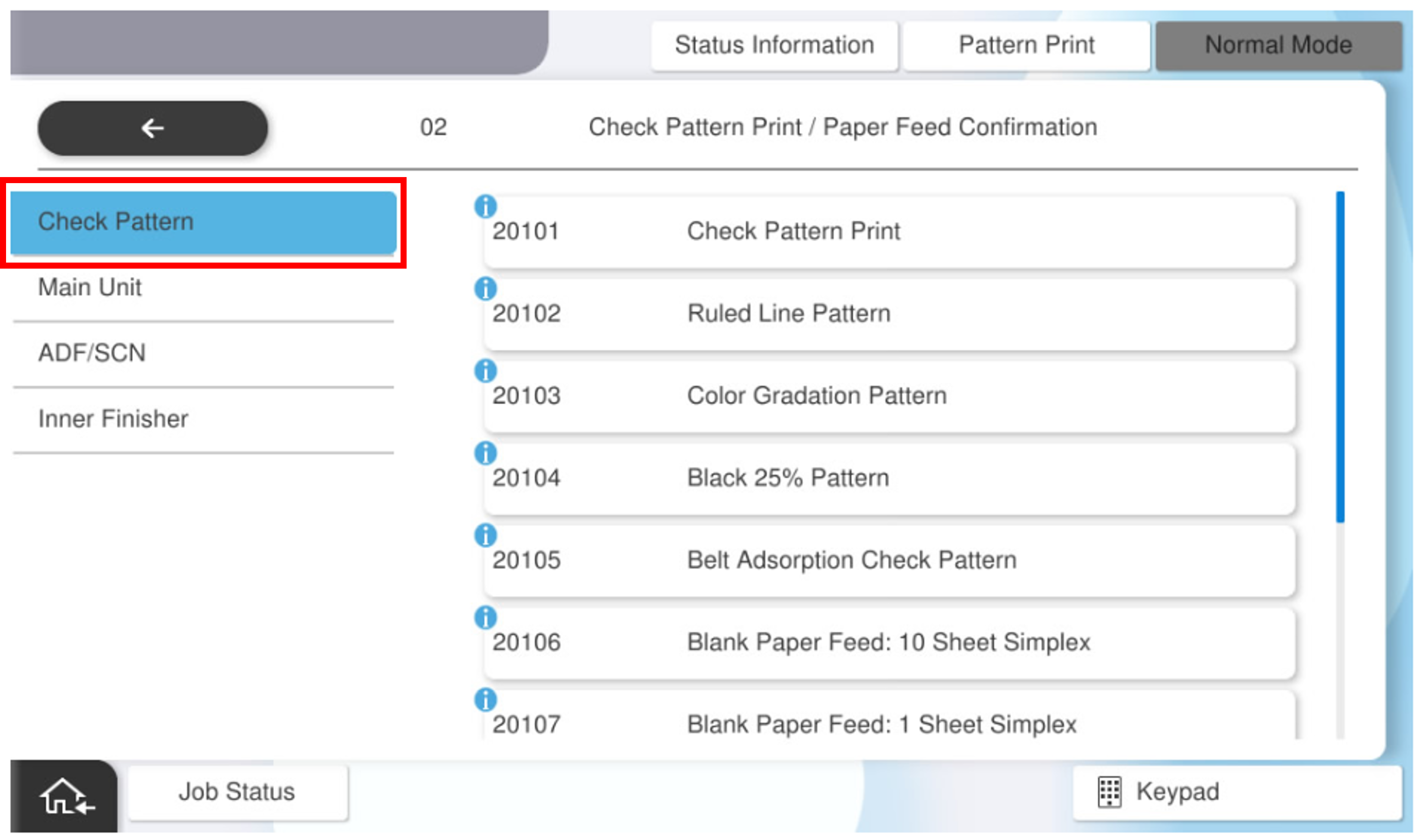
- Select the pattern menu to print.
- press each setting item button to make print settings.
the selectable items are as follows.program no. pattern name setting items choice 2011302 black 25% pattern (deactivate nozzle adjustment) feed tray c1, c2, c3, c4, Paper Tray available paper sizes a4, letter - Press [Execution].