
Cockling
Assumed cause
- Cockling (wrinkling) due to paper
- Cockling (wrinkling) due to paper suction failure in the Paper Feed Belt
- Cockling (wrinkling) due to paper feed failure
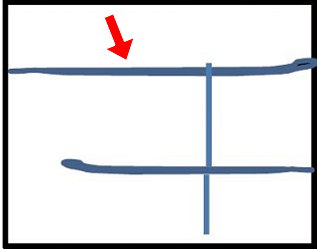

Defect-related parts
- Belt Drawer Unit
Drop in paper suction force due to failure of charging the belt - Anti Static Brush
Improper static elimination of paper / abnormal static elimination brush load increases paper ovarlap amount - Registration Roller
Paper wrinkles due to poor paper feed (paper feed side) - EJ Unit
Paper wrinkles due to poor paper feed (output side) - High Voltage Power Supply Unit
Failure of applying voltage to charge the Paper Feed Belt
Troubleshooting
| Step | Confirmation and action | YES | NO |
|---|---|---|---|
| 1 | Print the 20104 Black 25% Pattern on non-user paper
(Due to user paper or separation. Use unopened or conditioned paper) |
End of work | Go to step 2 |
| 2 | Clean the Belt Drawer Unit
|
End of work | Go to step 3 |
| 3 | Replace the Belt Drawer Unit
|
End of work | Go to step 4 |
| 4 | Replace the Anti Static Brush Unit
|
End of work | Go to step 5 |
| 5 | Registration Roller replacement
|
End of work | Replace the parts/components to be checked one by one. |