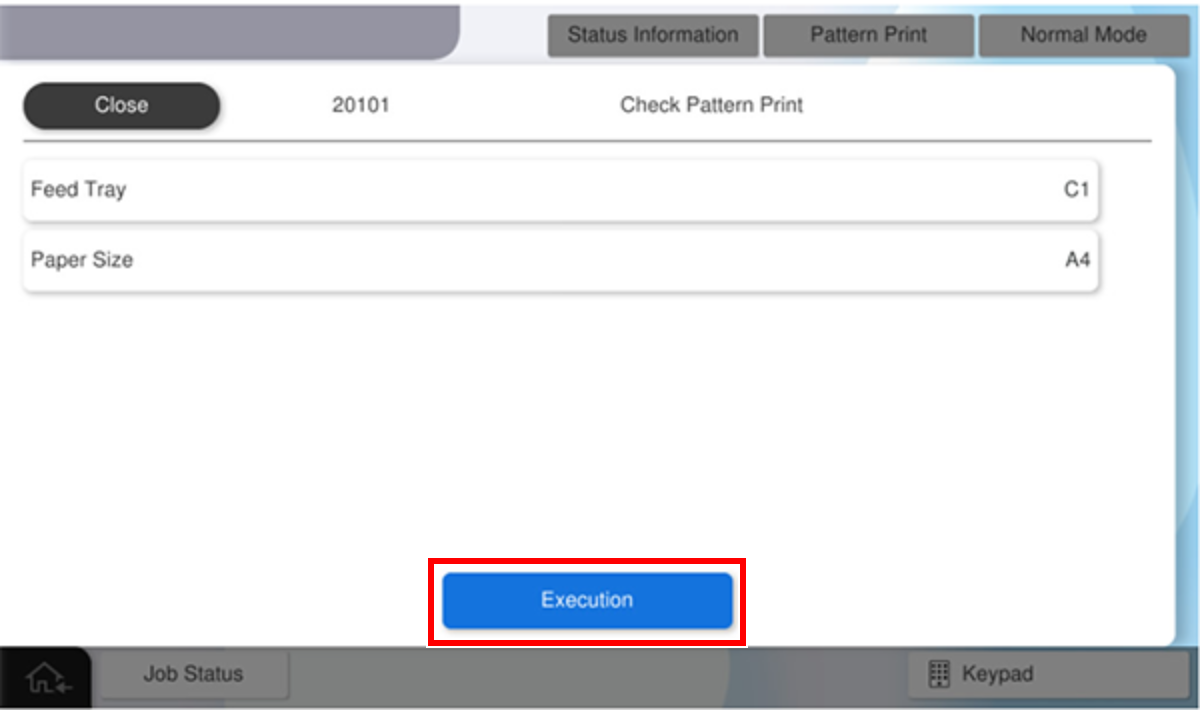
20101 Check Pattern
| Program No. | Pattern Name | Specifications | Pattern Image (Paper transport direction: arrow direction) |
Target image quality defect |
|---|---|---|---|---|
| 20101 | Check Pattern Print |
|
- | - |
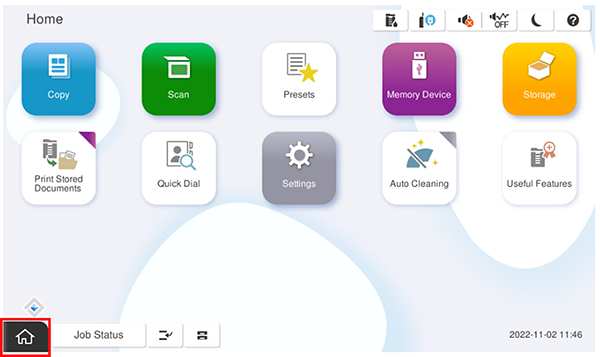
- Start service support mode.
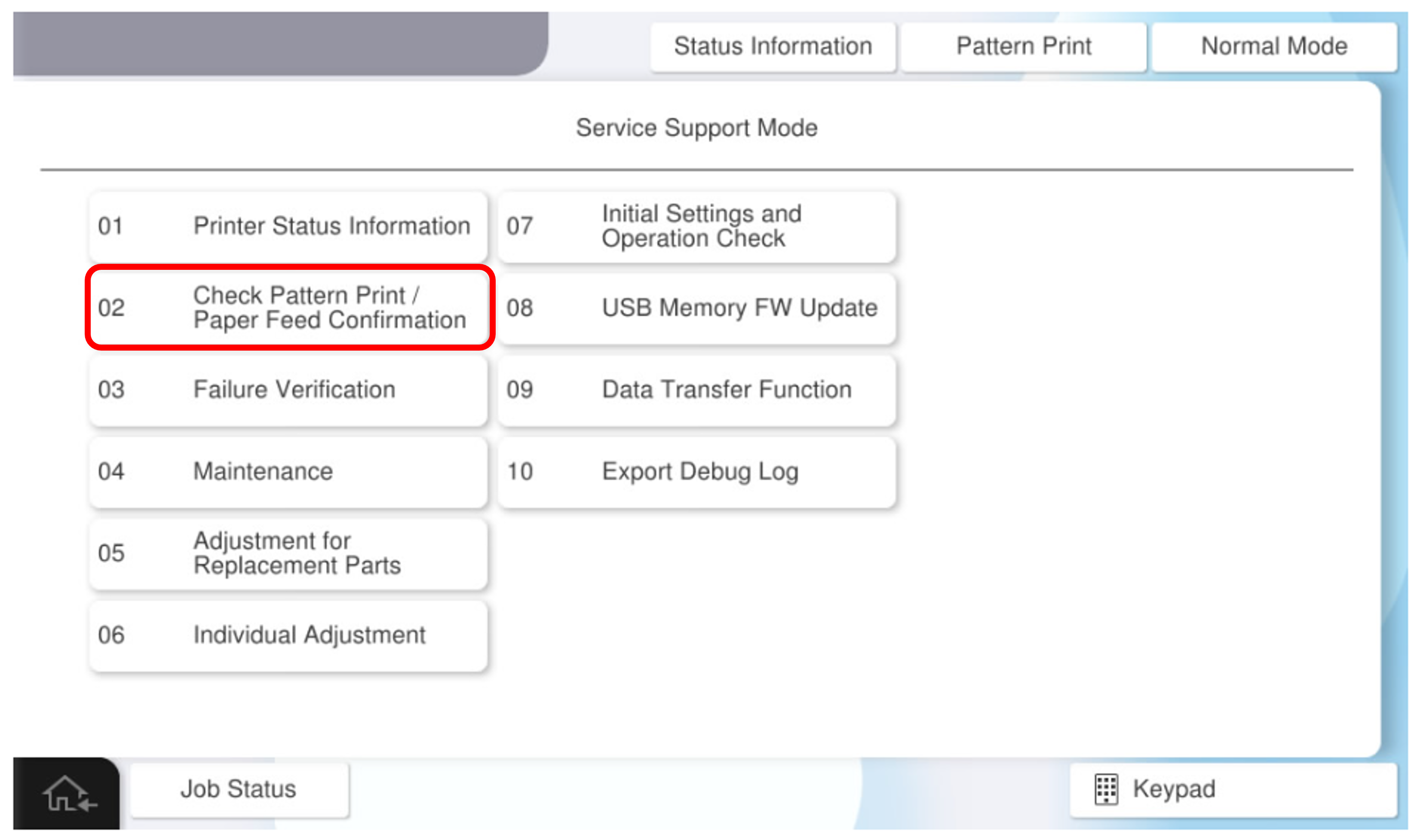
- Select [02 Check Pattern Print / Paper Feed Confirmation].
- Select [Check Pattern Print] tab.
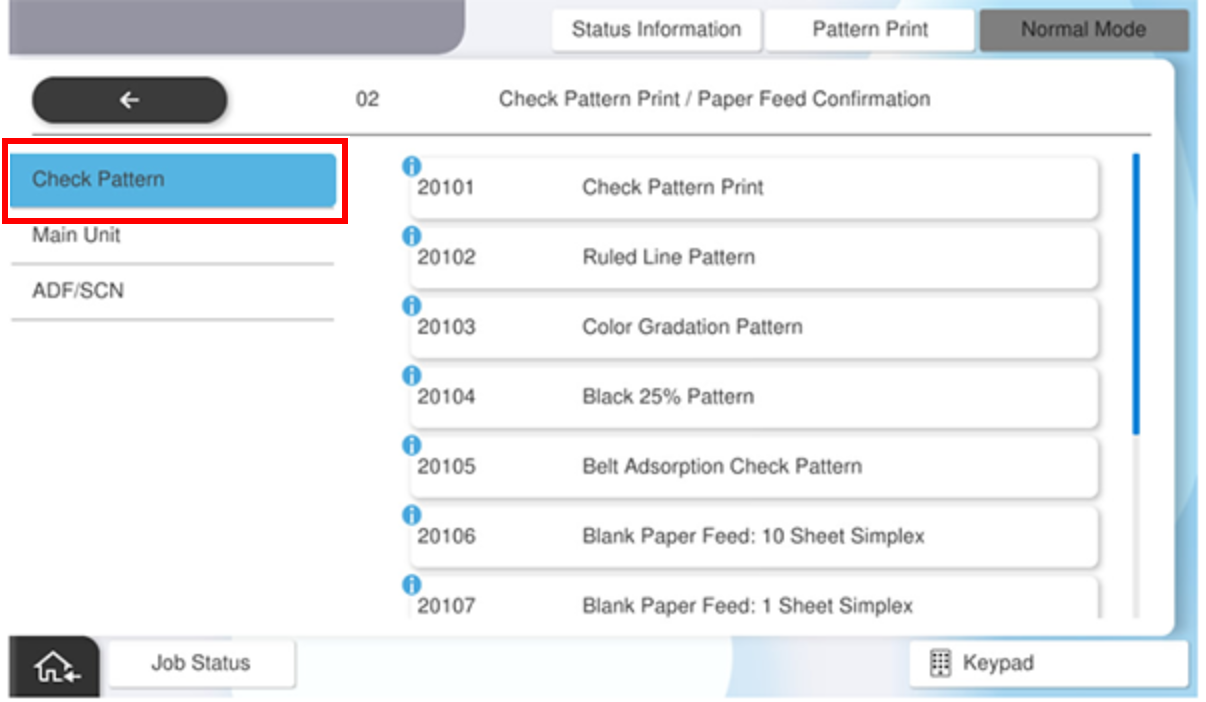
- Select [Check Pattern Print] .
press each setting item button to make print settings.
the selectable items are as follows.
program no. pattern name setting items choice 20101 check pattern print feed tray c1, c2, c3, c4, Paper Tray available paper sizes a4, letter - Press [Execution].