40201 Belt cleaning

Execute belt surface cleaning(contact the belt surface with the cloth surface of the belt cleaner unit)

Note / 補足
  • This menu is a special belt cleaning that can be performed only by the service support mode (some of the operations are different from the belt cleaning performed by user mode).
    • User Mode: Cleans the belt surface by contacting the belt surface and the cloth surface of the belt cleaner, and rotating each other.
    • Service Support Mode: Cleans the belt surface by contacting the belt surface and the cloth surface of the belt cleaner, and rotating only the belt surface.
  • At the time of cleaning, the belt cleaner does not rotate, so the life counter of the belt cleaner unit does not advance; however, it accumulates at the same location on the cloth surface, so be careful not to reattach the dirt to the belt.
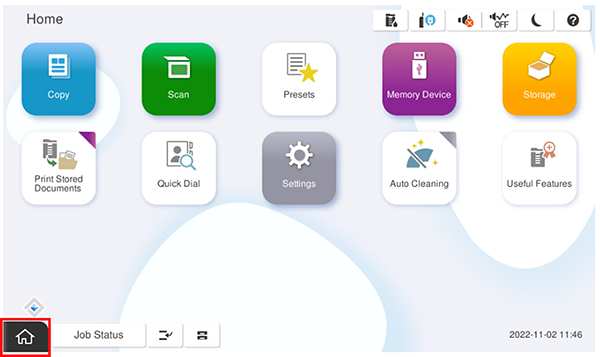
  1. Start service support mode.
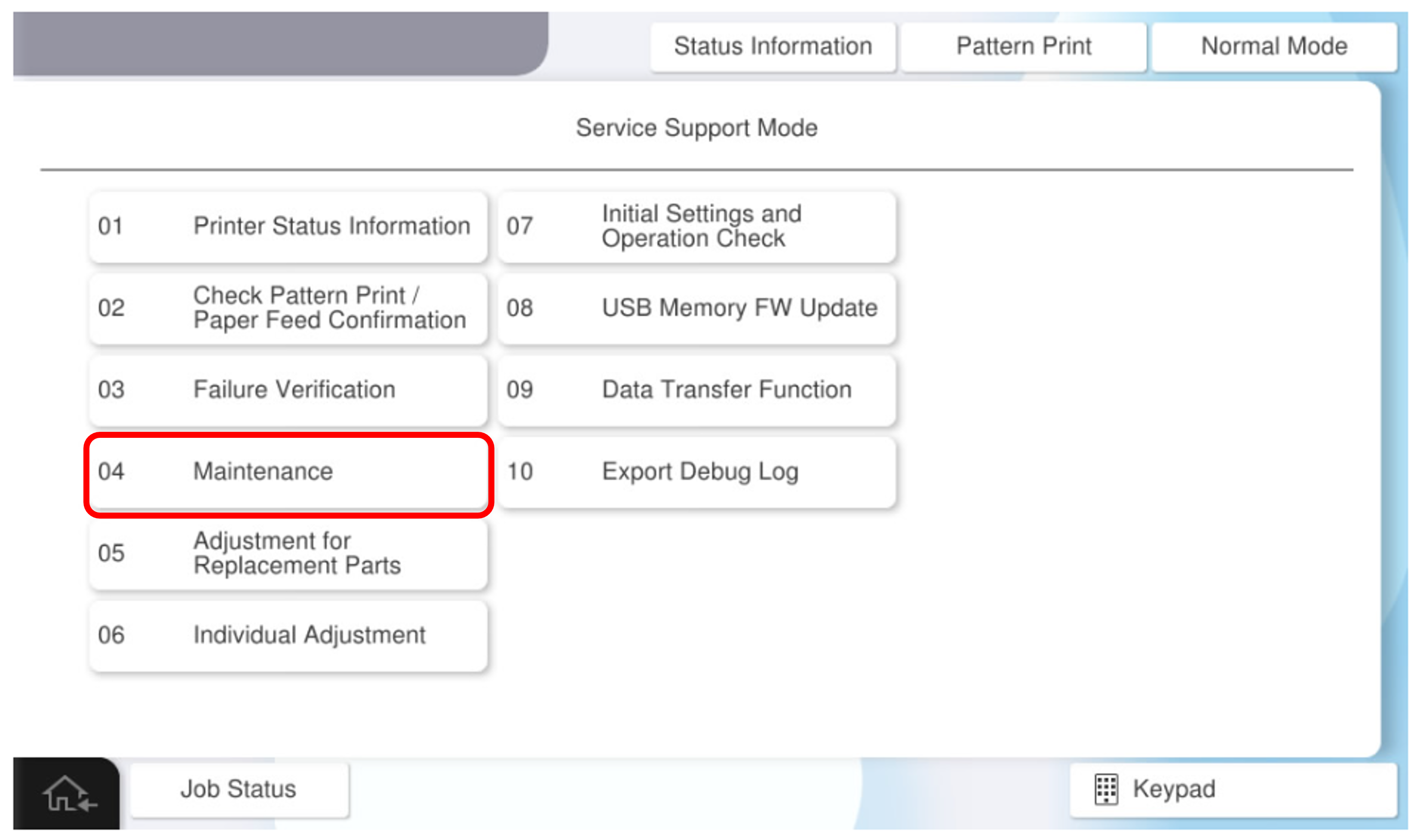
  2. Select [04 Maintenance].


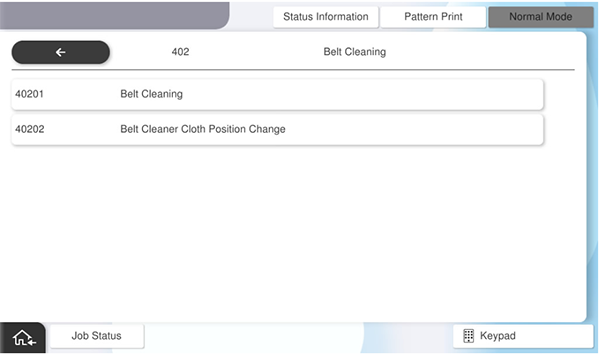
  3. Select [40201 Belt Cleaning].
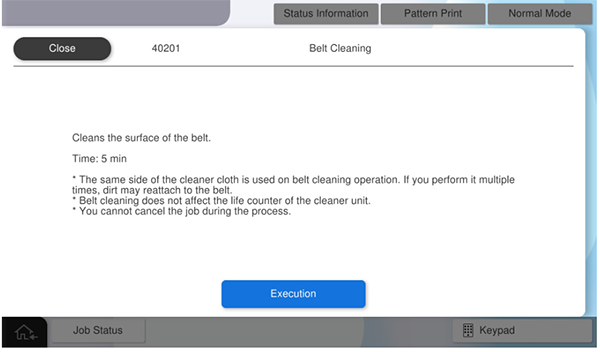
  4. Press [Execution].