
Starting Line Measurement Mode
- Activate Authentication Mode. (Starting Authentication Mode)
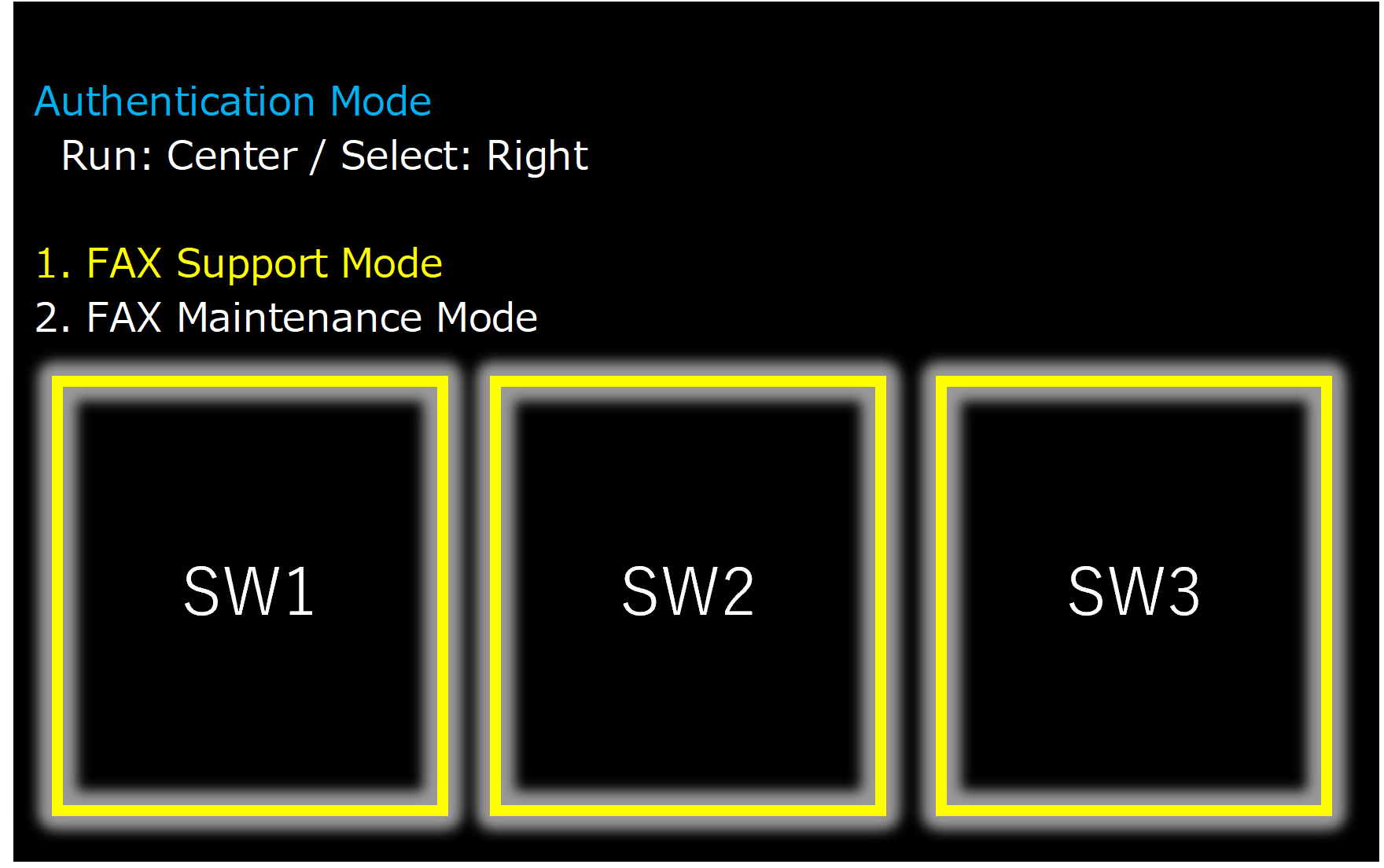
- Select "FAX Maintenance Mode" from the top menu of Authentication Mode.
 Note / 補足
- Center of screen (SW2): Execution
- Right of screen(SW3): Move menu
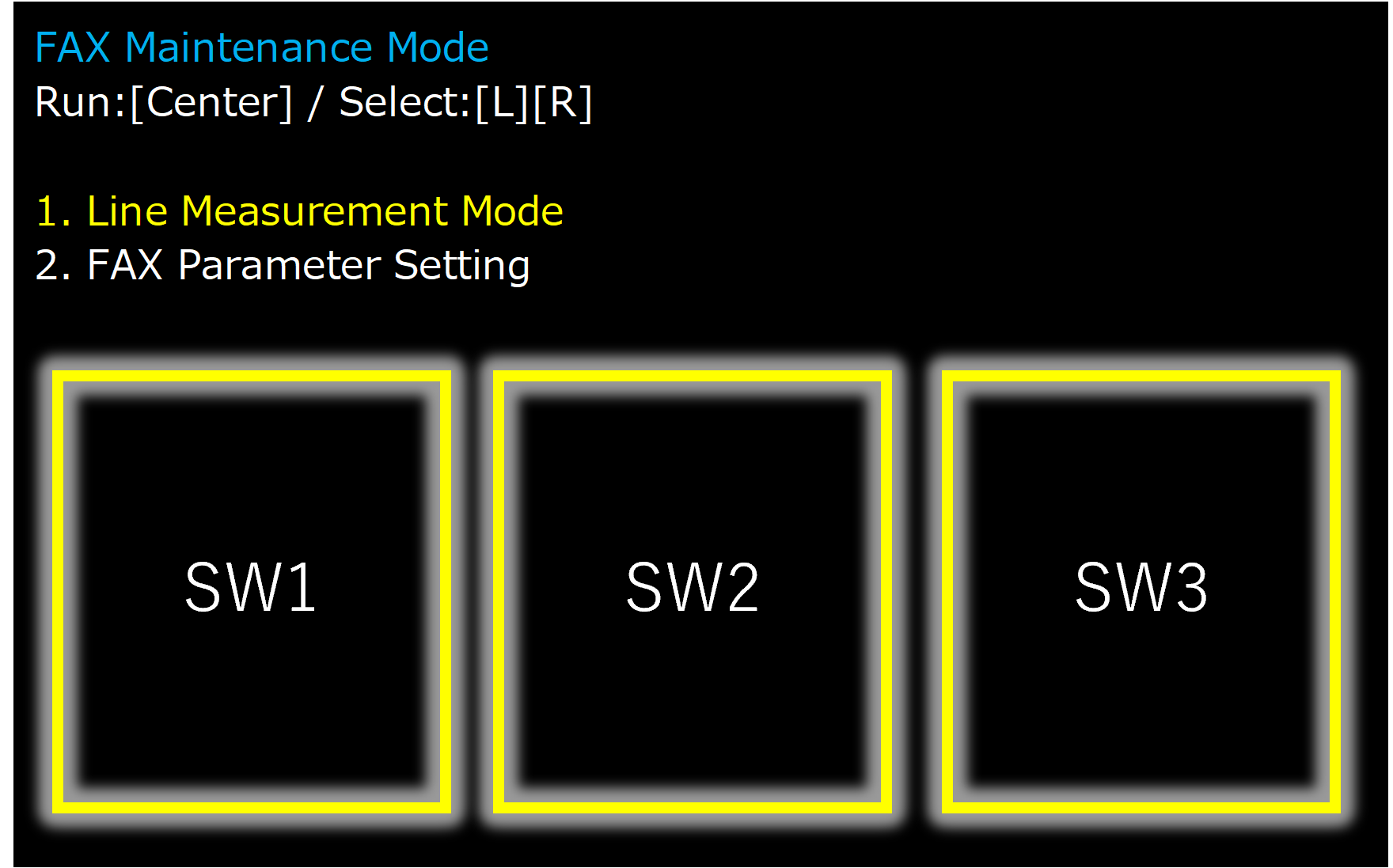
- Select [Line Measurement Mode].
 Note / 補足
- Center of screen (SW2): Execution
- Right of screen(SW3): Move menu