
Copy function check
 Check Point / チェックポイント Check Point / チェックポイント |
Confirm the following items in copy function check.
|
Operation check of ADF Unit
- Load paper (A4 size) into the paper cassette.
- Load a any document (A4 size) into the ADF unit.
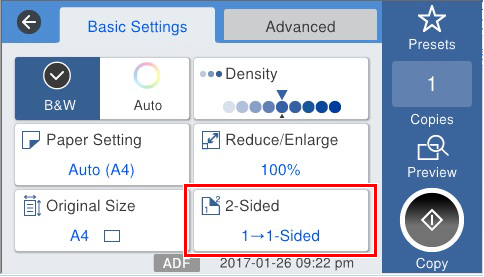
- Select [Copy] from the Home screen.
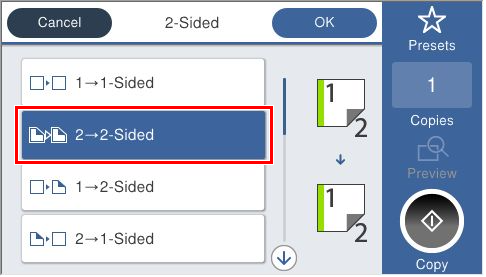
- Press [2-Sided], select [2→2 Sided], and press the Start button to execute copying.
Operation check of Scanner Unit
- Load paper (A4 size) into the paper cassette.
- Load a any document (A4 size) into the Flatbed.
- Select [Copy] from the Home screen.
- Press [2-Sided], select [1→1 Sided], and press the Start button to execute copying.