B91 INK SUPPLY UNIT (PREPARATION BEFORE REPLACEMENT)
Overview
Perform the operation required before replacing the Ink Supply Unit.
Work Procedure
Start the printer in the service mode.
Select “B91 Ink Supply Unit” from the Before Repair Operation menu.
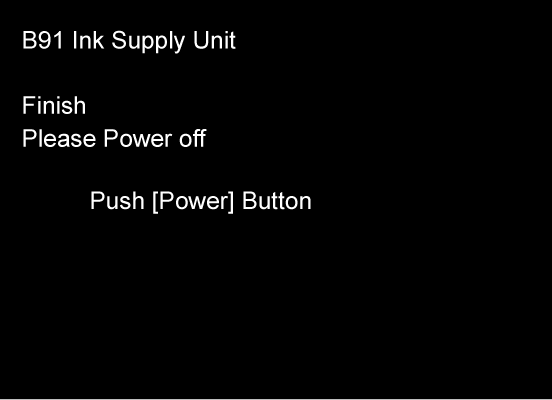
Check that the following screen is displayed and then press the power button to turn off the power. (Turn off the power in the CR unlock state.)