
Parameter changing procedure
- Start the “FAX Maintenance Mode”.
Press and hold down the power button while pressing the [#] button from the power-off state until a message appears on the panel LCD.

Enter ID number.
Enter the ID number according to the following operation method.
Operating procedure• Number input (move in ascending order): [2] button
• Number input (move in descending order): [8] button
• Input digit shift : [6] button
• Execute : [#] button Check Point / チェックポイント
Enter “72730” when starting the FAX Maintenance Mode.
After entering the ID number, press the [#] button, and make sure the following confirmation screen appears.

On the confirmation screen, press the [#] button, and make sure the product is running in the “Authentication Mode”.
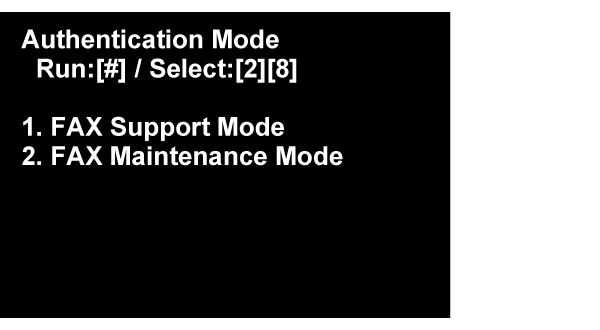
With the [2][8] buttons, select [FAX Maintenance Mode], and then press the [#] button.
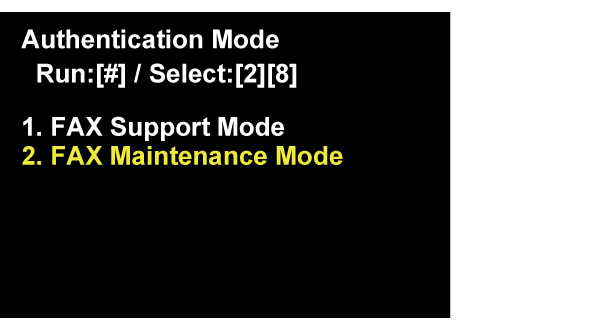
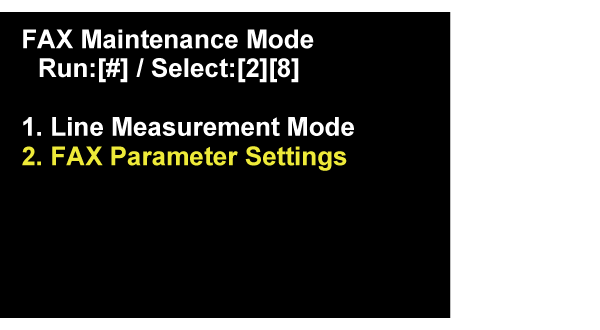
Start the “FAX Parameter Settings”.
- Select the “FAX Parameter Setting”, and push [#] button.
Following screen is displayed on Panel LCD. Waiting until the screen is changed. (About 1 minute)
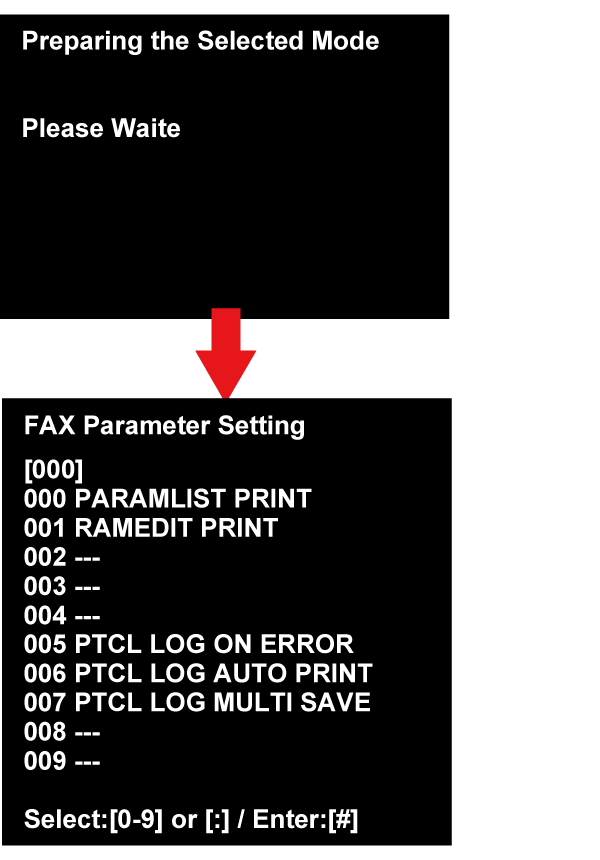
- Select the changing item, and enter the setting number.
Enter the number of changing item (3 digit), and push the [#] button.Check Point / チェックポイントIf “---” is displayed on the right side of the number of changing number (3 digit), it is an item with no parameter assignment.
- There are the following two types of setting change items, and the changing method is different.
• Parameter of selection type: Select Setting value
• Parameter of input type: Enter Setting value
Regarding detail of changing method, refer to the Example of setting change in selection type parameter.