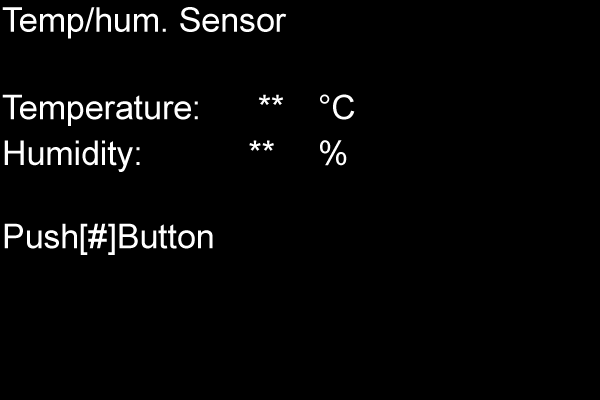
B24 TEMP/HUM. SENSOR
Overview
Check that the temperature and humidity sensors are operating normally.
Criteria
- 0°C or higher to 60°C or lower
Operating normal if environmental temp/hum. are displayed. - 0°C or lower
Broken cable or connection failure of the temperature and humidity sensor cables. - 60°C or higher
The temperature and humidity sensor is broken or its cable has been short-circuited.
Work Procedure
Start the printer in the service mode.
Select “B24 Temp/hum. Sensor” refer to “How to select an Adjustment item”.
Check the output values (A) of the temperature and humidity sensors and confirm whether or not they are normal.
Touch the temperature sensor and check that there is a change to the output value.
If no good, check the connection state of the temperature and humidity sensors. If there is a problem, replace the temperature and humidity sensors with new one.