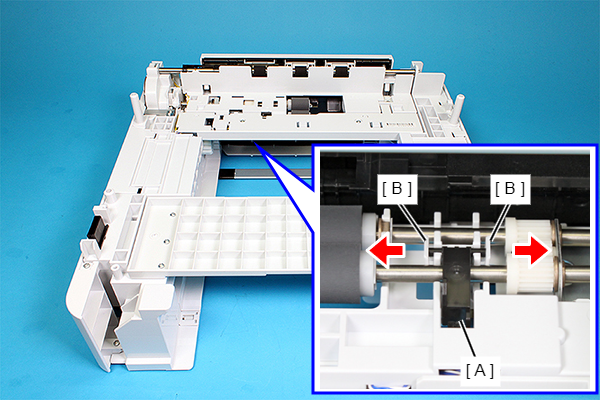
Cassette Paper Detection Lever
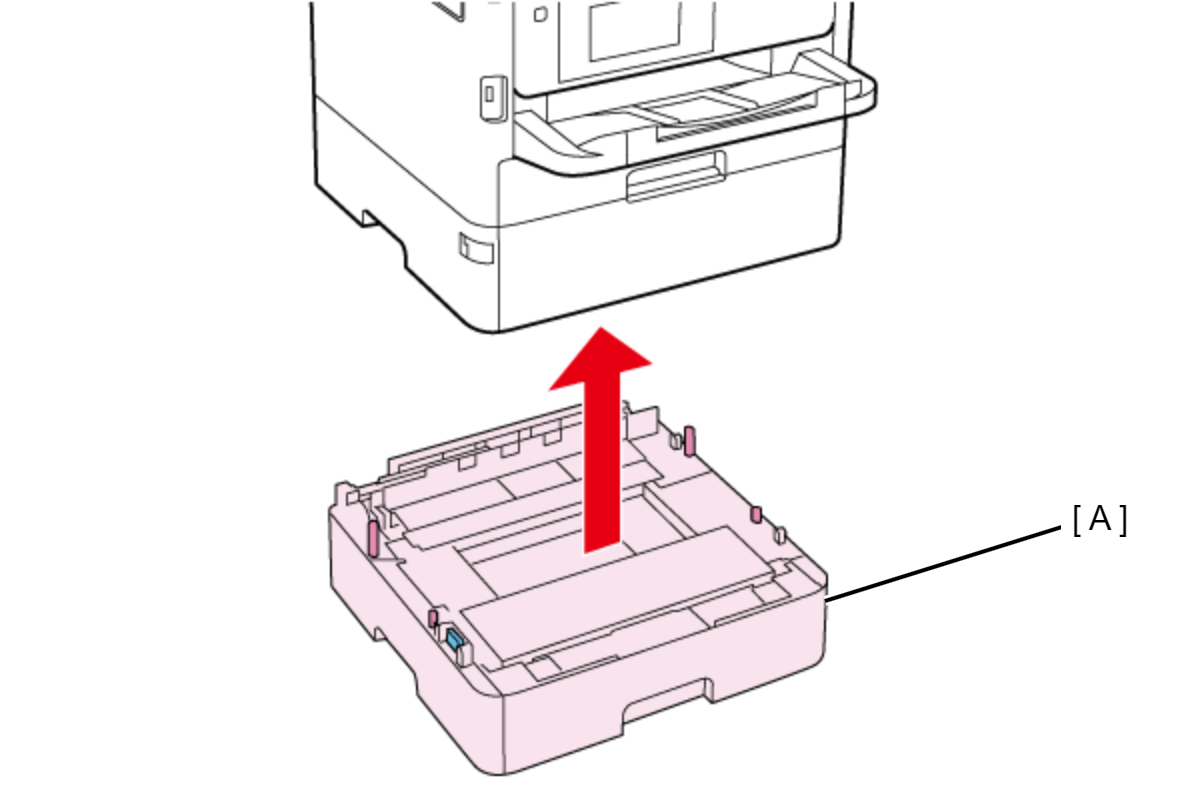
- Lift the printer, then remove the Optional Paper Cassette (A).
 Assembly / 組み立て
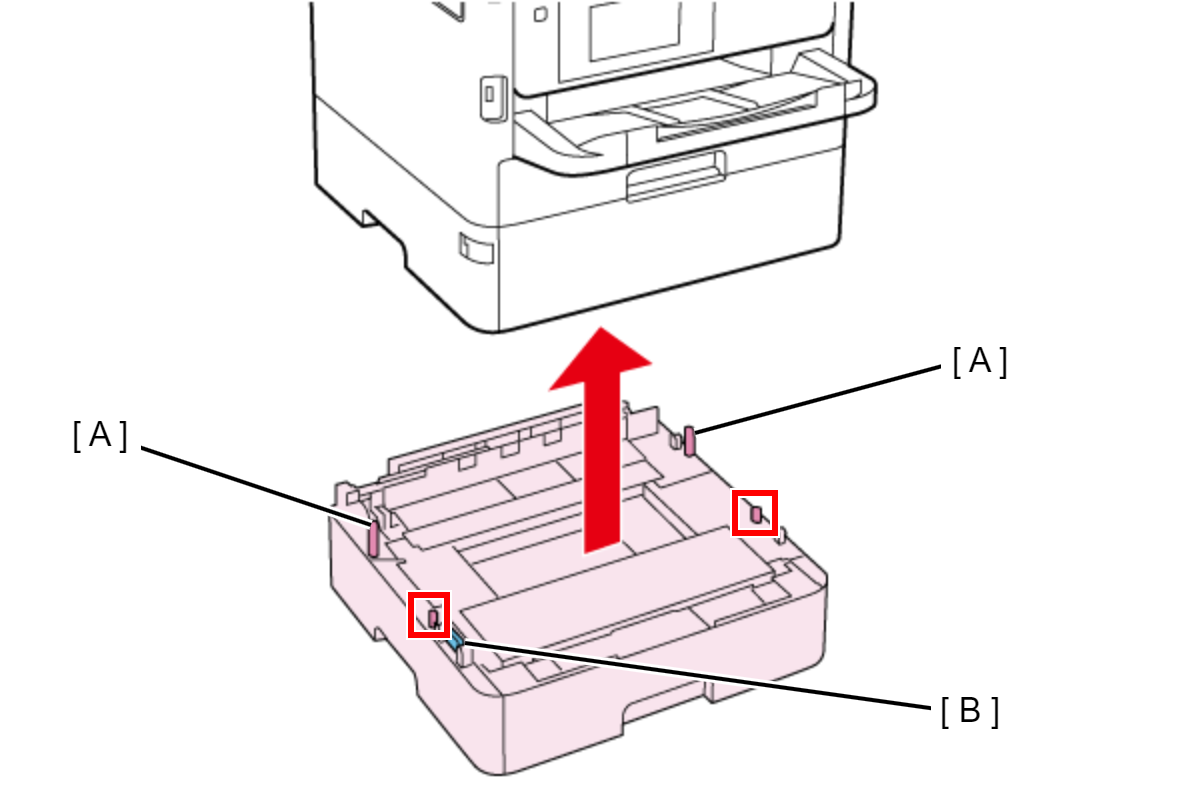
When attaching the Optional Paper Cassette, be sure to align the positioning pins (A) (x2) and the dowels so as to avoid damage to the Drawer Connector (B).
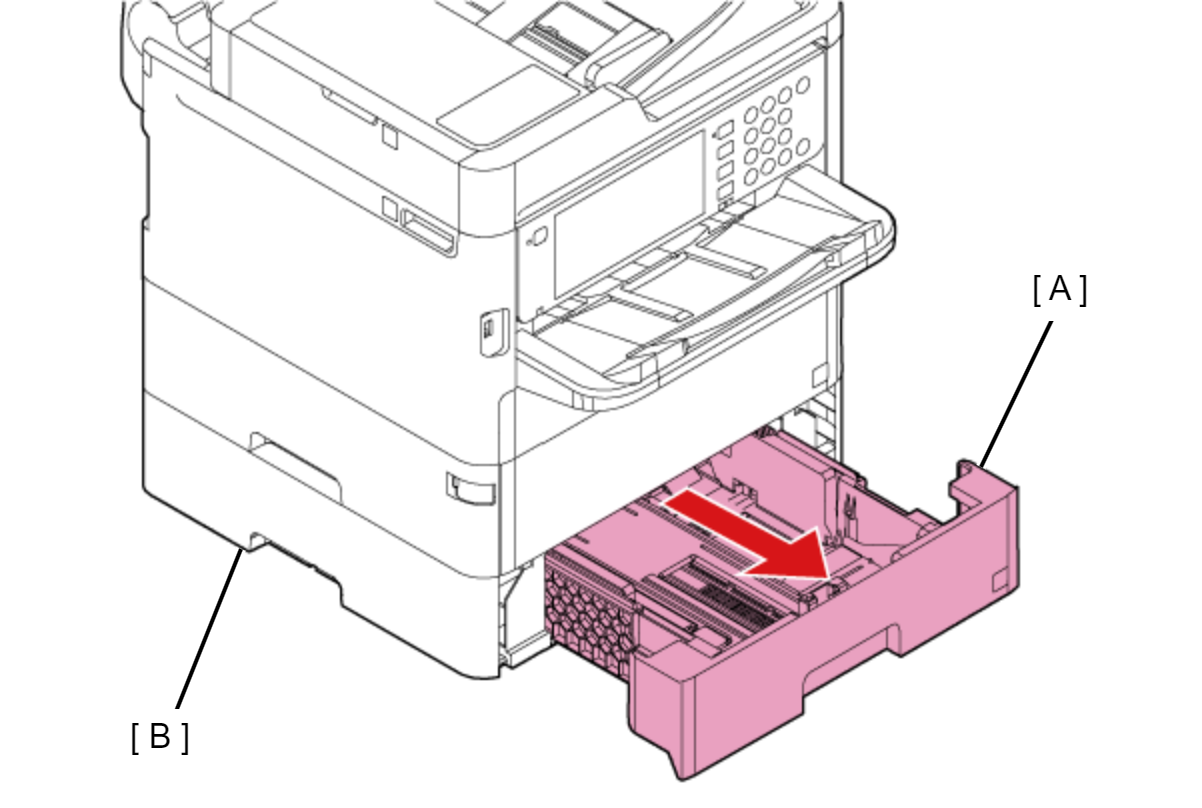
- Pull the Paper Cassette 2 (A), then remove it from the Optional Paper Cassette Unit (B).
- Widen the bearing sections (B) of the Cassette Paper Detection Lever (A) as shown above, then remove the Cassette Paper Detection Lever (A).