Modes for Service

Service support mode is a service dedicated special mode that can be started by a special operation. This mode allows you to execute functions including Individual Action Check that you use when troubleshooting, the adjustment and inspection after replacing parts and the firmware update using the USB flash drive etc. See below for the detail.

Check Point / チェックポイント
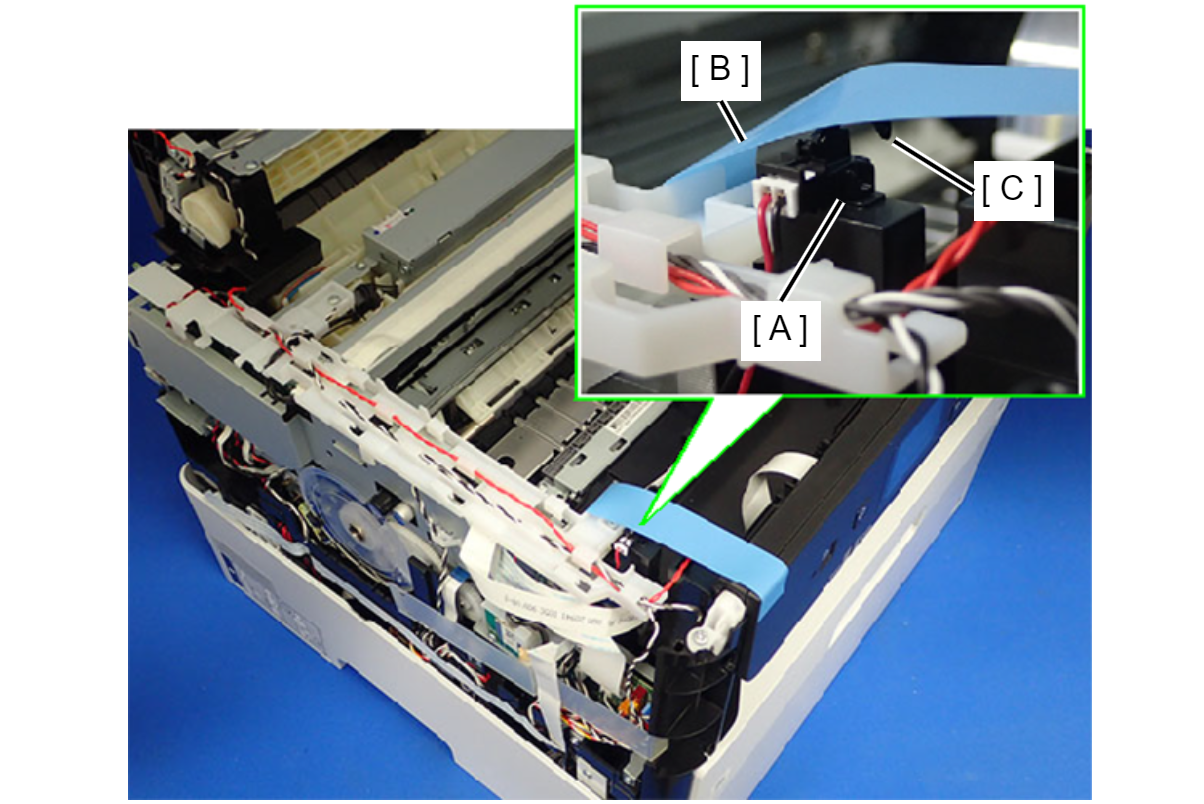
  • By turning the Cover Open Sensor off, service support mode can be performed in the state that the ADF/SCN Unit is not connected.
    When starting service support mode without ADF/SCN Unit connected to the printer, make sure to push down and secure the lever of the Cover Open Sensor (turning the sensor off) with a piece of tape or the like.
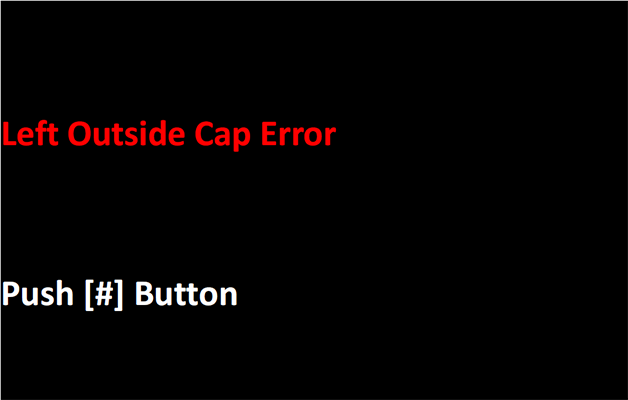
  • After performing one of the following menus, left outside cap error occurs when rebooted the printer in service support mode and perform adjustment or action check.
    This error occurs when the CR Unit is not at the home position when the printer is turned on. Since the CR Unit is moved from the cap because of the process written above (CR unlock), no error is occurring to the printer. Therefore, press the OK button to cancel left outside cap error.
    • A02 CR Unlock Power Off of Individual Action Check: MENU
    • B90 Printhead of Before Repair Operation: MENU