
Setting wireless LAN
- Switching to the access point settings screen
- Switch the panel to the Home screen.
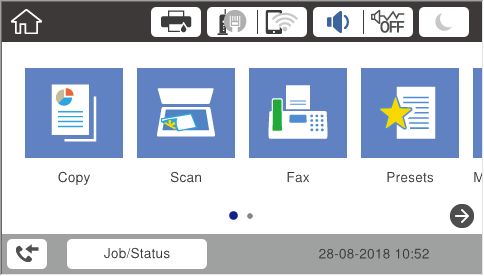
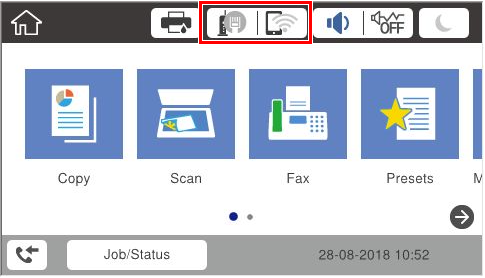
- Tap the network icon.
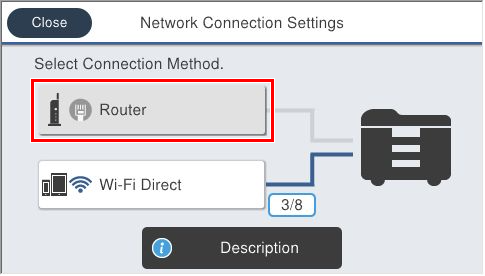
- Tap [Router].
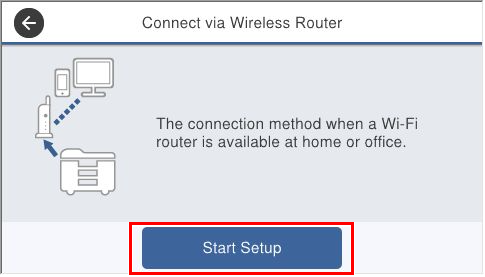
- Tap [Start Setup].
- Switch the panel to the Home screen.
- SSID settings
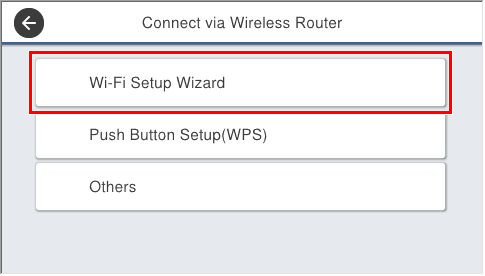
- Tap [Wi-Fi Setup Wizard].
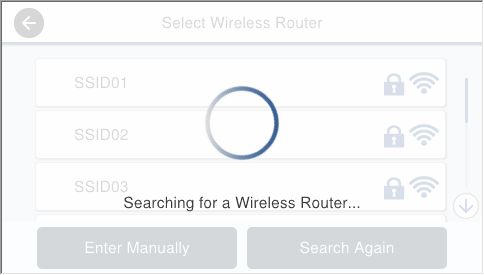
- Wait until the access point is found.
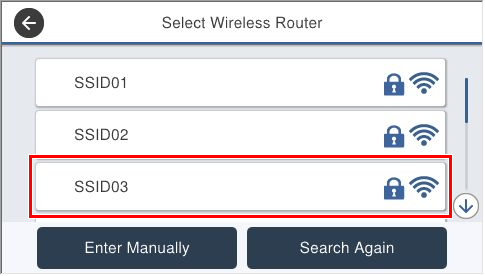
- Select the SSID from the search results.
- Tap [Enter] of Enter password.
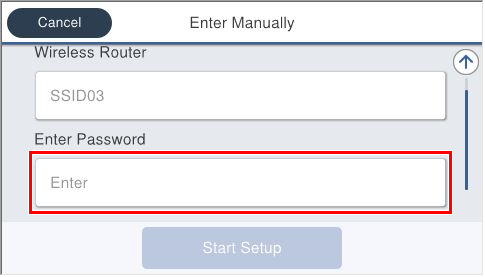
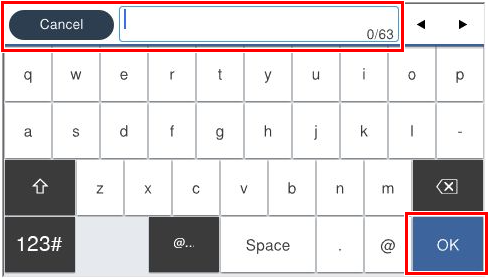
- Enter a password and tap [OK].
- Tap [Start Setup].
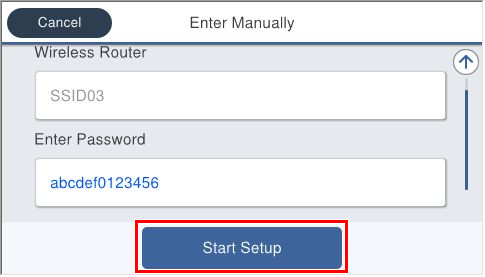
- Wait until the setting is completed.
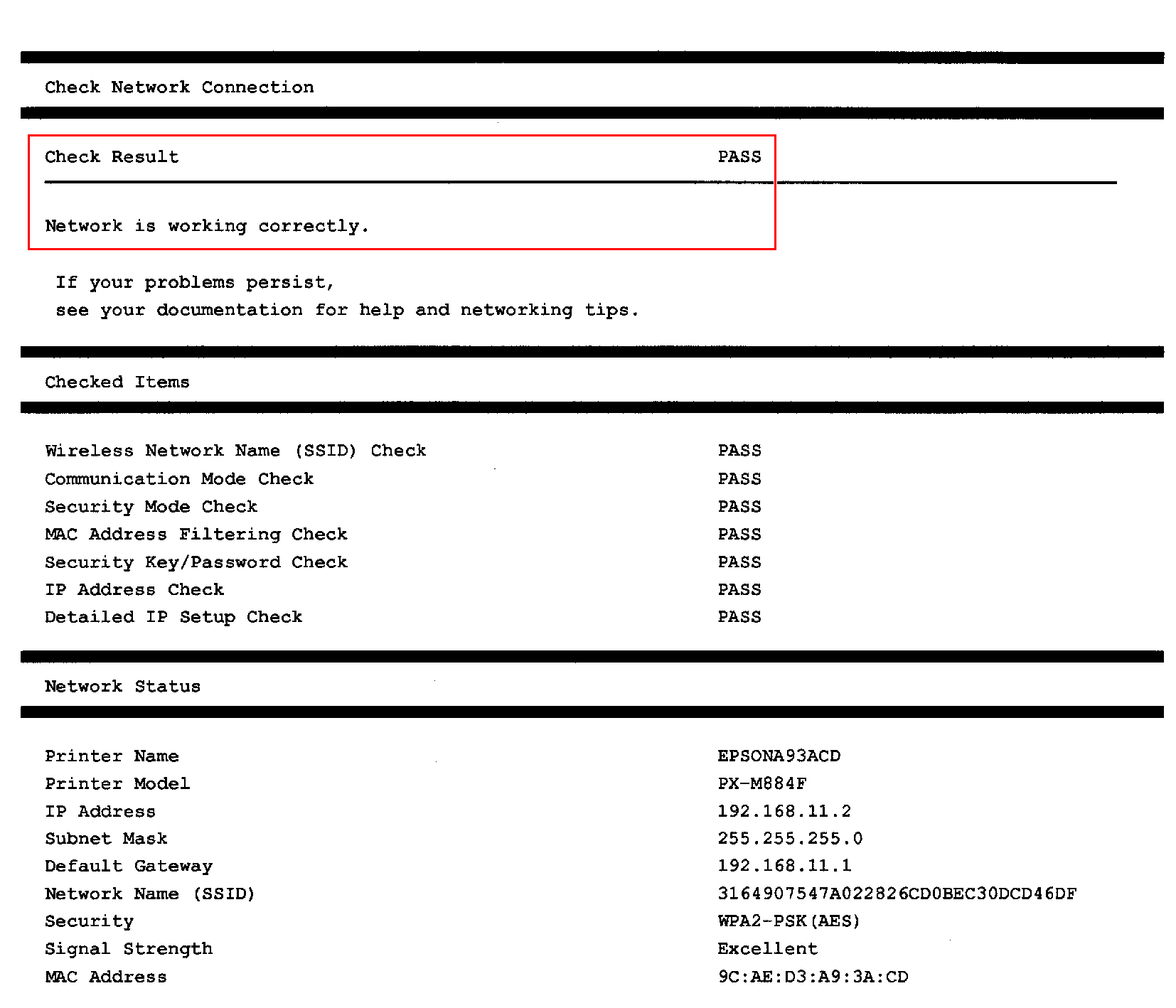
- Print the Network Connection Report and confirm that the check result is OK.
- Tap [Wi-Fi Setup Wizard].