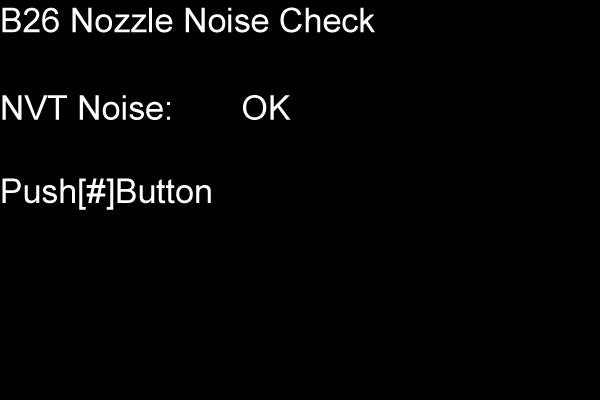
B26 NOZZLE NOISE CHECK
Overview
Confirm that there is no occurrence of an abnormal signal leading to the failure of the nozzle’s diagnostic function due to a parts failure or assembly failure.
Work Procedure
Start the printer in the service mode.
Select “B26 Nozzle Noise Check” refer to “How to select an Adjustment item”.
The check result is displayed on the panel. If NG, check whether the Printhead and Head FFC are correctly reassembled. When they are damaged, replace them with new ones.