
How to set a static IP address
- Switching the network address setting method
- If TCP/IP is set to [Auto], tap [Auto].
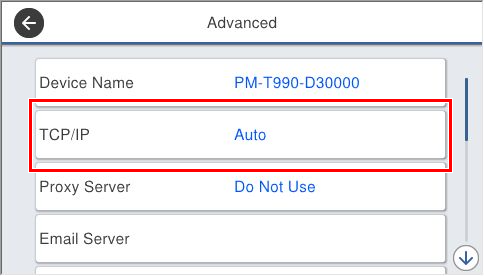
- Tap [Auto] of [Obtain IP address].
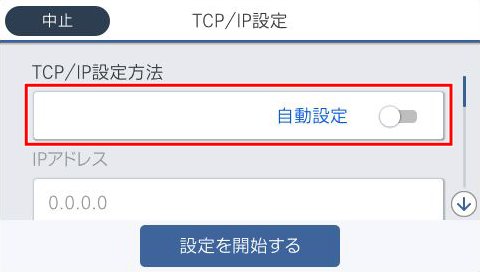
- Check that [Obtain IP address] is [Manual].
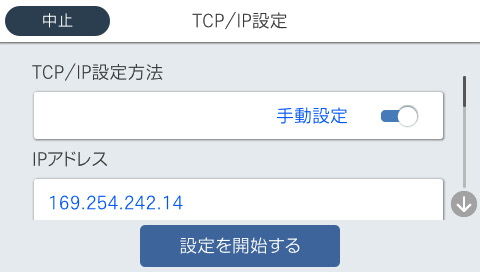
- If TCP/IP is set to [Auto], tap [Auto].
- Set IP Address.
- Tap [IP address]. (Initial value is 192.168.192.168)
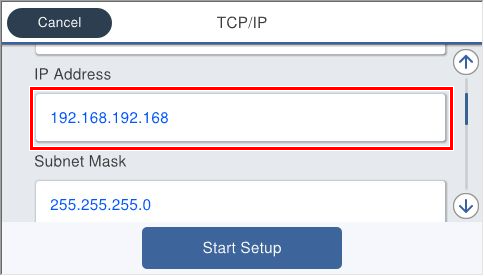
The software keyboard appears. Enter the IP address.
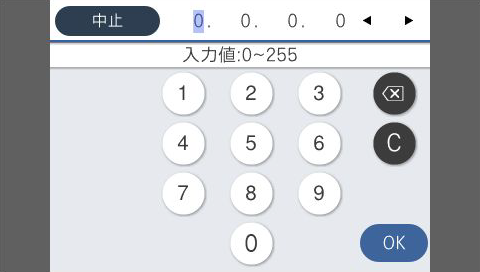
- When input is complete, tap [OK].
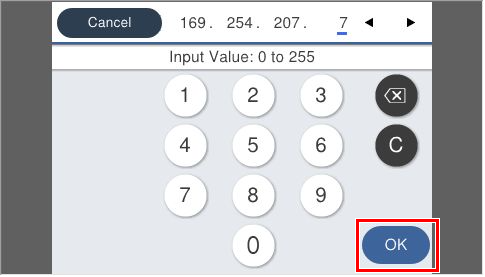
- Check that the entered IP address is displayed.
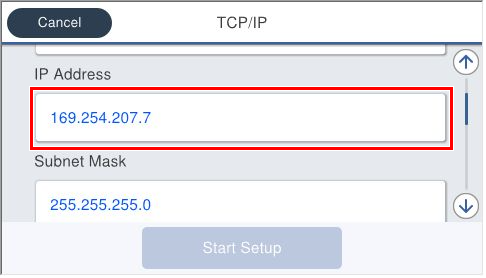
- Tap [IP address]. (Initial value is 192.168.192.168)
- Setting the subnet mask
- Tap [subnet mask]. (Initial value is 255.255.255.0)
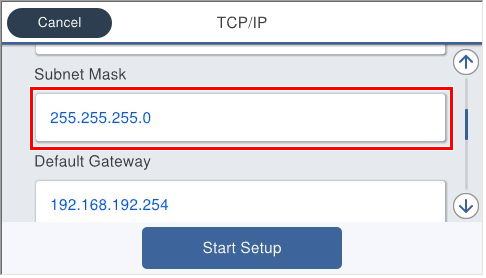
- The software keyboard appears. Enter the subnet mask based on the hearing sheet.
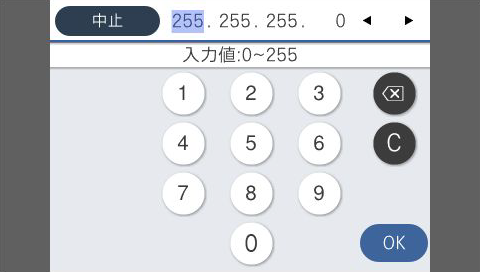
- When input is complete, tap [OK].
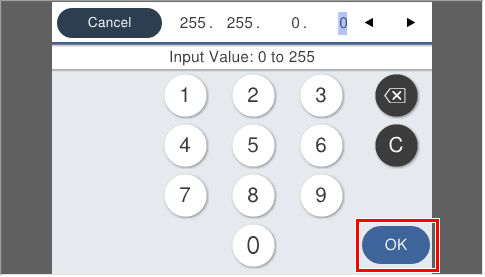
Check that the entered subnet mask is displayed.
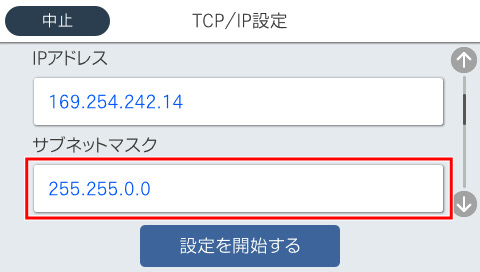
- Tap [subnet mask]. (Initial value is 255.255.255.0)
- Setting the default gateway
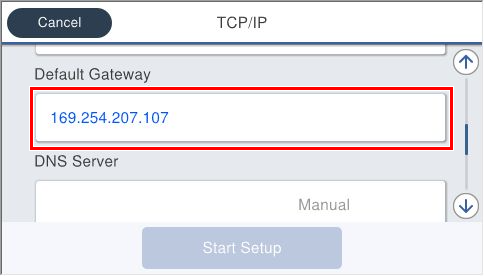
- Tap [Default Gateway]. (Initial value is 192.168.192.254)
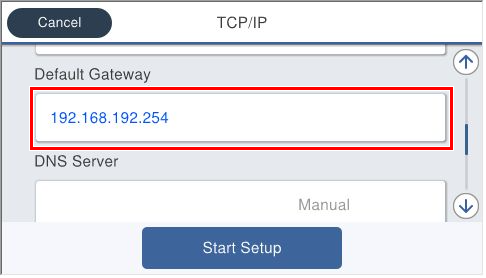
The software keyboard appears. Enter the default gateway based on the hearing sheet.
- When input is complete, tap [OK].
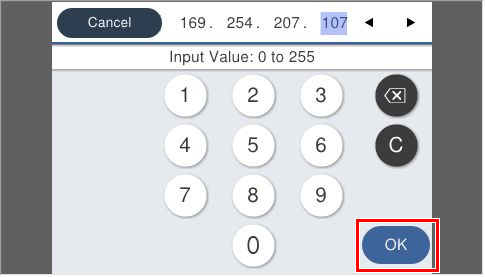
- Check that the entered default gateway is displayed.
Set the services cooperated. (Setting a DNS server is required.)
- Setting the DNS server, refer to Setting the DNS server.
- Setting a proxy server, refer to Setting a proxy server.
- Tap [Default Gateway]. (Initial value is 192.168.192.254)
- Saving the settings
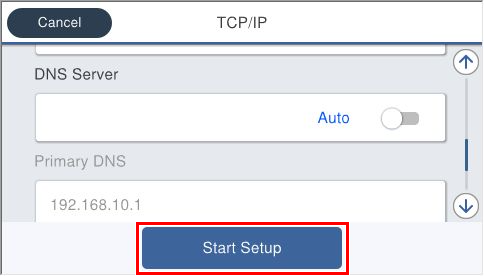
- Tap [Start Setup].
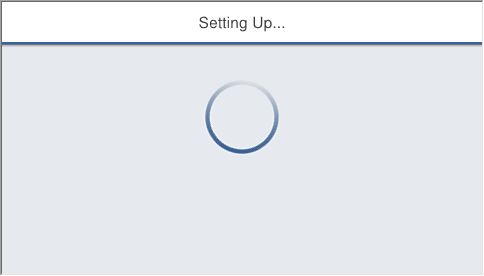
- Wait until the settings are reflected.
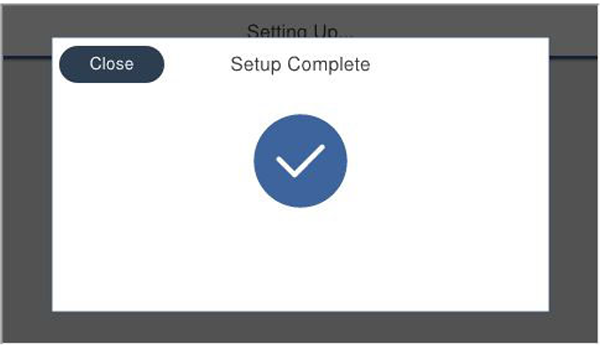
- Check that the Setup Complete screen is displayed.
- Tap [Start Setup].