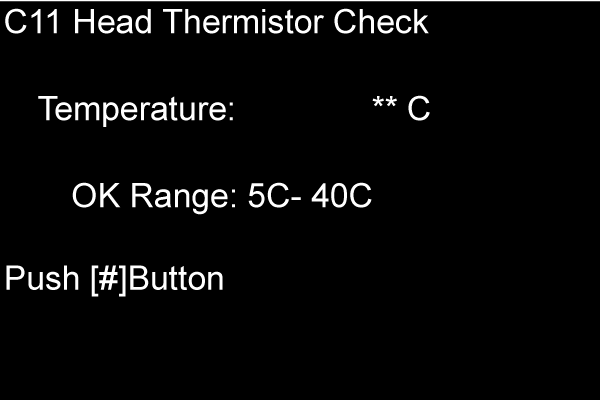
C11 HEAD THERMISTOR CHECK
Overview
Detects and displays the head thermistor’s temperature. Also, displays the guaranteed operating temperature range for NVT.
Work Procedure
- Start the printer in the service mode.
- Select “C11 Head Thermistor Check” refer to “ How to select items from the maintenance menu”.
- Check whether the displayed head thermistor temperature (A) is within the specified range.