PREPARATION OF USB FLASH DRIVE FOR FIRMWARE UPDATE
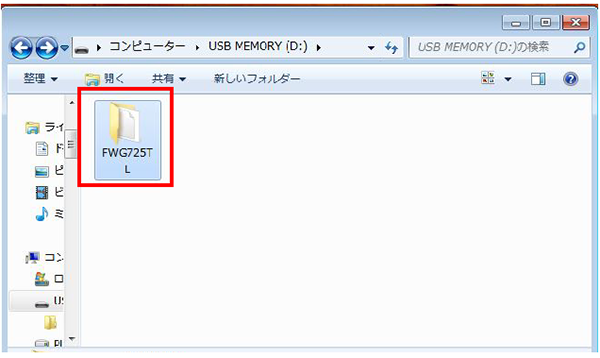
- Connect the USB memory to the PC, and create a folder named with the following product names in the hierarchy immediately below the USB memory.
-
- WF-C579R/C579Ra: FWG725TL
- WF-C529R: FWG729TL
- Be sure to create the folder name with the designated name.
- Make sure to create the folder directly under the USB memory.
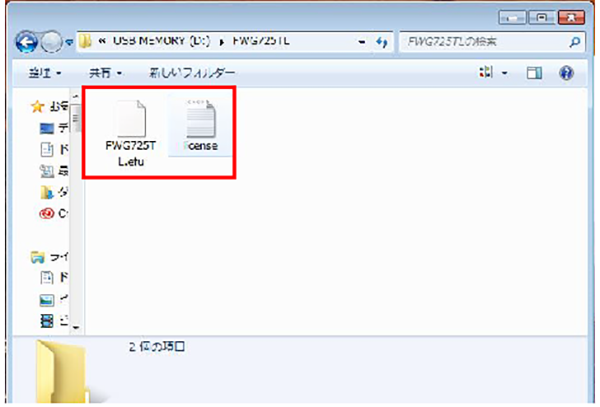
- Store the two firmware data and the license data in the folder.
- Make sure to put both the firmware data (EFU file) and the license data (TXT data) in the folder. Also, do not put any other data into the folder.
- Make sure the firmware data and the license data are named as follows. If not, confirm the firmware data is genuine and for this printer, and then rename it as follows. (Reference: name of the firmware data of PX-M7070FX is FWF483TL.efu)
- Firmware data: WF-C579R/C579Ra→FWG725TL
- Firmware data: WF-C529R→FWG729TL
- License data: license.txt
- Firmware data and license data are limited in combination, so be sure to use the combination at the time of distribution.