B16 COUNTER RESET
Overview
Reset the following counter values when corresponding parts are replaced.
- PF/EJ Counter
- Rear ASF Counter
- Feed Roller C1 Counter
- Feed Roller C2 Counter
- Feed Roller C3 Counter
Work Procedure
Start the printer in the service mode.
Select "B16 Counter Reset" refer to "How to select an Adjustment item".
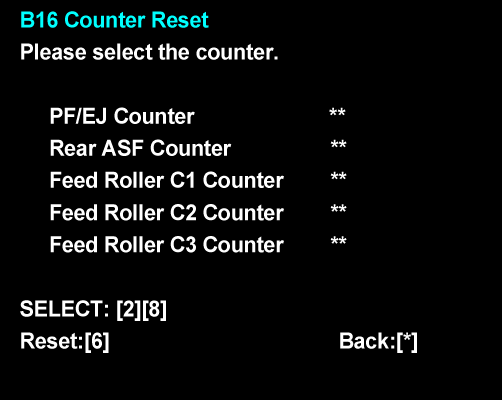
- Select the counter you wish to initialize and reset it following the instruction on the screen. (The current value is displayed in the red frame.)
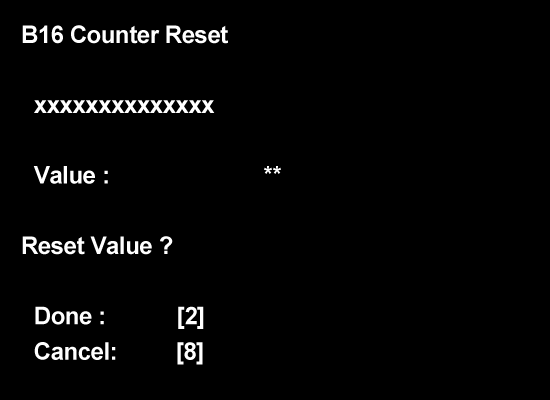
- An initialization screen of the selected counter is displayed (A). Execute the initialization following the instruction on the screen. (The current value is displayed in the blue frame.)