
B10 HEAD ID INPUT
Overview
When replacing the Printhead, obtain the ID incorporating the correction values for print head production variations from the head, and write it to the EEPROM on the main board.
Work Procedure
Start the printer in the service mode.
Select "B10 Head ID Input" refer to "How to select an Adjustment item".
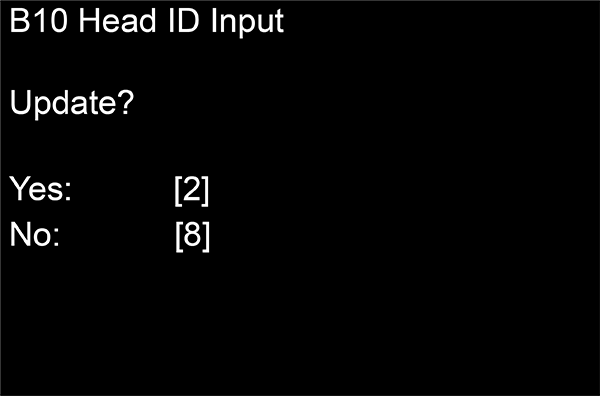
- Execute the Head ID Input following the instruction on the screen. (It is input automatically)
 Check Point / チェックポイント
If Head ID Input cannot be performed, head failure occurs. Therefore, replace the Printhead with a new one.