B90 PRINTHEAD (PREPARATION BEFORE REPLACEMENT)
Overview
Judge whether or not the Printhead needs to be replaced when missing nozzles, unstable discharge, or misalignment discharge occurs. If replacement is required, perform the preparation required for replacement.
 Caution / 注意 Caution / 注意 |
This operation is necessary to performing the “Printhead Seq” correctly. |
Work Procedure
Start the printer in the service mode.
Select “B90 Printhead” from the Before Repair Operation menu.
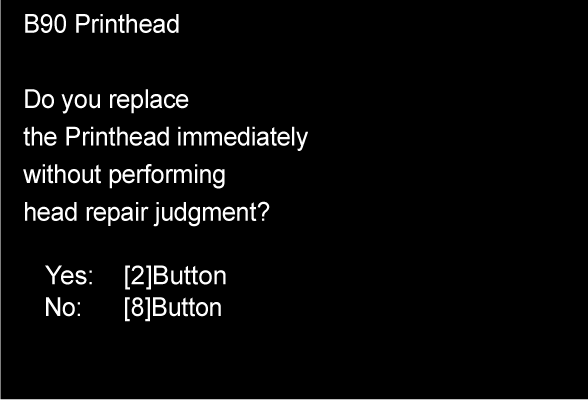
Select whether or not to perform the Printhead replacement judgment (Printhead replacement judgment cleaning).
- When you wish to perform Printhead replacement immediately
(wish to not perform the Printhead replacement judgment):
Press the [2] button and go to Step 6. When you wish to not perform Printhead replacement immediately(wish to perform the Printhead replacement judgment):
Press the [8] button and go to Step 4.
- When you wish to perform Printhead replacement immediately
The Printhead replacement judgment cleaning is performed in accordance with the nozzles missing state. Print the nozzle check pattern after replacement judgment cleaning.
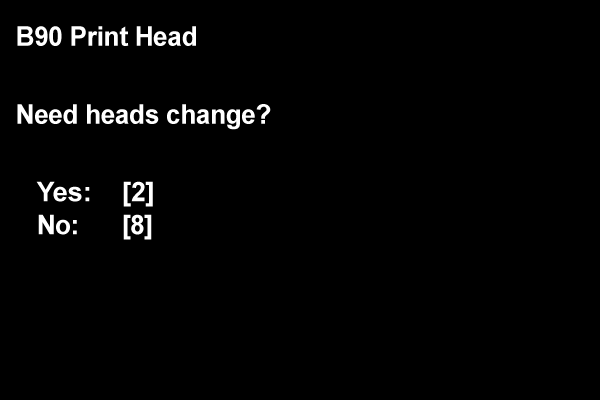
Check the nozzle check pattern to confirm the nozzles missing state and then make a judgment of whether to replace the Printhead.
- If the nozzles missing state is not resolved (state in which Printhead replacement is required):
Press the [2] button and go to Step 6. - When the nozzles missing state is resolved (state in which recovery is possible by cleaning):
Press the [8] button to end the preparation before Printhead replacement.
- If the nozzles missing state is not resolved (state in which Printhead replacement is required):
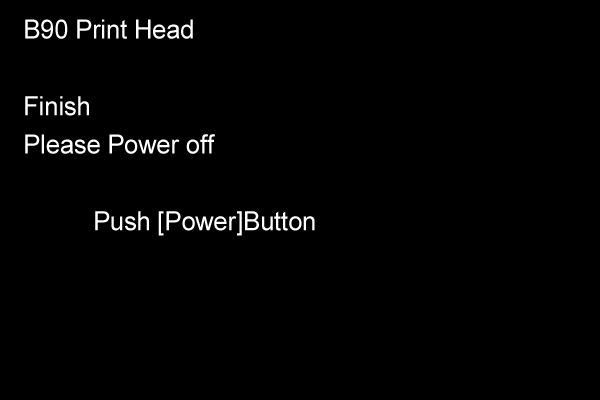
Check that the following screen is displayed and then press the power button to turn off the power. (The power turns off in the CR unlock state.)