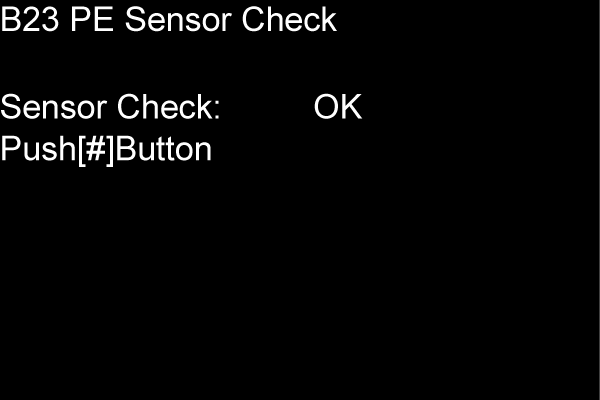
B23 PE SENSOR CHECK
Overview
For poor assembling detection when replacing the PE sensor part, pass paper through and check that the chattering after detection of the paper trailing edge by the PE sensor stops within the set time.
Paper and feed tray
- Document size: A4
- Paper type: Plain paper
- Paper feed tray: Paper Cassette1st (C1)
Work Procedure
Load paper into the paper feed tray.
Start the printer in the service mode.
Select “B23 PE Sensor Check” refer to “How to select an Adjustment item”.
- For the display other than “OK” in the red frame (A), reassemble the PE Lever Assy or PE Sensor.