
Printer IP address settings
- Switch the panel to the Home screen.
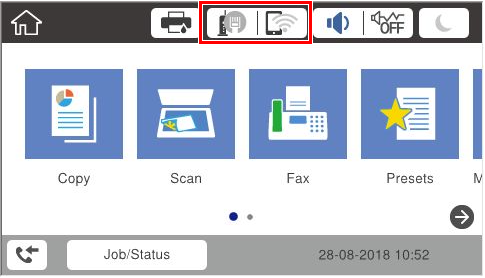
- Tap the network icon.
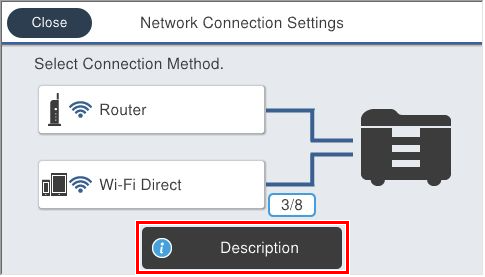
- Tap [Description].
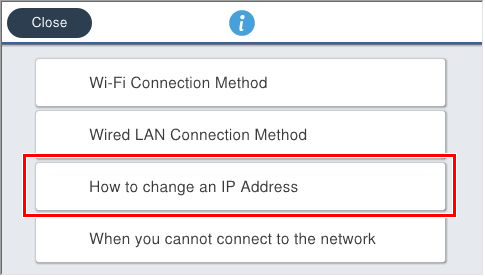
- Tap [How to change an IP address].
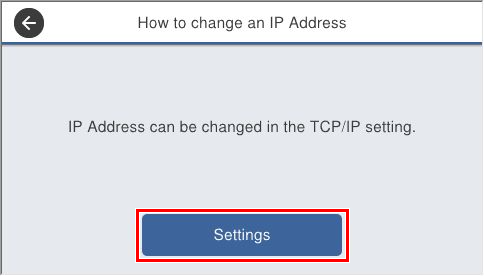
- Tap [Settings].
- Check that the Advanced Settings screen is displayed.
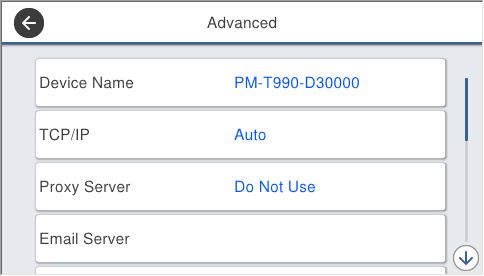
- When setting a static IP address, refer to How to set a static IP address.
- When setting an address via DHCP (IPv4), refer to How to set an IP address using DHCP.