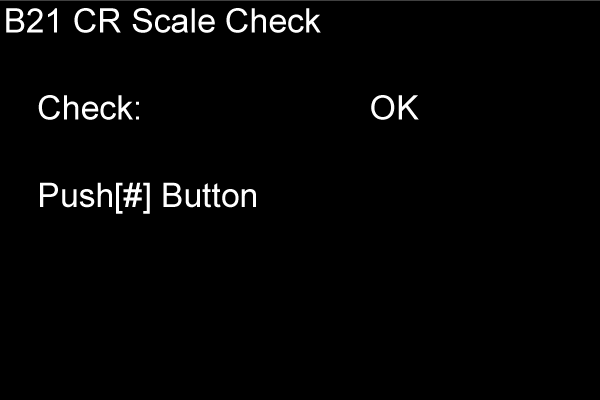
B21 CR SCALE CHECK
Overview
Check that there are no speed variations or periodic variations in the CR operation due to damage or deterioration of the CR scale surface.
Work Procedure
Start the printer in the service mode.
Select "B21 CR Scale Check" refer to "How to select an Adjustment item".
- The check result is displayed on the panel. If there is an abnormality, “NG” is displayed in the red frame (A). (If NG is displayed, check, clean, or replace the CR scale.)