B28 NOZZLE DETECT CHECK
Overview
Check that the nozzle diagnostic functions are operating normally.
Work Procedure
Start the printer in the service mode.
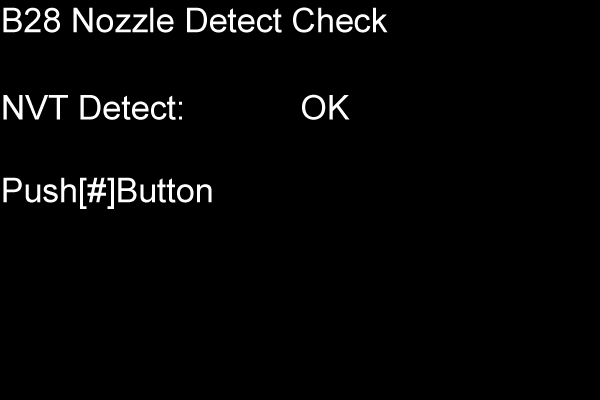
Select "B28 Nozzle Detect Check" refer to "How to select an Adjustment item".
The check result is displayed on the panel. If “Error” is displayed, perform the head cleaning and confirm all nozzles discharge ink normally, and then execute this adjustment again.