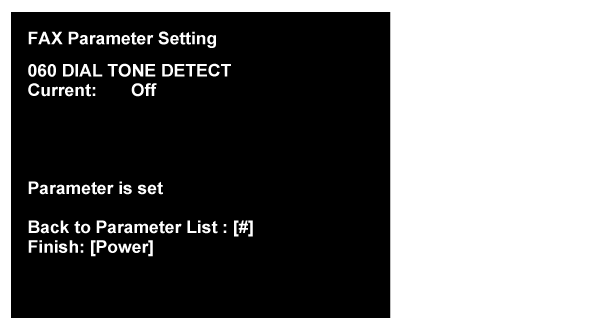
Example of setting change in selection type parameter
Initial setting value of “DIAL TONE DETECT” is changing from [On] to [Off] condition.
- Input the applicable item’s number(060), and push the [#]button.
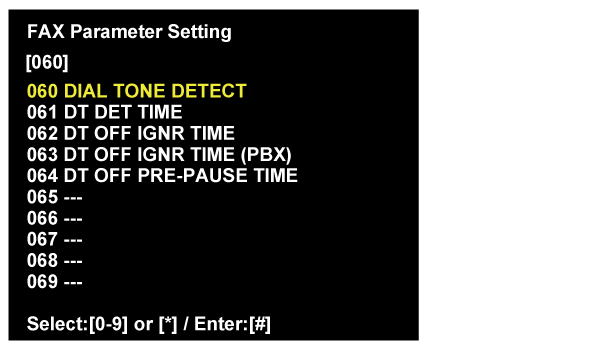
- Setting change screen is displayed.
Select the “01. Off” by [*]button, and push the [#]button.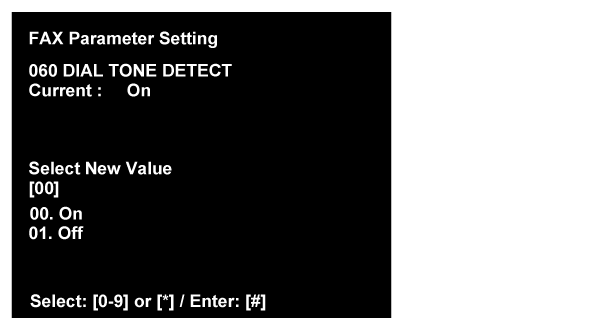
- The following complete message is displayed.
When changing the parameter setting continuously, push the [#] button and move to the parameter select screen.
When finish the parameter setting, push the [Power] button and turn off the printer.