Debug Log Get Mode:
 Caution / 注意 Caution / 注意 |
|
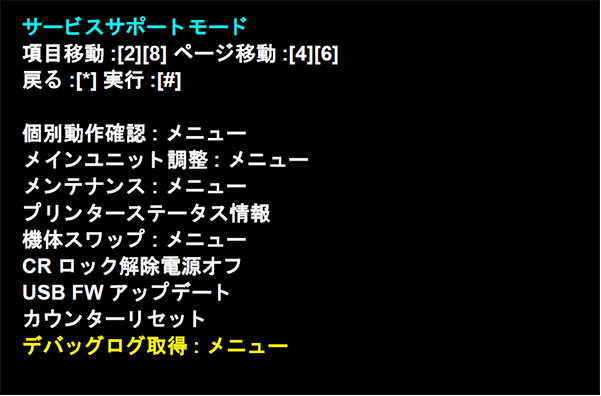
- Boot up the printer in service support mode.
Service mode startup and operating procedures -
-
 Caution / 注意
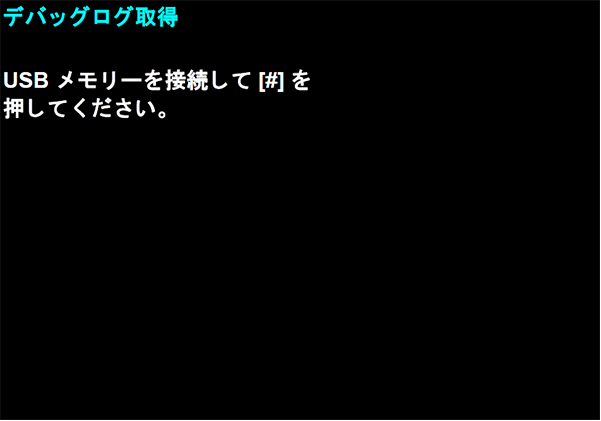
 - Connect the USB memory to product when the screen is displayed, put [#] button.
-
 Caution / 注意
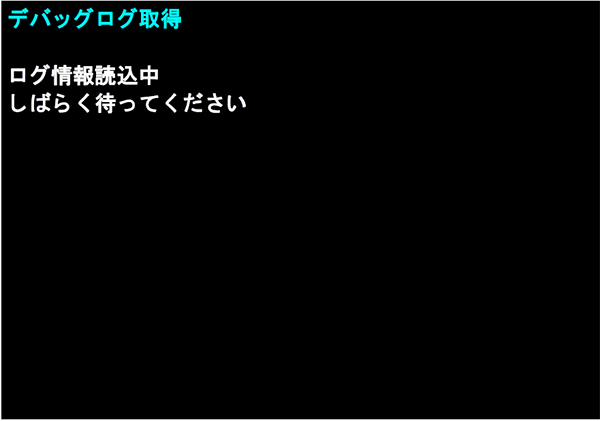
While the log is being acquired, do not remove the USB memory or turn the power off.
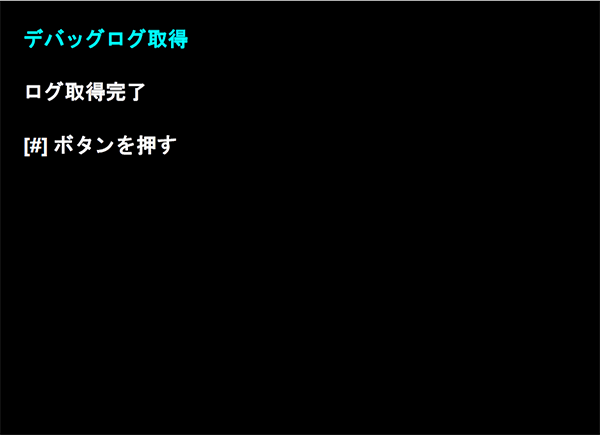
- Next, the following screen will be displayed.