
Stacker Driven Assy
- Remove the three screws, then remove the Left Housing Assy (A) toward the rear of the product.
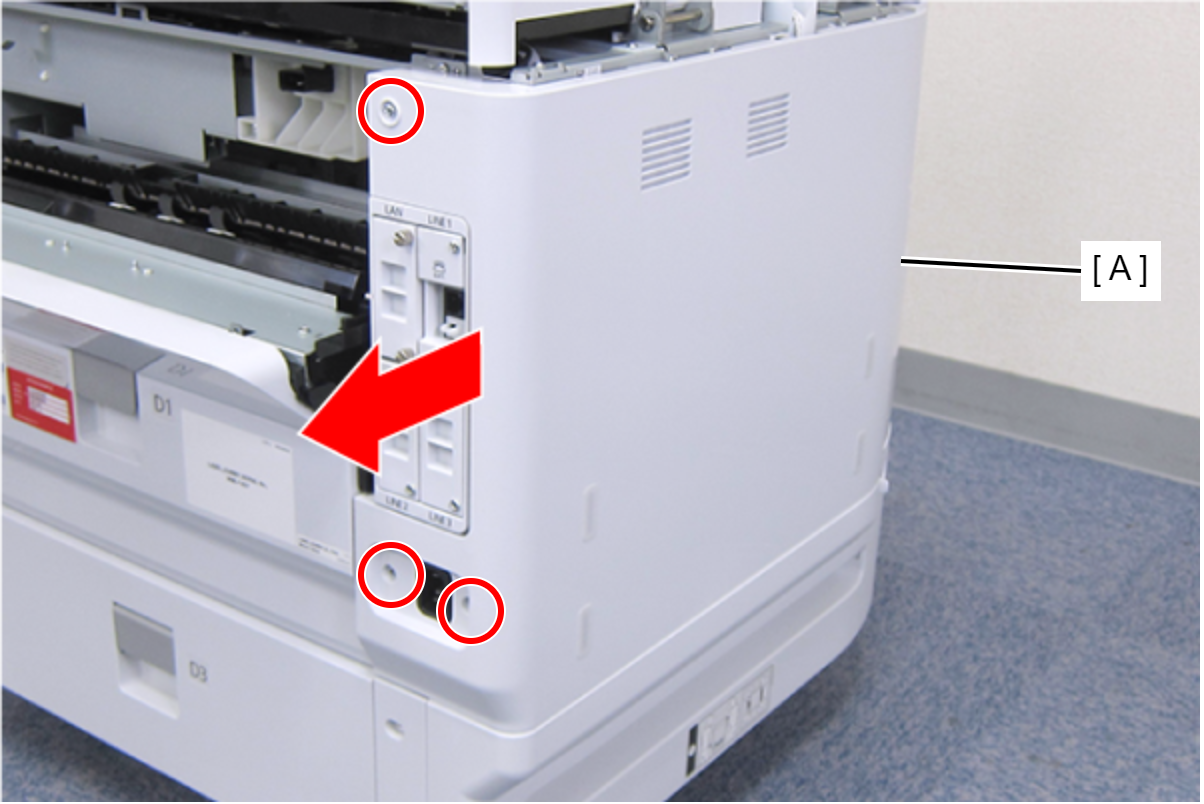
 : C.B.S-TITE-SCREW-3x8-F.ZN-3C
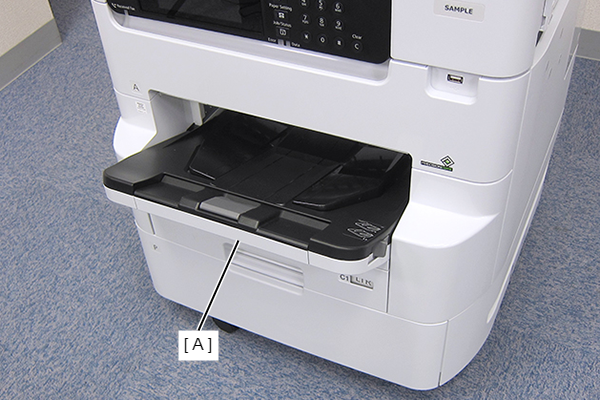
- Remove the Stacker Assy (A).
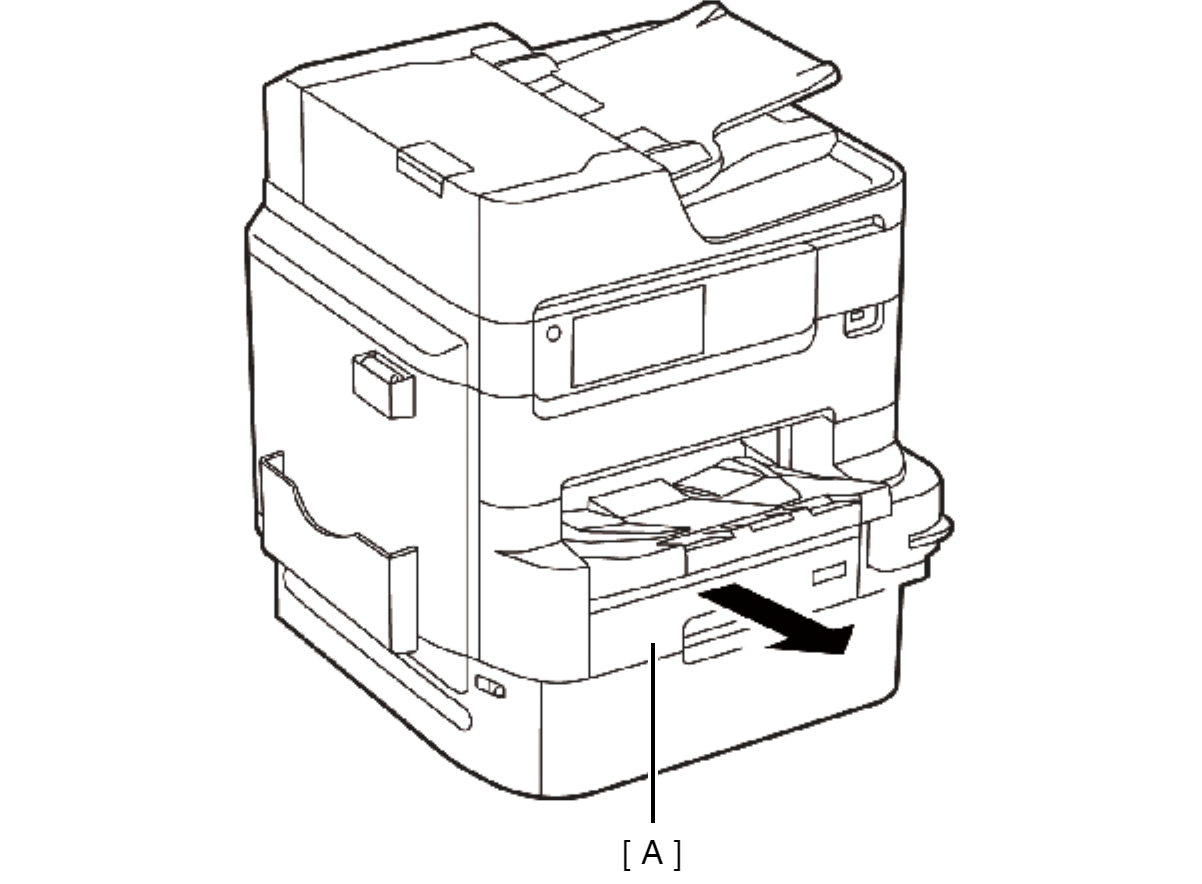
- Remove the Cassette Assy (A).
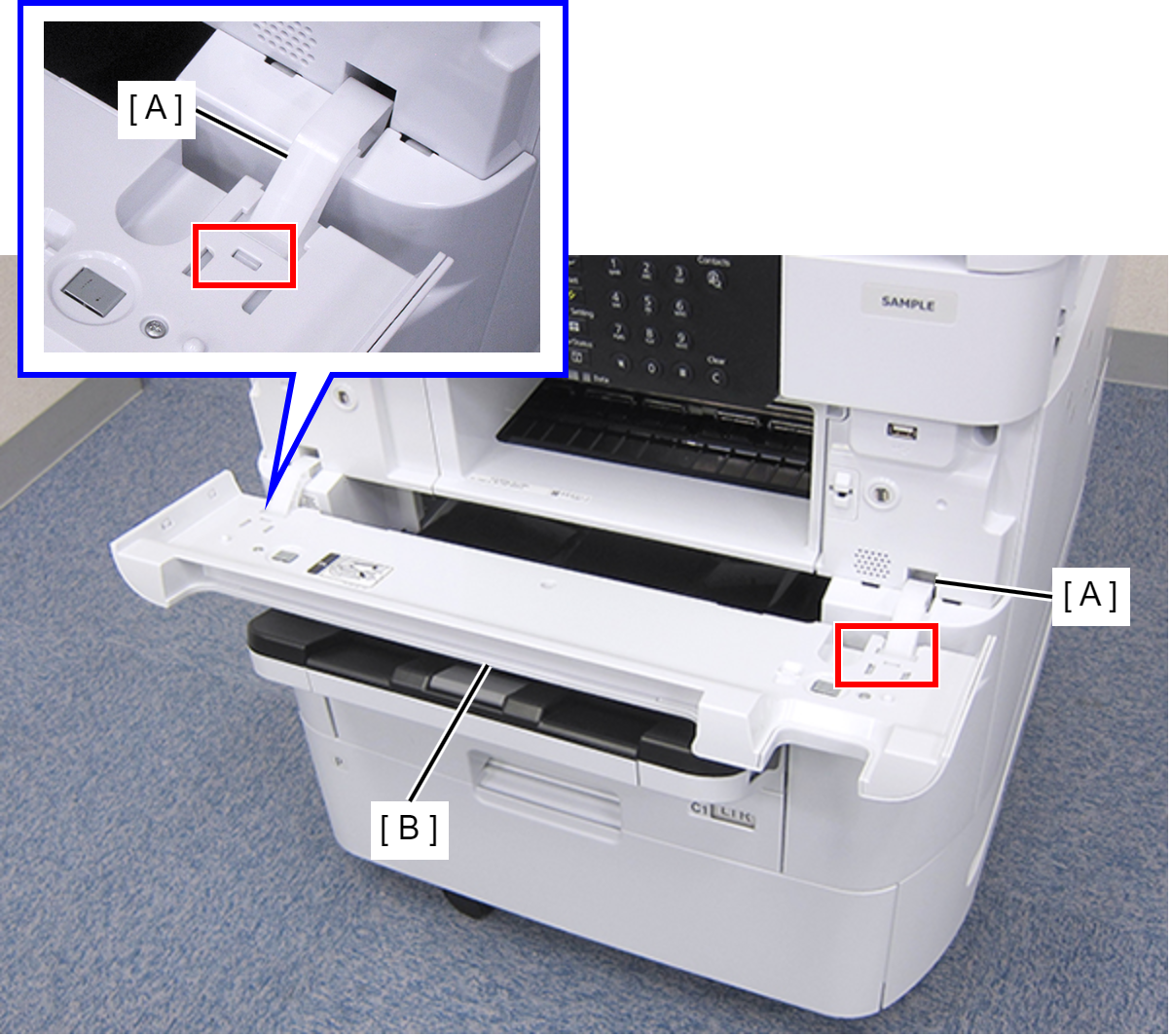
- Open the Front Cover Assy (A).
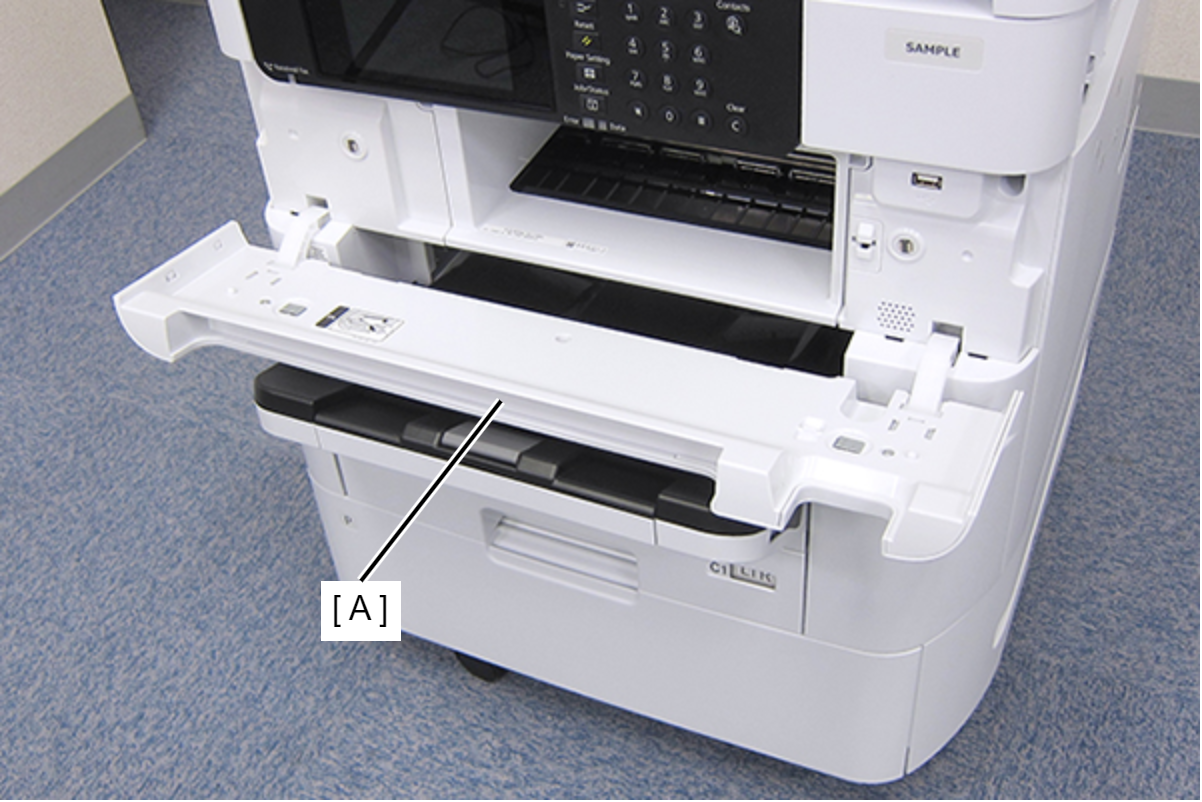
- While pressing the two hooks of the hinge (A), remove the Front Cover Assy (A) frontward.
- Remove the three screws fastening the Front Left Housing (A).
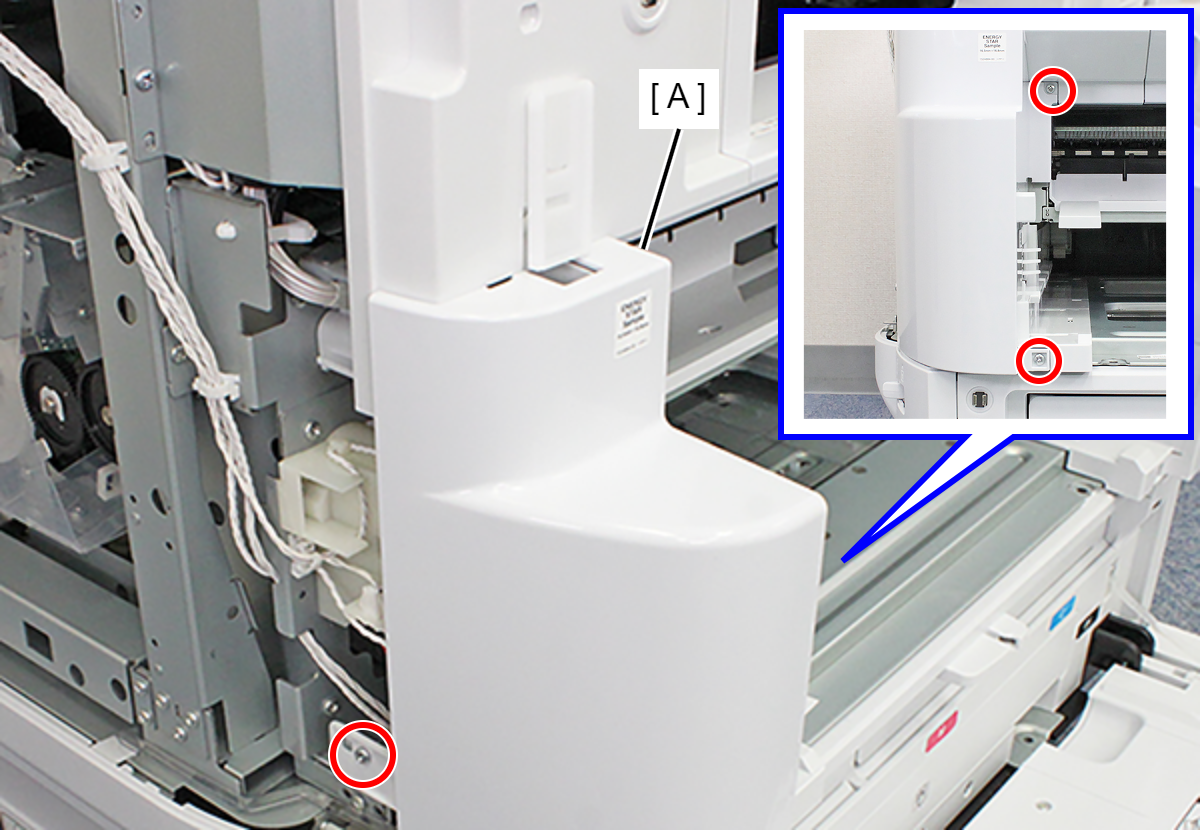
- : C.B.S-TITE-SCREW-3x8-F.ZN-3C
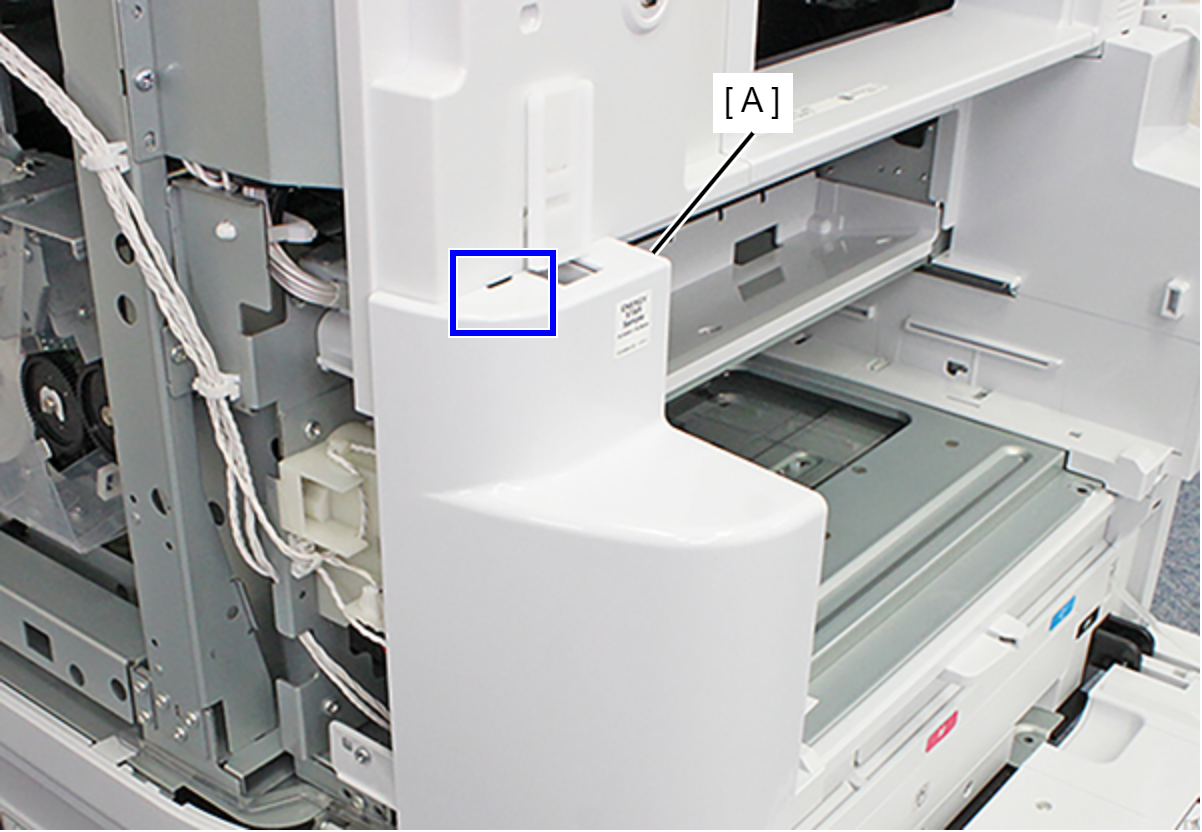
- Release the hook and remove the Front Left Housing (A).
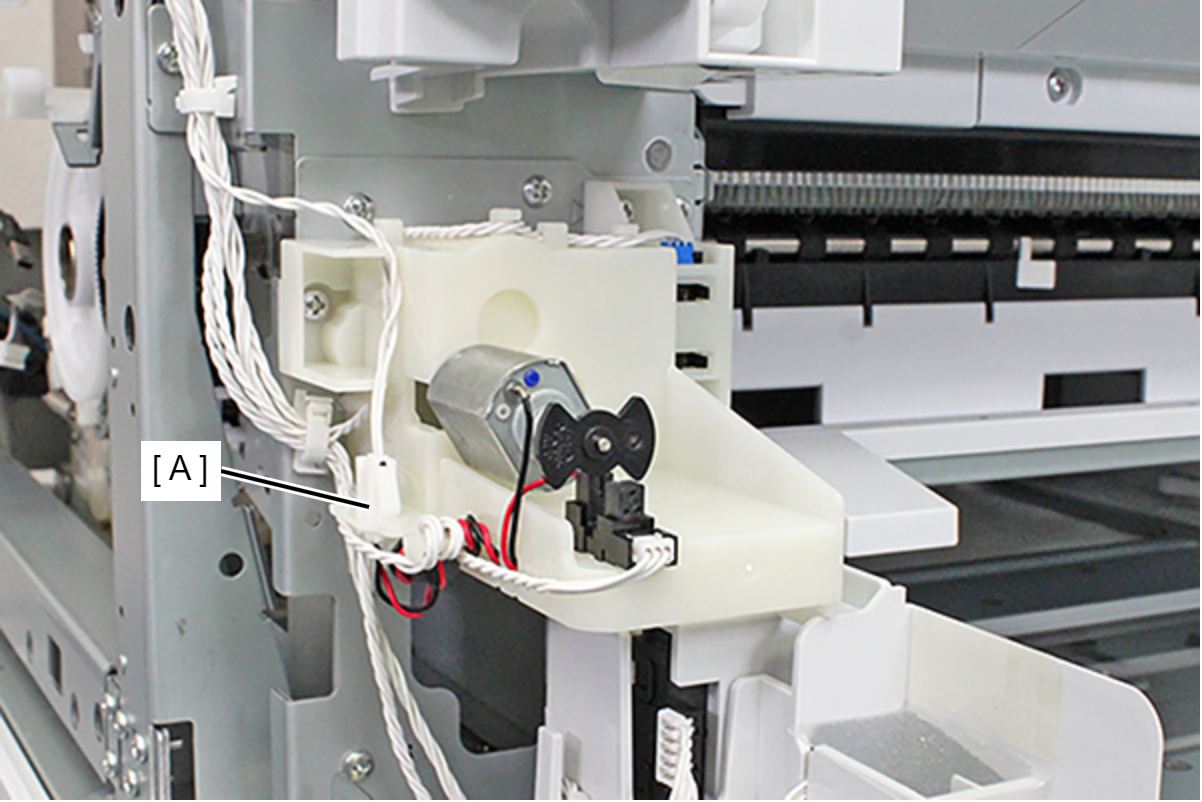
- Remove the cable from the relay connector (A).
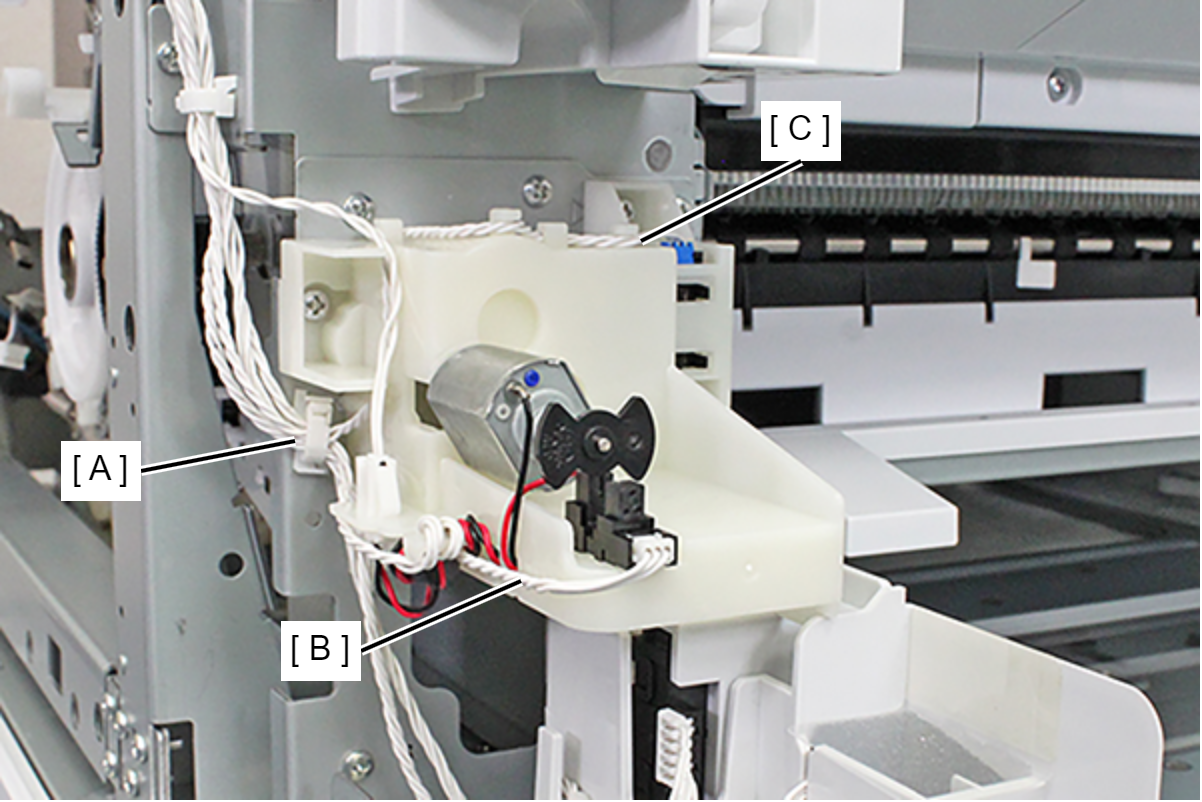
- Release the SRPT Motor Phase Detection Sensor Cable (B) and the SRPT Cam Phase Detection Sensor Cable (C) from the clamp (A).
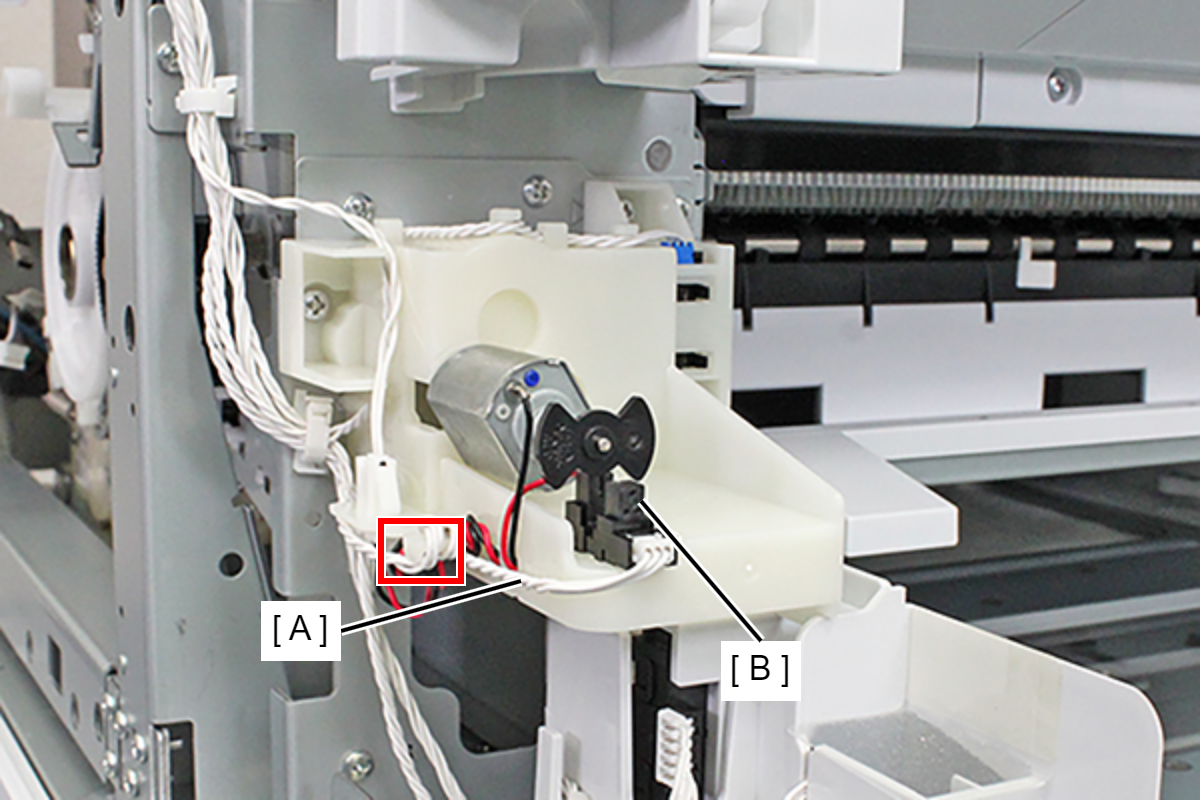
- Release the SRPT Motor Phase Detection Sensor Cable (A) from the hook, and remove it from the connector of the SRPT Motor Phase Detection Sensor (B).
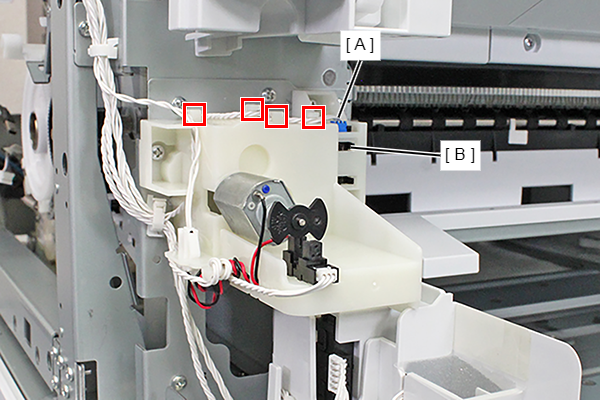
- Release the SRPT Cam Phase Detection Sensor Cable (A) from the four hooks, and remove it from the connector of the SRPT Cam Phase Detection Sensor (B).
- Remove the three screws, and remove the Stacker Driven Assy (A).
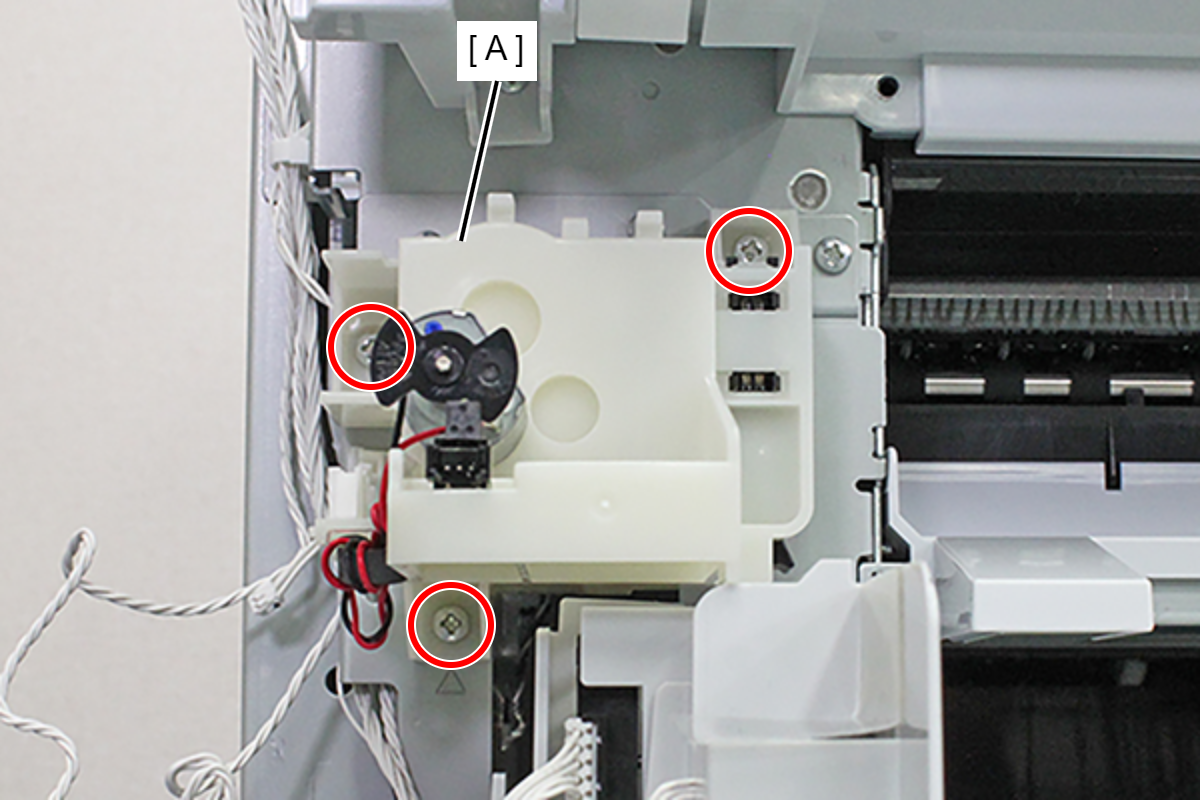
- : C.B.S-TITE-SCREW-3x8-F.ZN-3C