Emergency Retrieval of Fax Received Originals (FAX to Memory)
Using the USB memory, urgently remove fax received original file (.PDF) that can notbe printed.
The received fax original file is transferred to the "¥ EPFAXRCV" folder on the USB memory (the folder is created automatically). The fax received original file is deleted from the product after the transfer
Work procedure
- “Start User Special Mode” starting.
Press and hold down the power button while pressing the [#] button from the power-off state until a message appears on the panel LCD.
Enter the ID number and activate “User Special Mode”.
 Check Point / チェックポイント
When use the User Special Mode, check the ID number with the EPSON Local Service Representatives.
- Press the [2] and [8] buttons, select “FAX to Memory” from the menu and press the [#] button to execute.
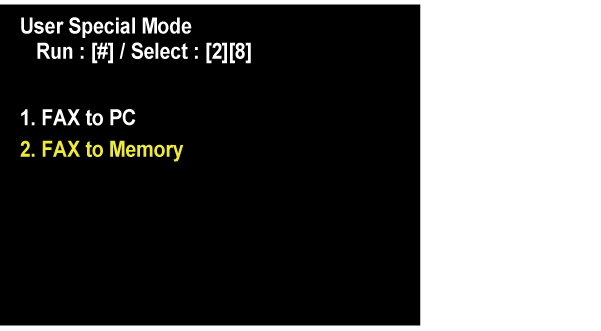
- Connect the USB memory to product when the screen is displayed.

- When the USB memory is detected, the following message will be displayed. Select the [#] to create the folder.
(If the folder already exists in the USB memory, this screen will be skipped)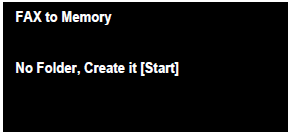
- "Storing" is displayed and the transfer is started.

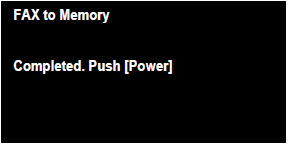
- When the transfer is completed, the following screen is displayed. Press the [Power] button to turn off.