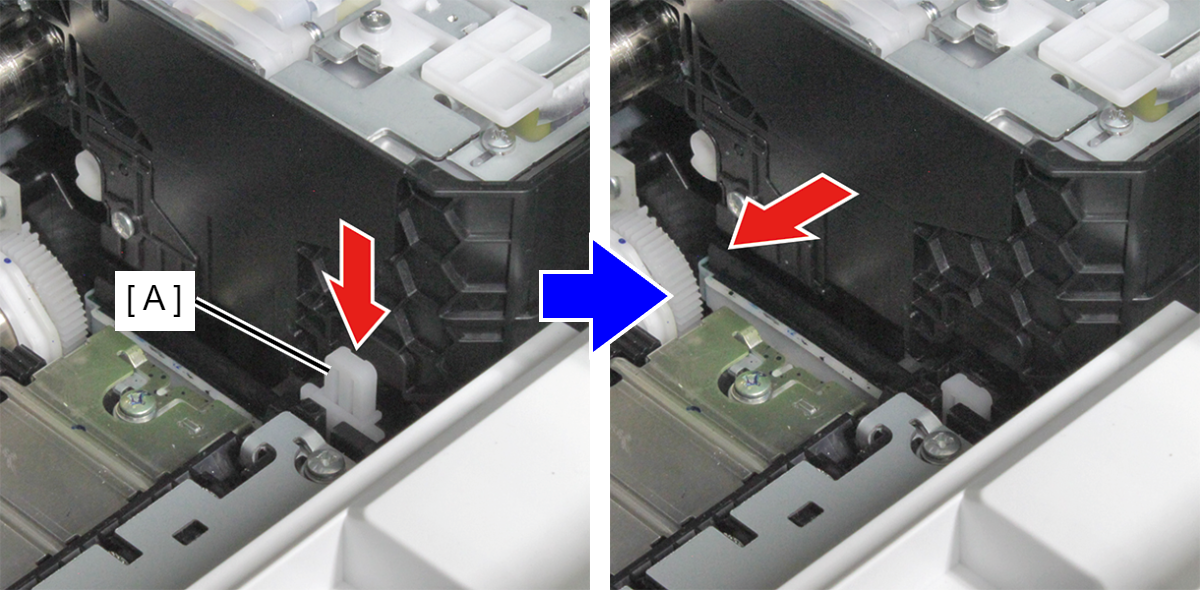
Unlocking the CR Unit
HOW TO UNLOCK USING SERVICE SUPPORT MODE
- Start the printer in the service support mode.
(See Service mode startup and operating procedures) - Select "CR unlock power off" from the service support mode top menu.
- The CR Unit is unlocked and the printer turns off.
HOW TO UNLOCK MANUALLY
- Front Cover Assy.
- Front Inner Housing Center.
- While holding down the CR lock lever (A), move the CR Unit.