
EJECT TRAY MOTOR/SENSOR [B72]
 Check Point / チェックポイント Check Point / チェックポイント |
Start the operation check with a standard paper output tray loaded in the printer. Load a standard paper output tray in the printer if it is not already loaded. |
- Start service support mode.
- Select “Adjustment Main Unit: MENU” from the service support mode top menu.
Select “Eject Tray Motor/Sensor”.
Check Point / チェックポイントSelect and execute the corresponding adjustment item using either procedure below.
- Selecting by entering the program number
- Select “Input B No.-Main Unit Adjust” from the Adjustment menu.
- Press the [#] button and software number key is displayed on LCD. Enter programnumber “72”.
- Press the [#] button.
- Selecting from menu
- Select “Individual Adjustment: MENU” from the Adjustment menu.
- Select “Mech Check MENU” from the Individual Adjustment menu.
- Select “Eject Tray Motor/Sensor” from the Mech Check menu.
- When the screen in the following screen appears, load the paper output tray by hand. Check that the paper output tray loaded state is maintained. Press the [#] button and perform the operation check.
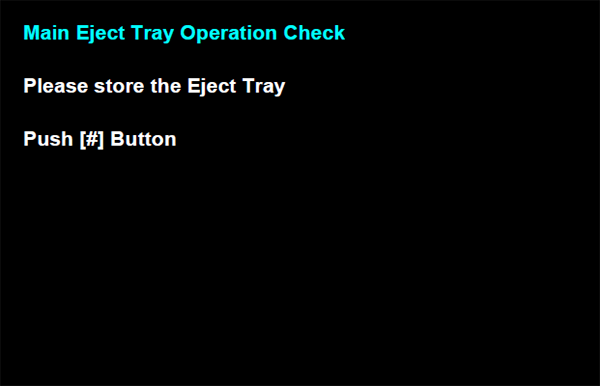
- When there is no error, the check result is not displayed on screen, and the screen returns to the Mechanical Operation Check menu.
When the check result is NG, check to see if the SRPT motor or SRPT motor phase detection sensor is correctly assembly.