Data Backup
Overview
Before swapping the product, temporarily back up the printer specific information (mechanical adjustment values, etc.) saved in the PCB Rom of the normally working hardware to backup area on the normally working hardware.
Execution timing
After swapping the product
Work procedure
- Start the Printer by Service Support Mode.
- Select the “Swap Mech Unit: MENU” from Service Support Mode Top menu.
- Select the “Data Backup” from Swap Mech Unit:Menu.
- Push [#] Button, and execute the data back up.
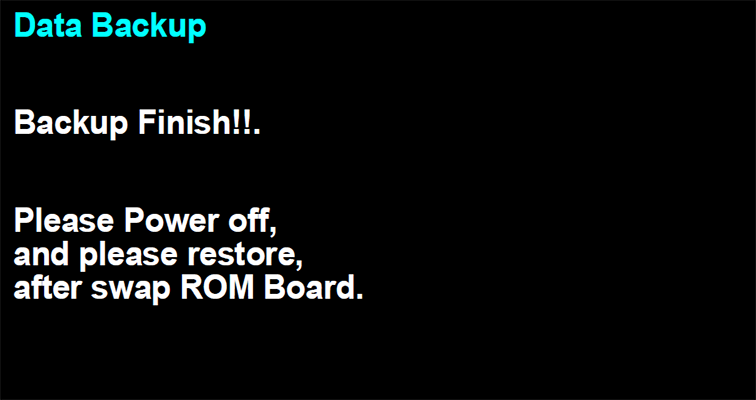
- When the following data backup contemplate screen is displayed, turn off the printer and remove the PCB ROM, and then install it to the new printer.
 Check Point / チェックポイント
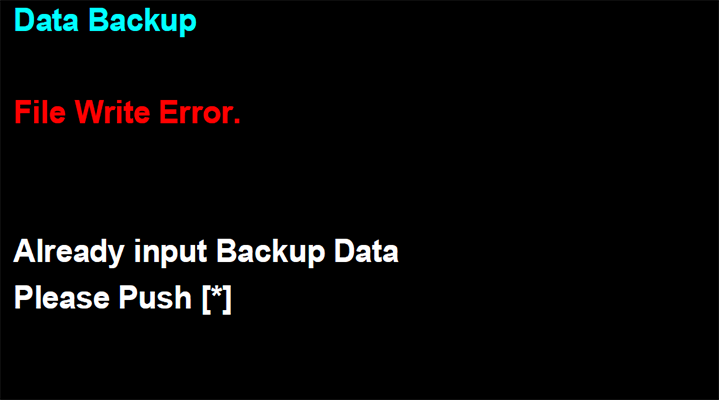
If the following message is displayed, the backup data is already saving to the backup storage area of Main Board.
In this case, delete the backup data of backup storage area, and execute the data backup again.