
How to set IP address using DHCP
- Switching the network address setting method
- If TCP/IP is set to [Manual], tap [Manual].
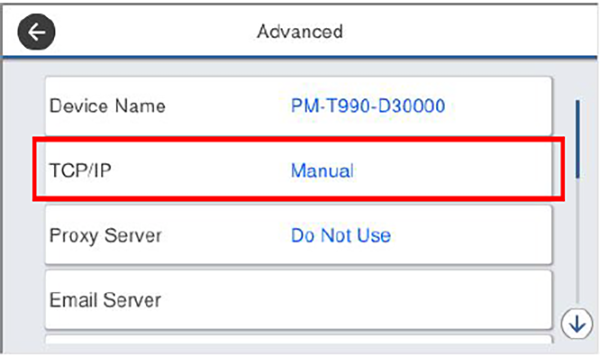
- Tap [Manual] of [Obtain IP address].
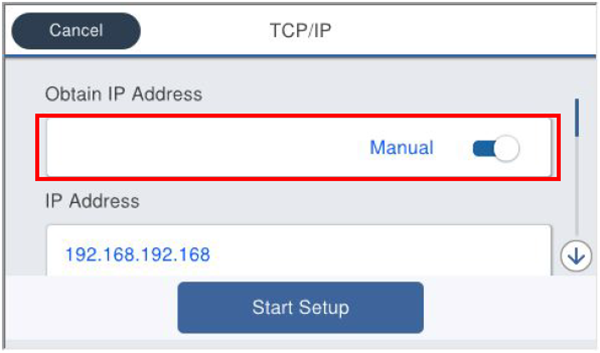
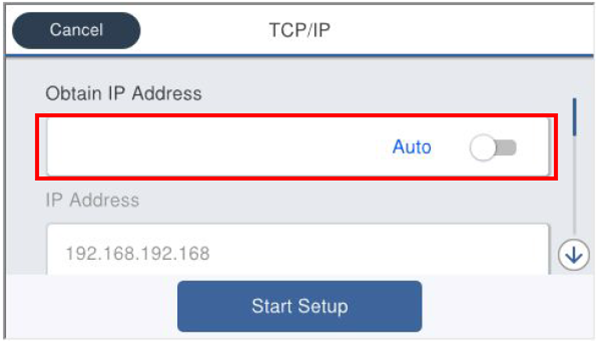
- Check that [TCP/IP] is [Auto].
- Setting the services cooperated
- When setting a DNS server, refer to Setting the DNS server.
- When setting a proxy server, refer to Setting a proxy server.
- If TCP/IP is set to [Manual], tap [Manual].
- Saving the settings
- Tap [Start Setup].
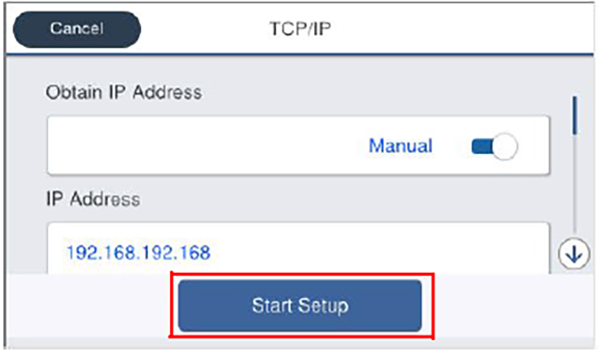
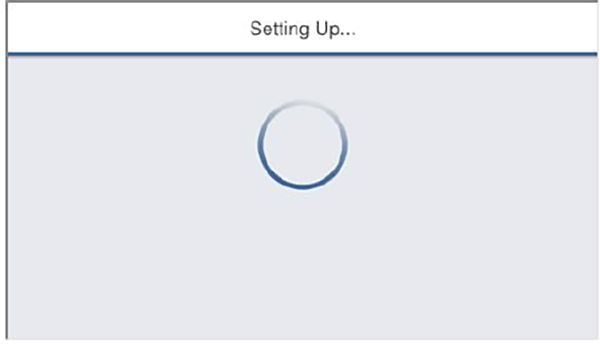
- Wait until the settings are reflected.
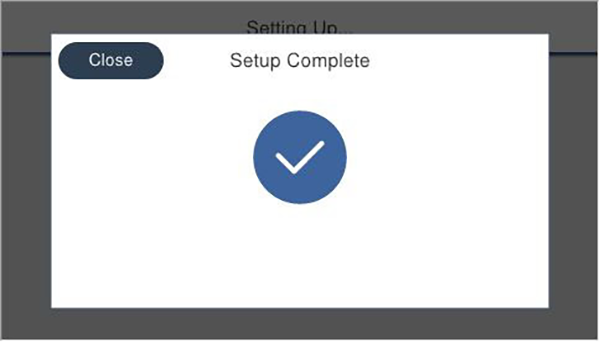
- Check that the Setup Complete screen is displayed.
- Tap [Start Setup].