Nozzle check print
- Select “Settings” from Home menu.
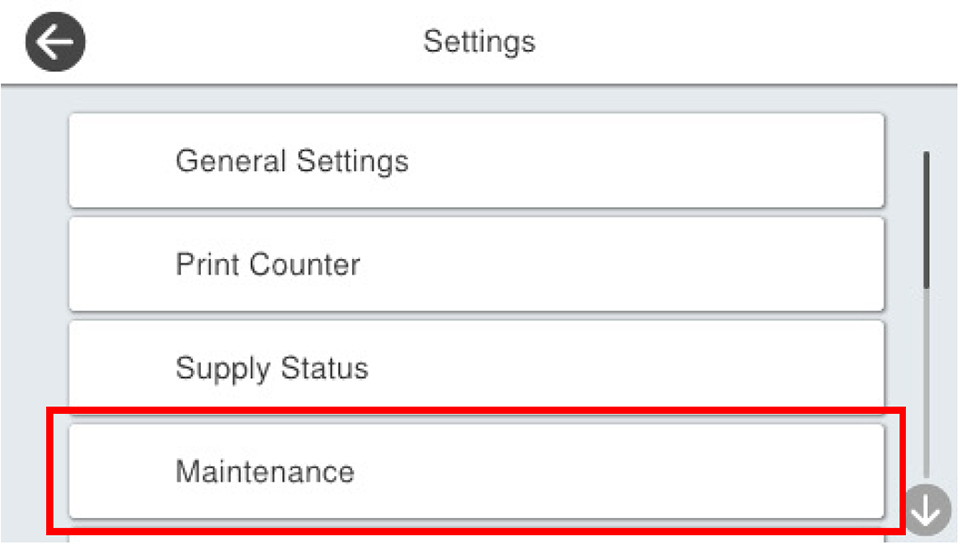
- Select [Maintenance] from the Settings menu.
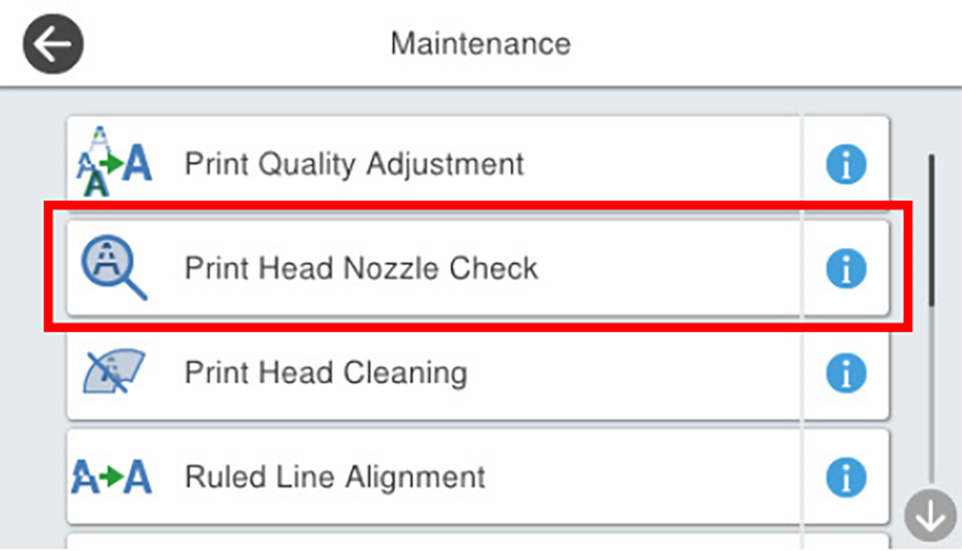
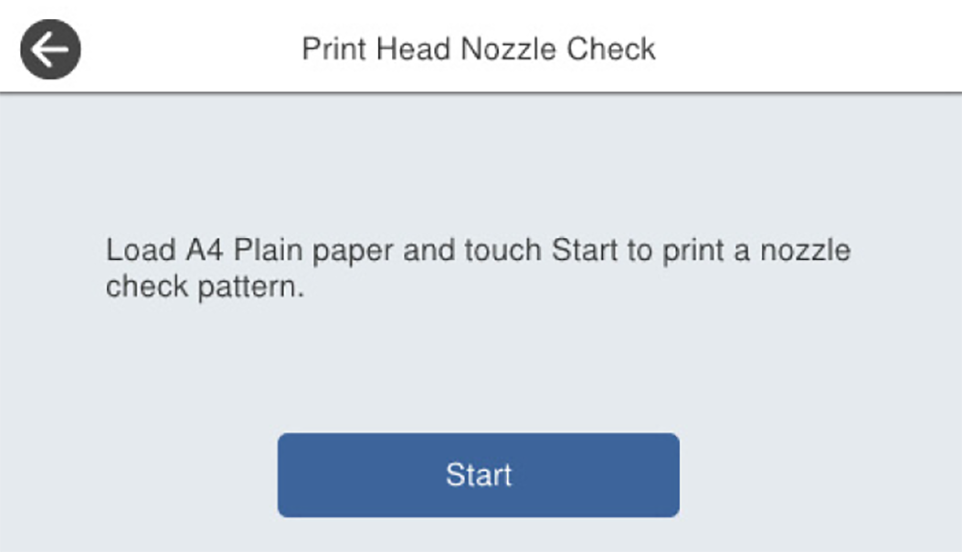
- Select [Print Head Nozzle Check].
- Load paper into the paper cassette (C1) and press [Start].
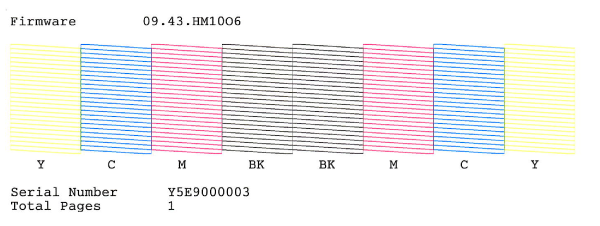
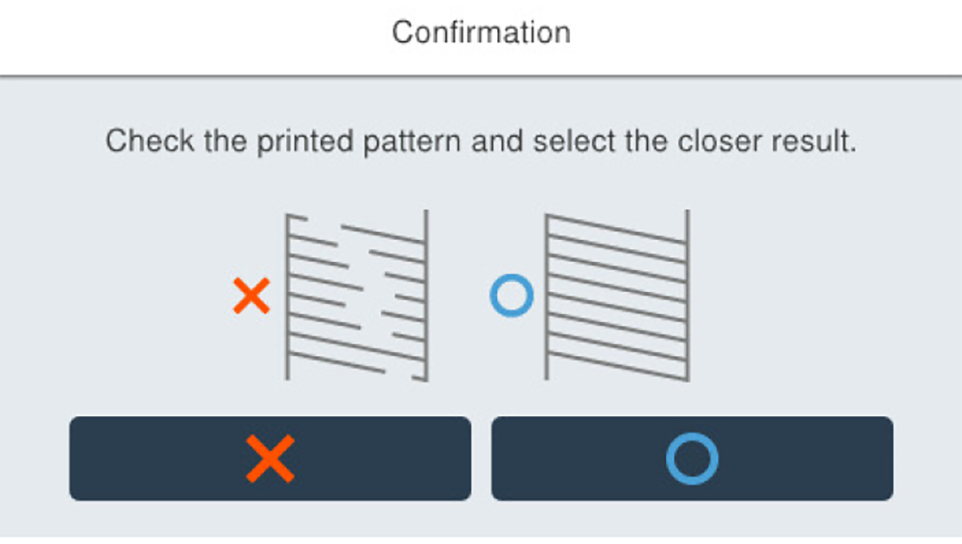
- Check the check patterns and make sure that there are no nozzles missing and all nozzles discharge ink correctly. If all nozzles discharge ink correctly, press the [OK] button to end the nozzle check. If any of the nozzles are missing, press the [NG] button to execute head cleaning.