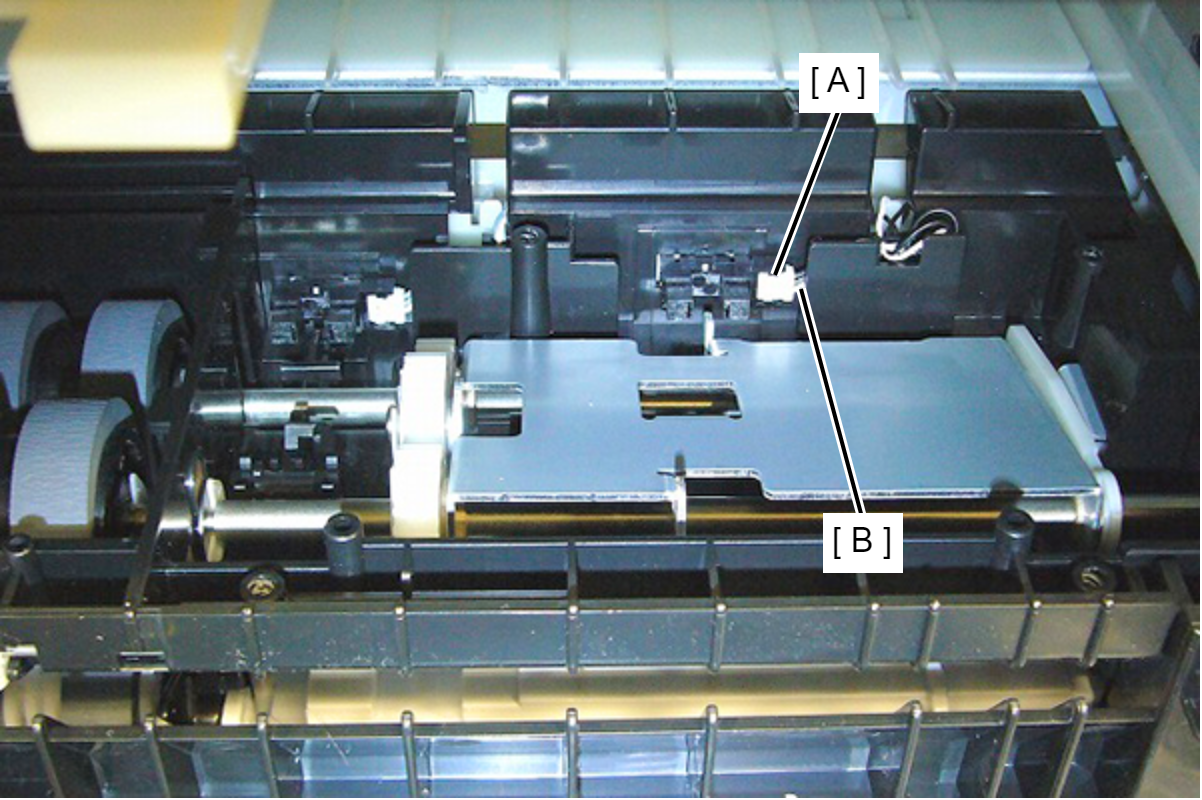
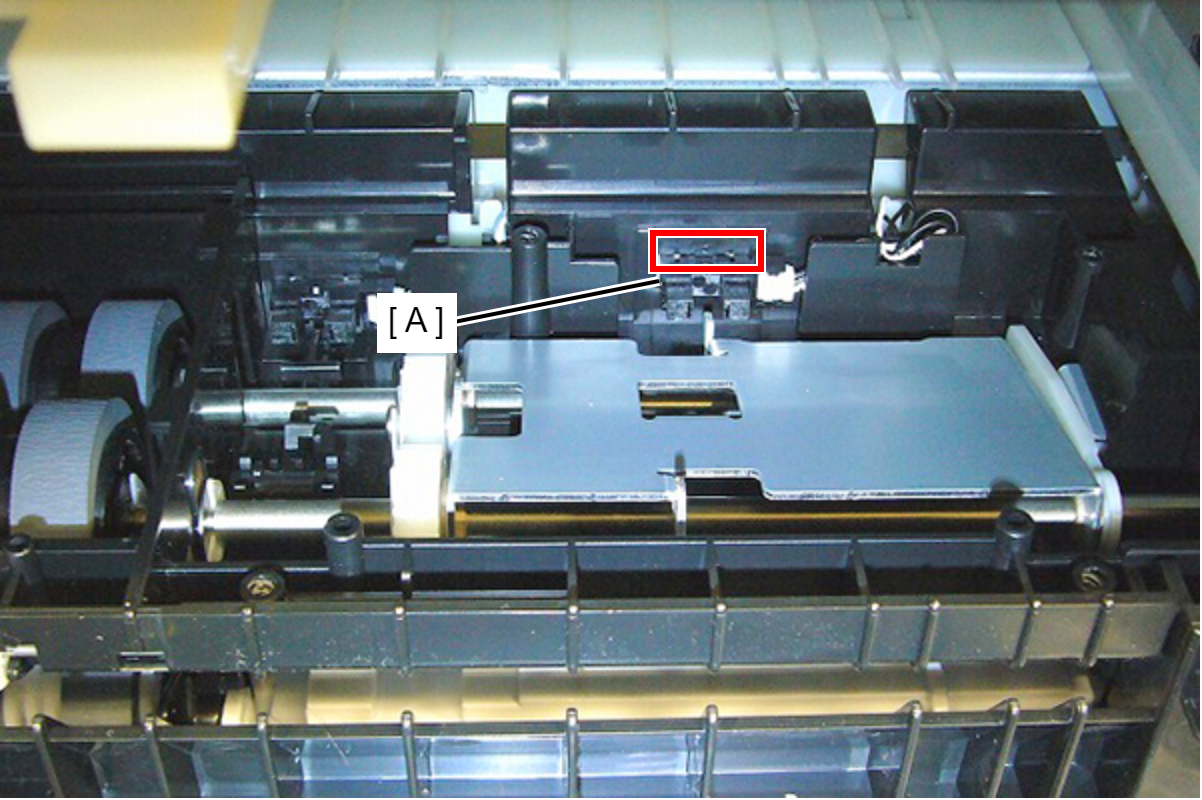
Hopper Up/down Sensor
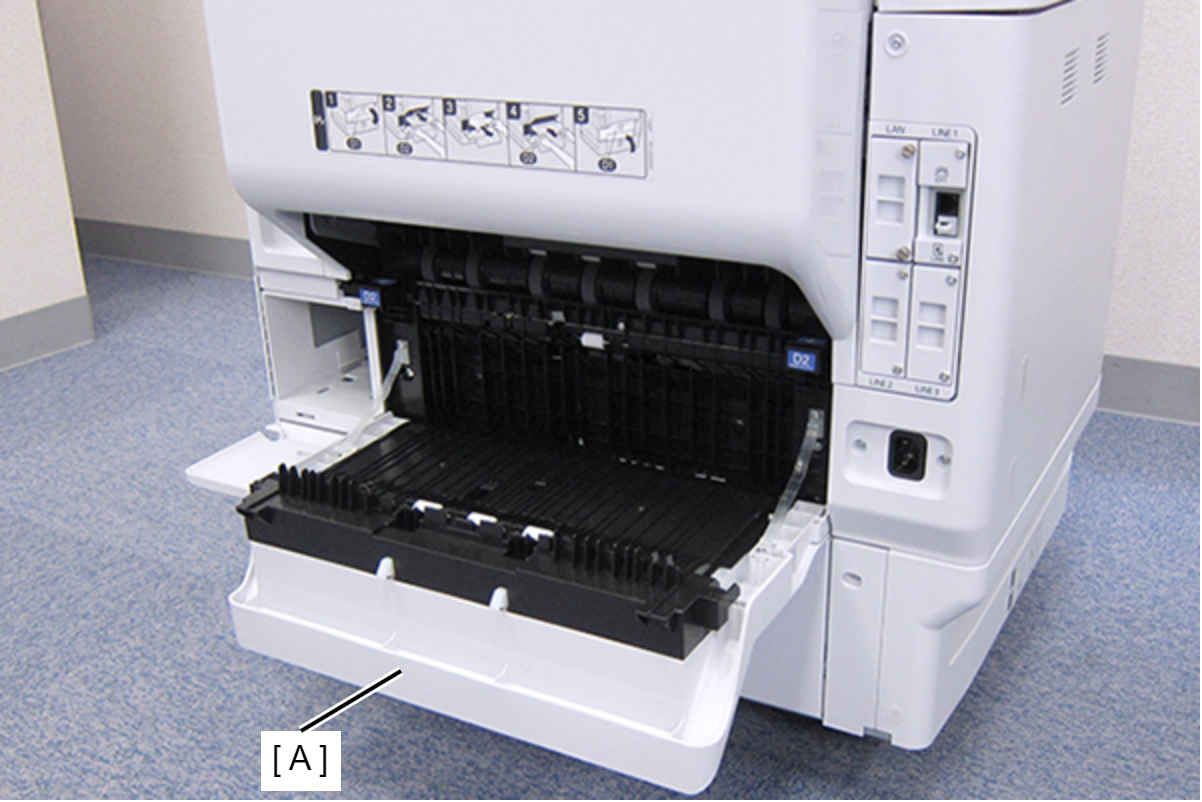
- Open the Duplex Print Cover (A).
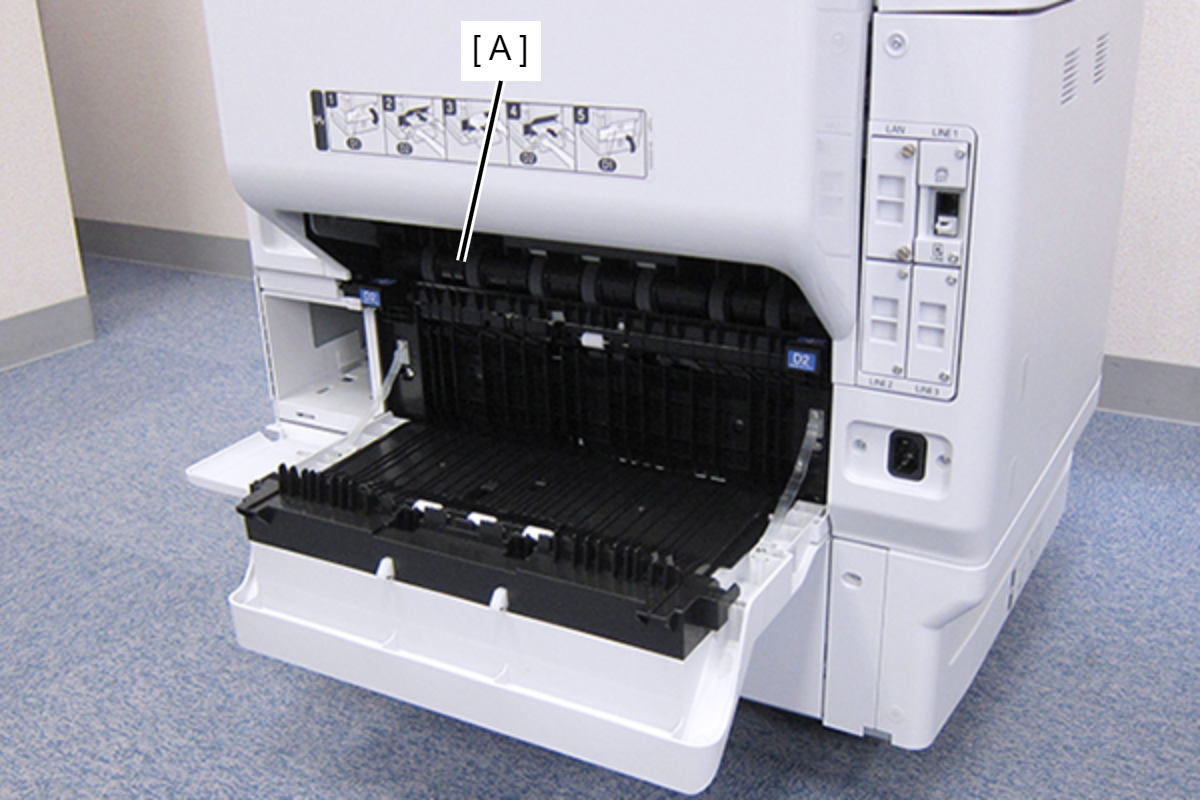
- Remove the Duplex Print Assy (A).
- Remove the four screws, then remove the Right Duplex Print Guide (A).
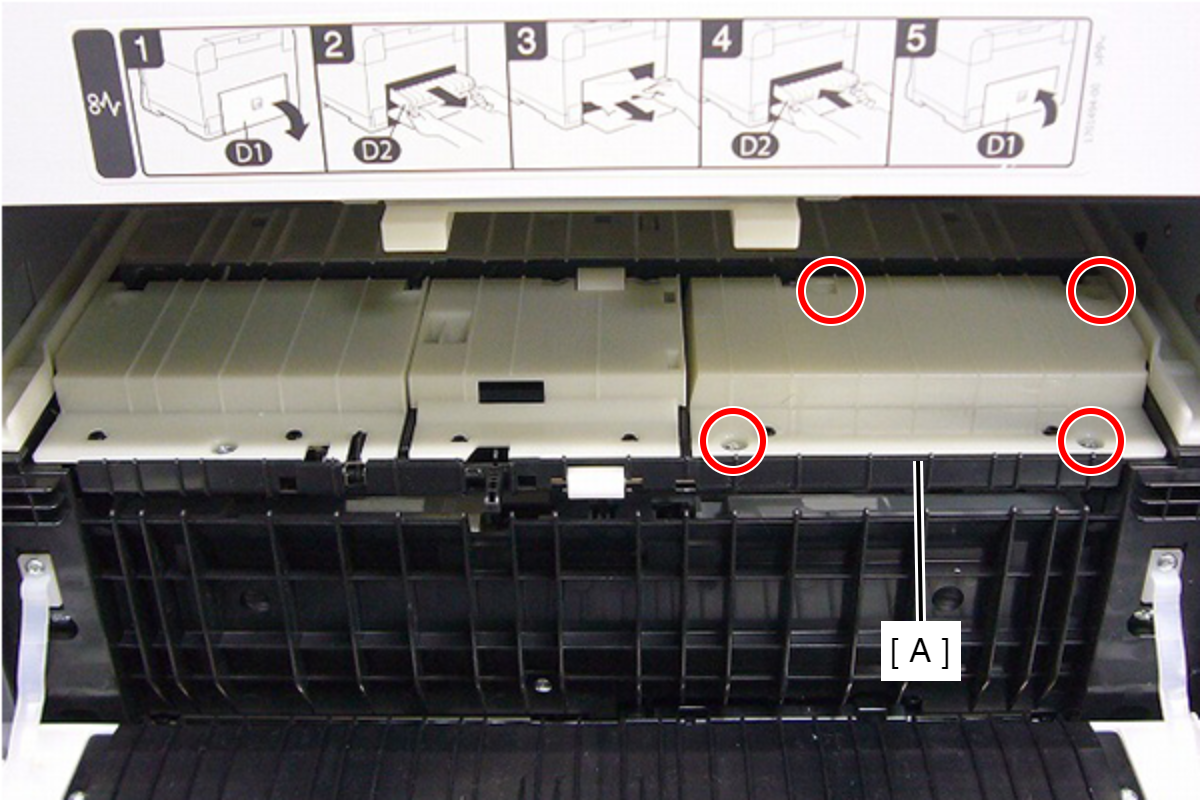
 : C.B.P-TITE-SCREW-3x10-F.ZN-3C
 Check Point / チェックポイント
When removing the screw in the step below, use a stubby screwdriver whose total length is 40 mm or shorter.
- Disengage the four hooks and remove the sensor (A).
- Disconnect the cables (B) from the connector (A).