Cassette Detection Sensor
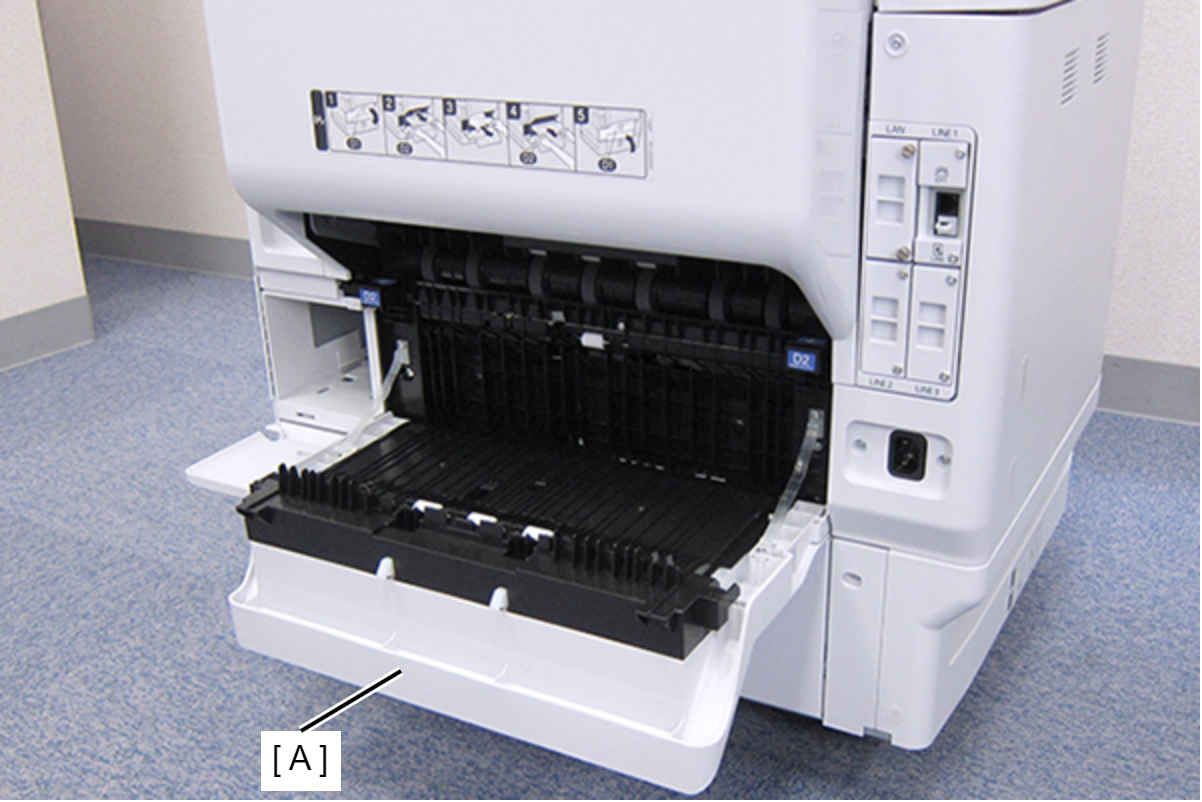
- Open the Duplex Print Cover (A).
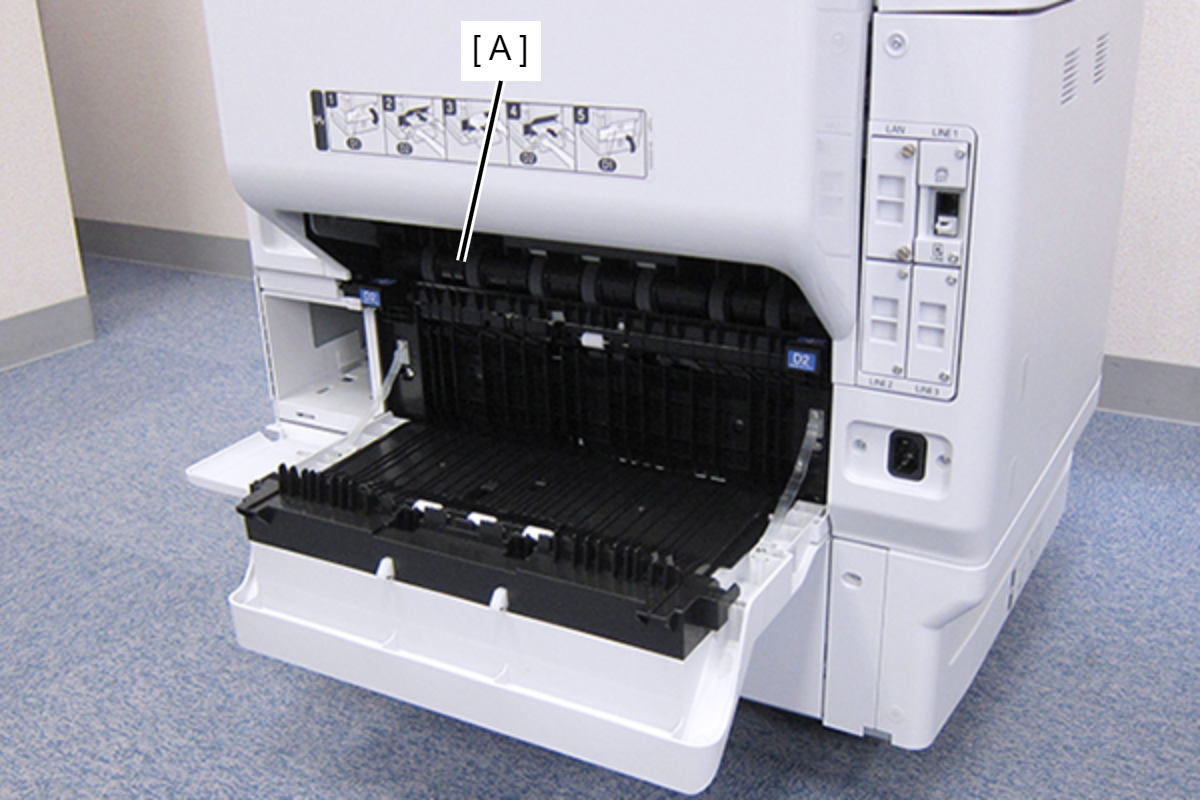
- Remove the Duplex Print Assy (A).
Remove the three screws, then remove the Left Duplex Print Guide (A).
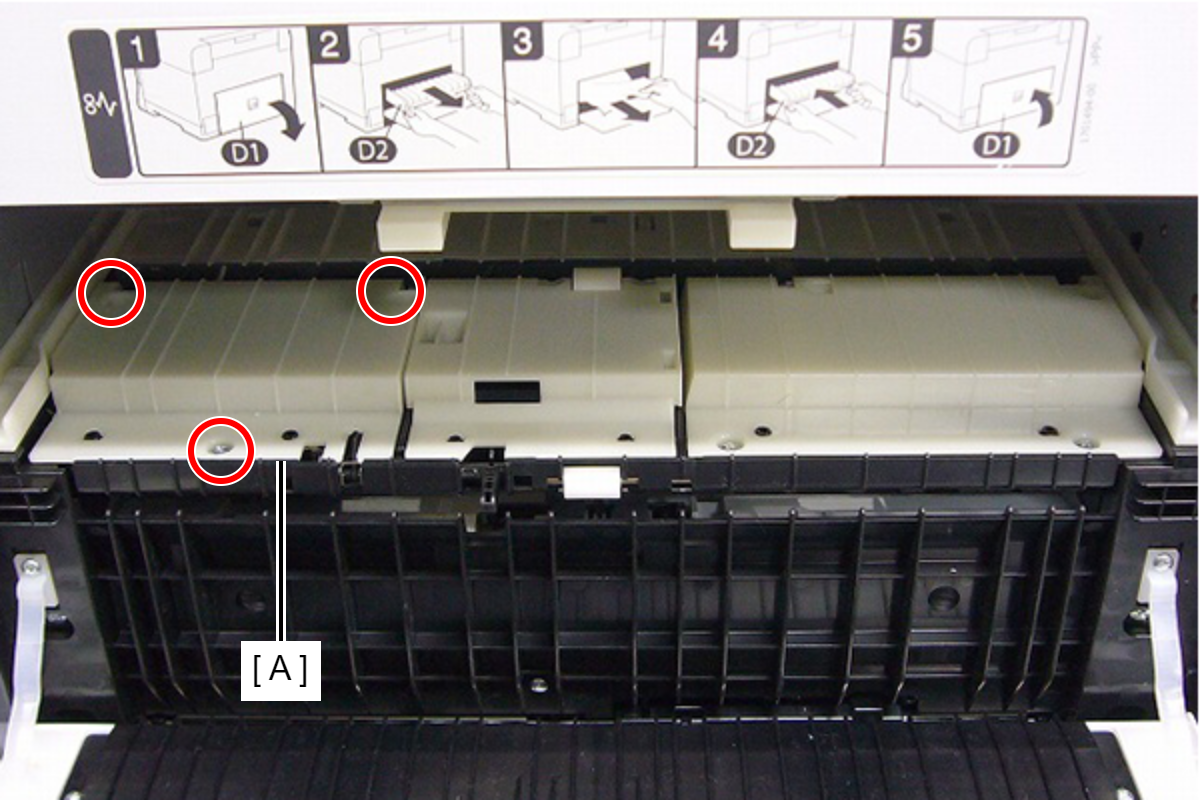
 : C.B.P-TITE-SCREW-3x10-F.ZN-3C
 Check Point / チェックポイント
When removing the screw in the step below, use a stubby screwdriver whose total length is 40 mm or shorter.
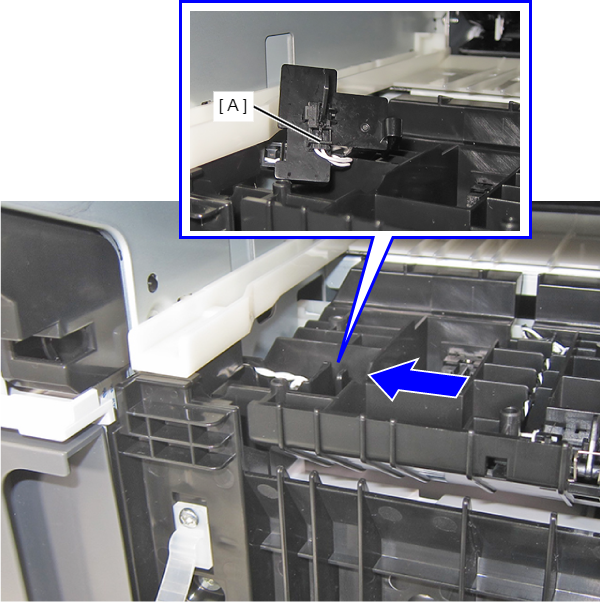
- Release the hook by pushing the Cassette Sensor Holder (A) tab in the direction of the arrow and lift the Cassette Sensor (B).
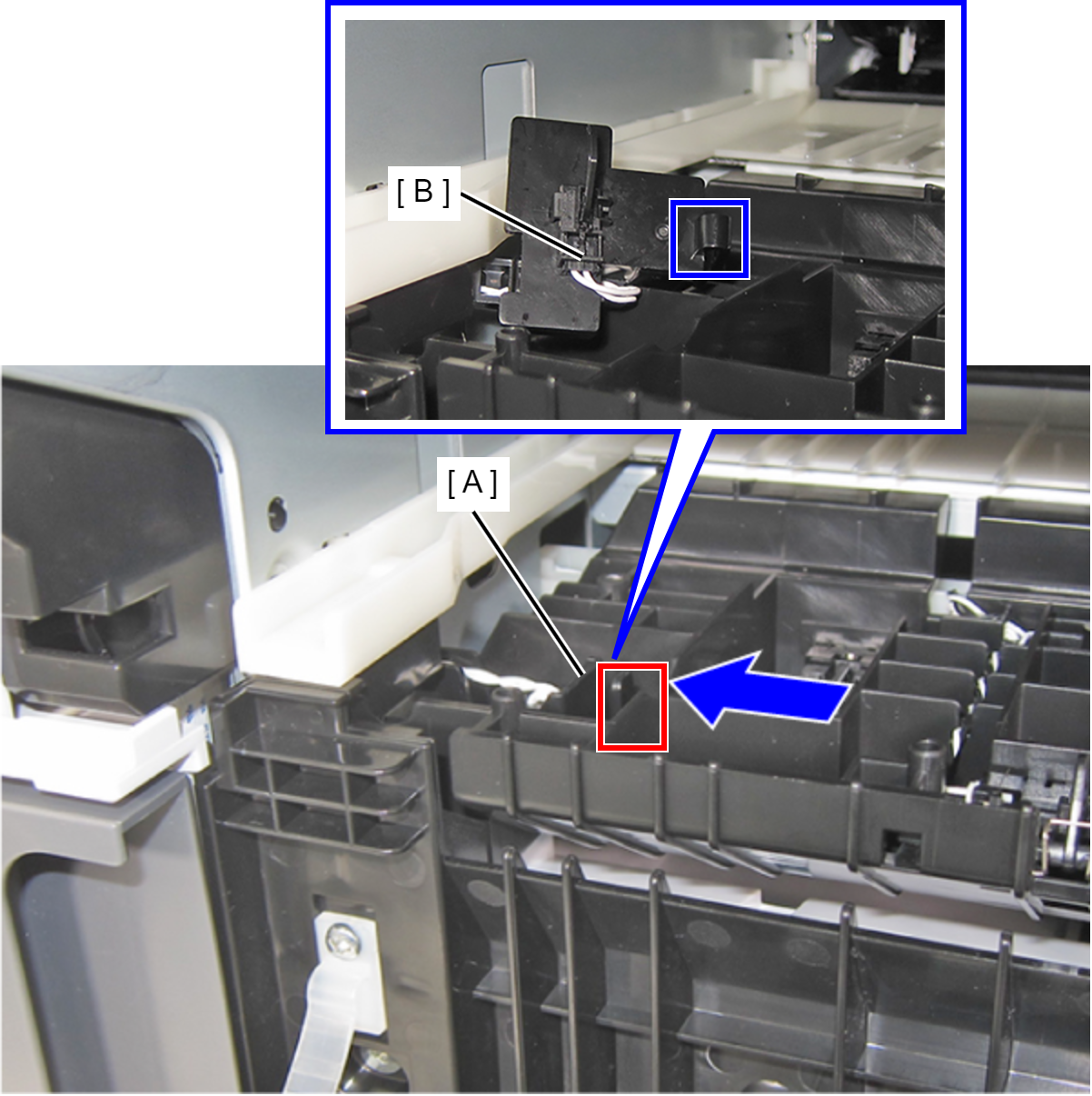
- Release the two hooks and remove the Cassette Sensor (A).
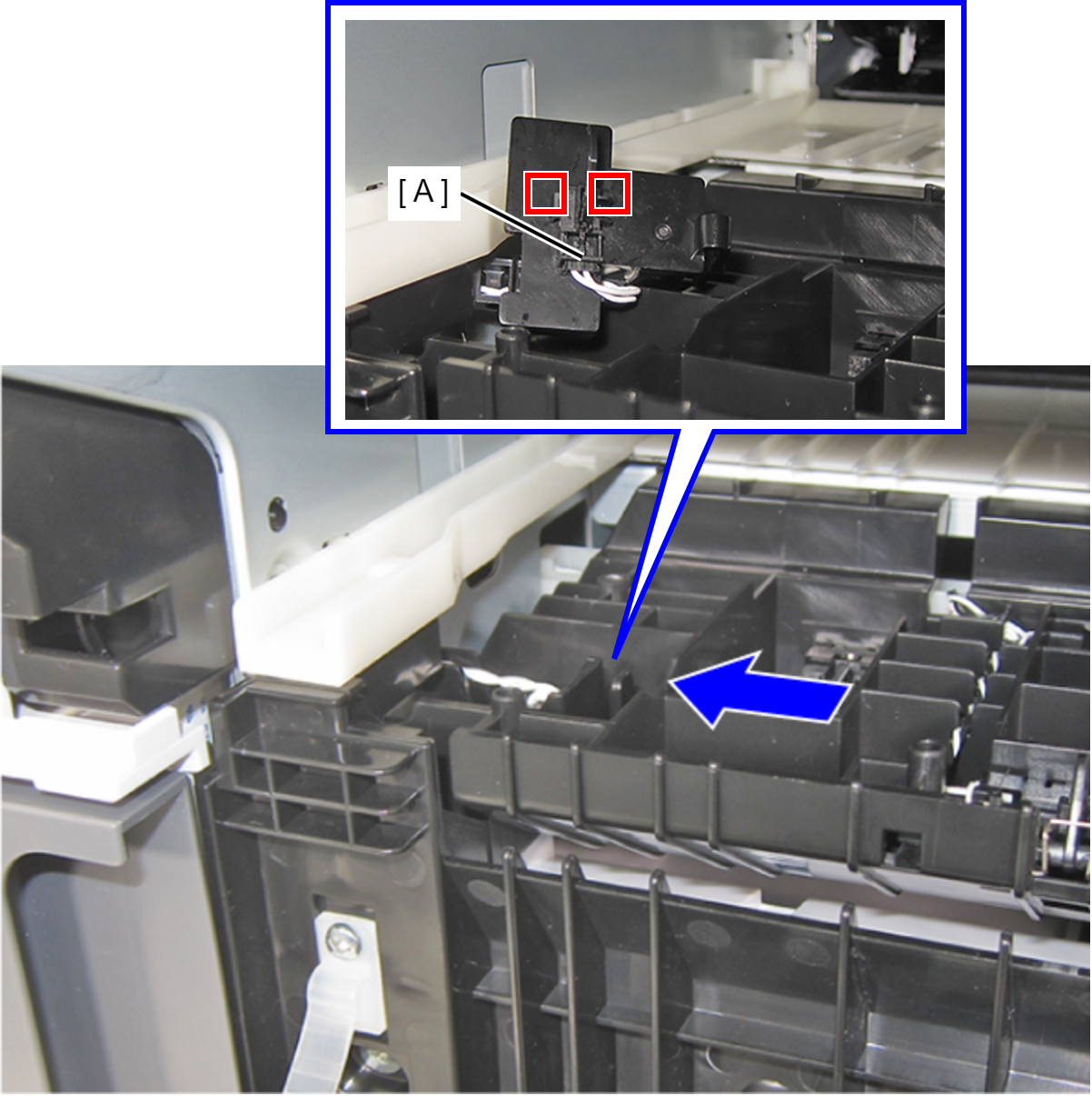
- Release the cable from the connector of the Cassette Sensor (A), and remove the Cassette Sensor (A).