Feed Lever
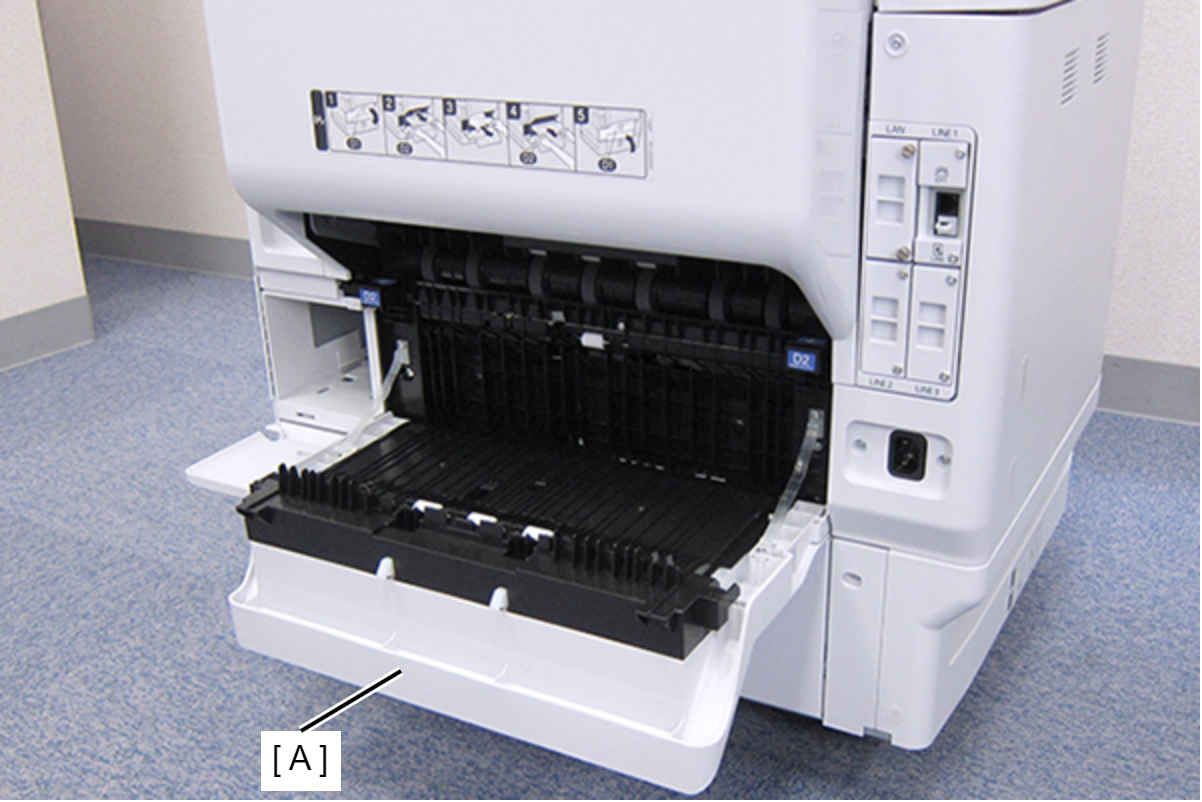
- Open the Duplex Print Cover (A).
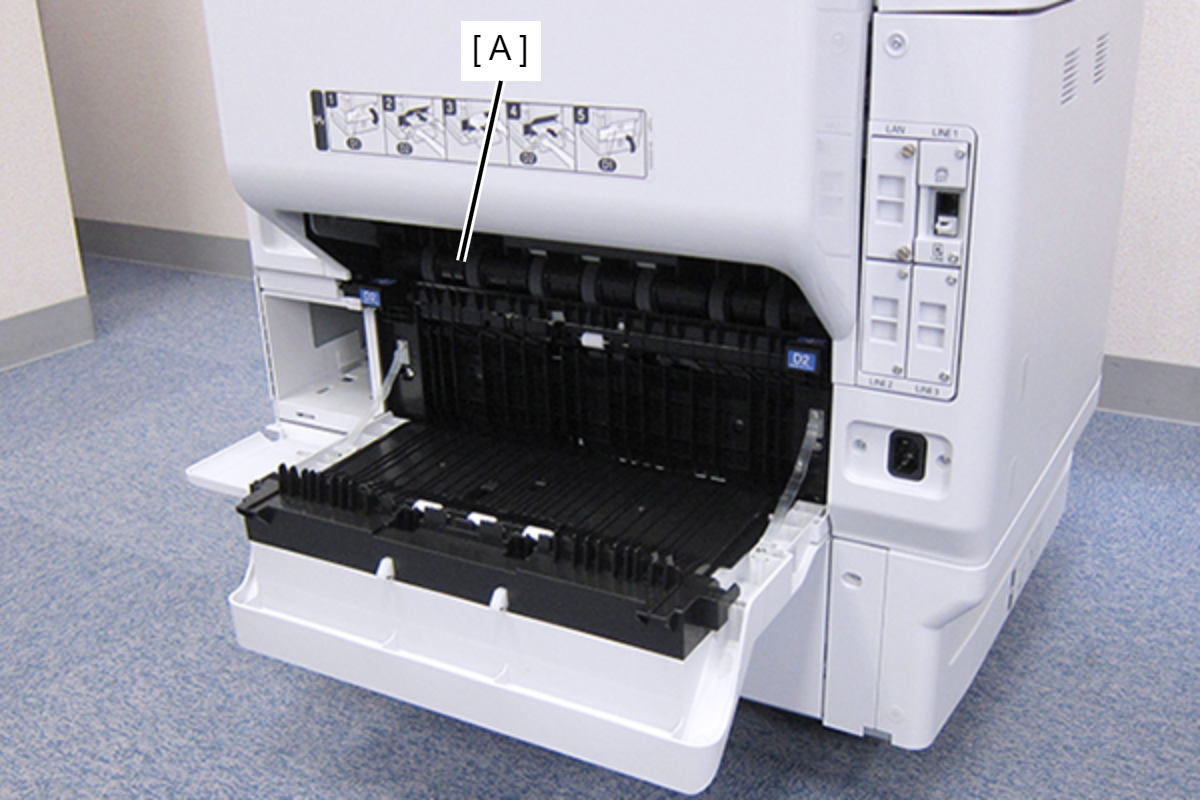
- Remove the Duplex Print Assy (A).
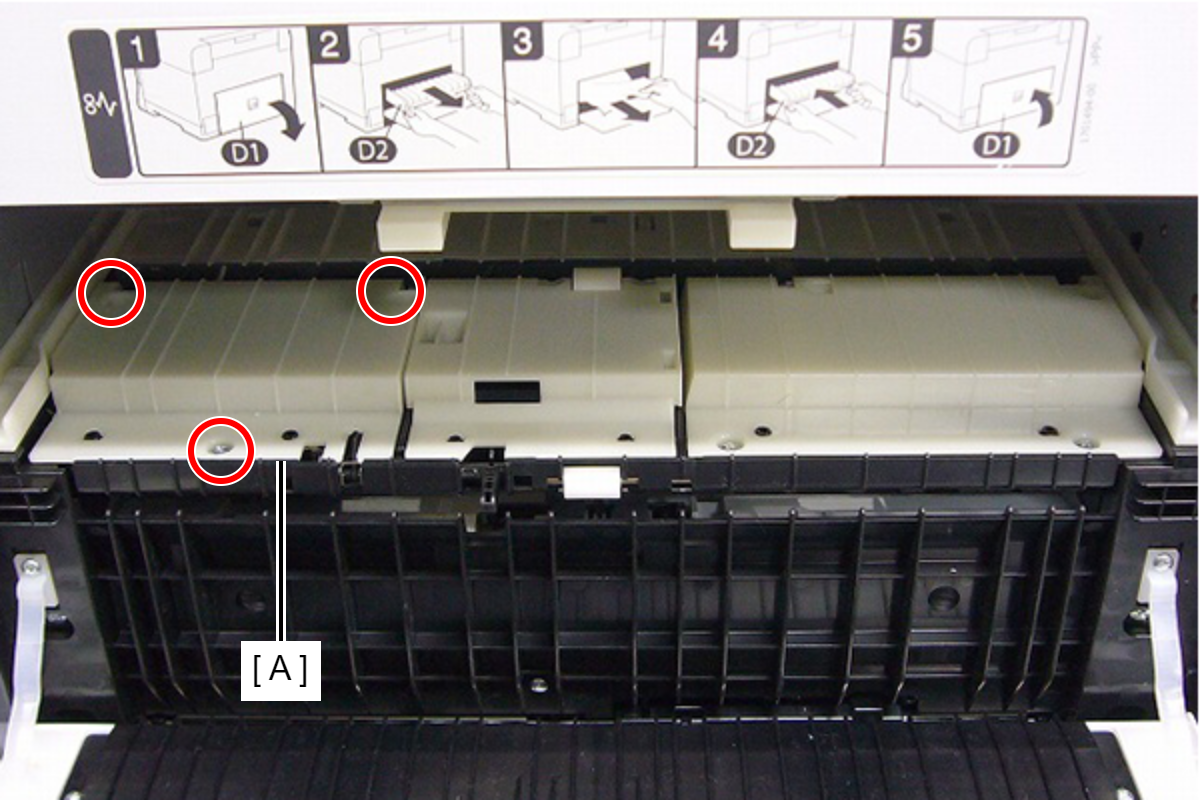
Remove the three screws, then remove the Left Duplex Print Guide (A).
 : C.B.P-TITE-SCREW-3x10-F.ZN-3C
 Check Point / チェックポイント
When removing the screw in the step below, use a stubby screwdriver whose total length is 40 mm or shorter.
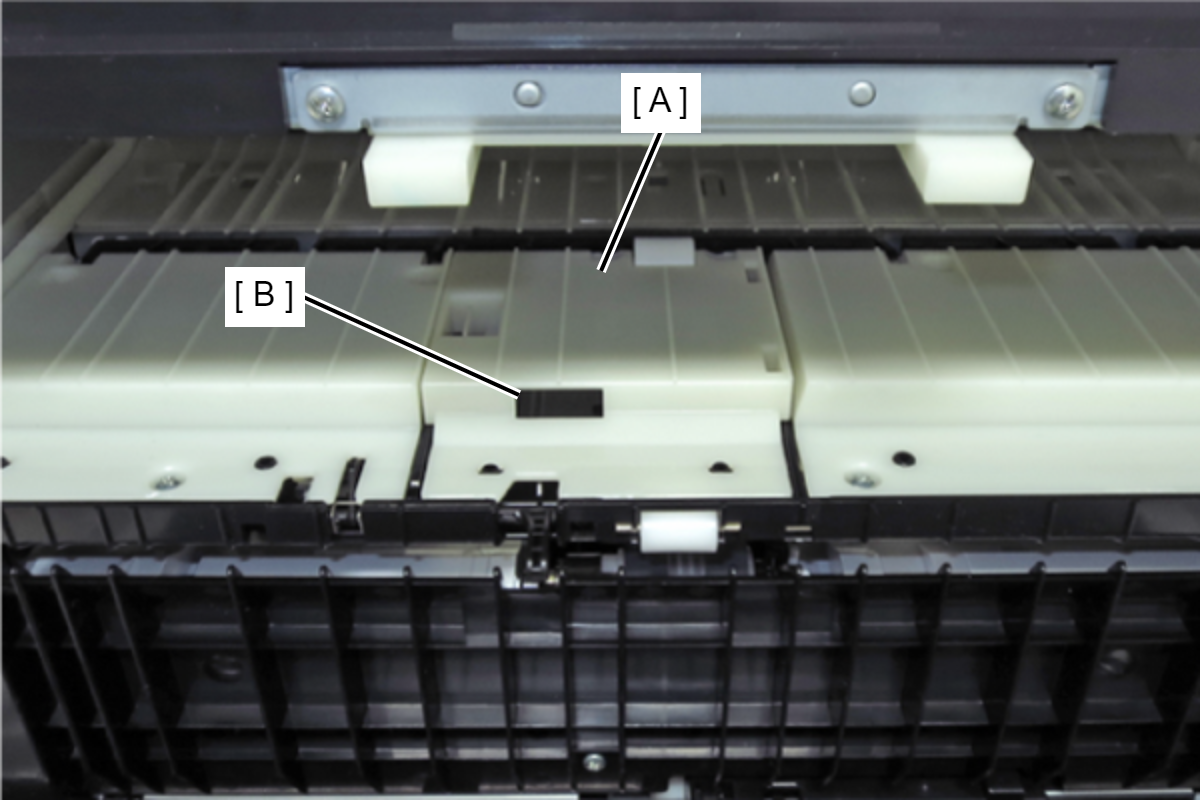
- Lift the Middle Duplex Print Guide (A) by hooking a finger on the angle hole (B), and remove it.
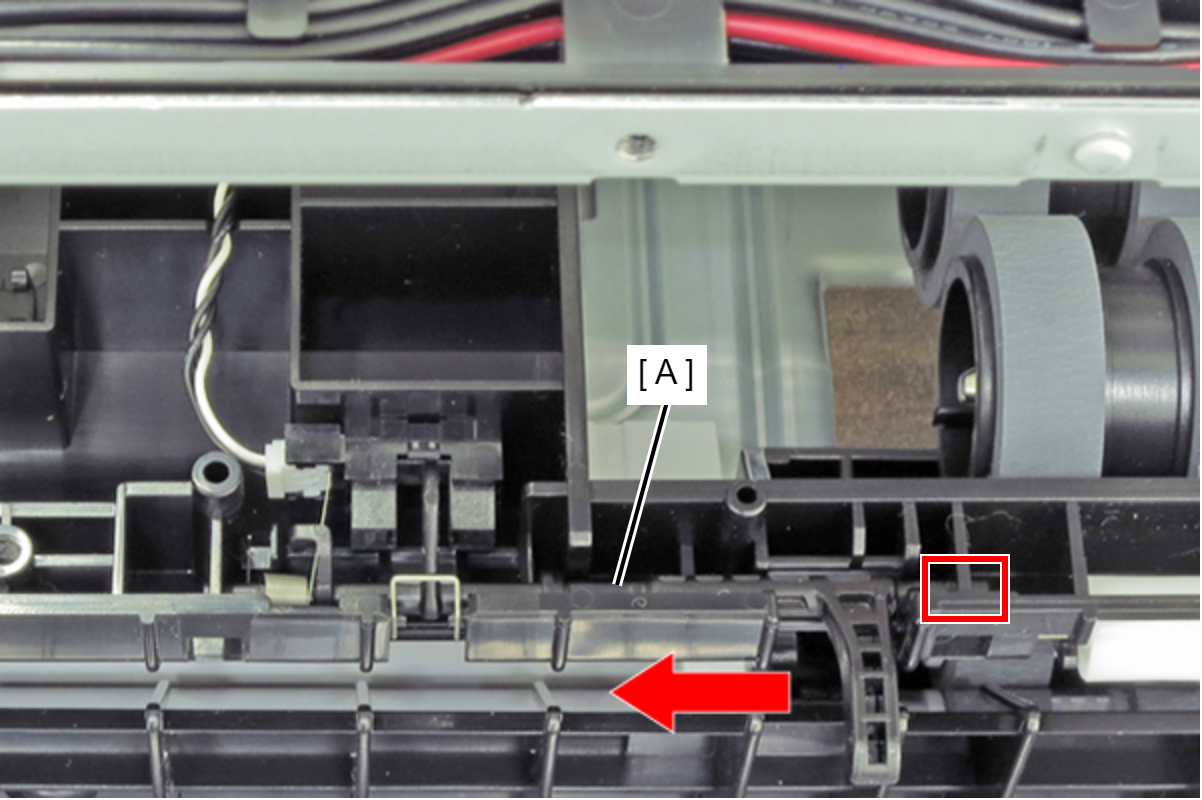
- Slide the Feed Lever (A) leftward, then pull it out through the hole of the base.
 Assembly / 組み立て
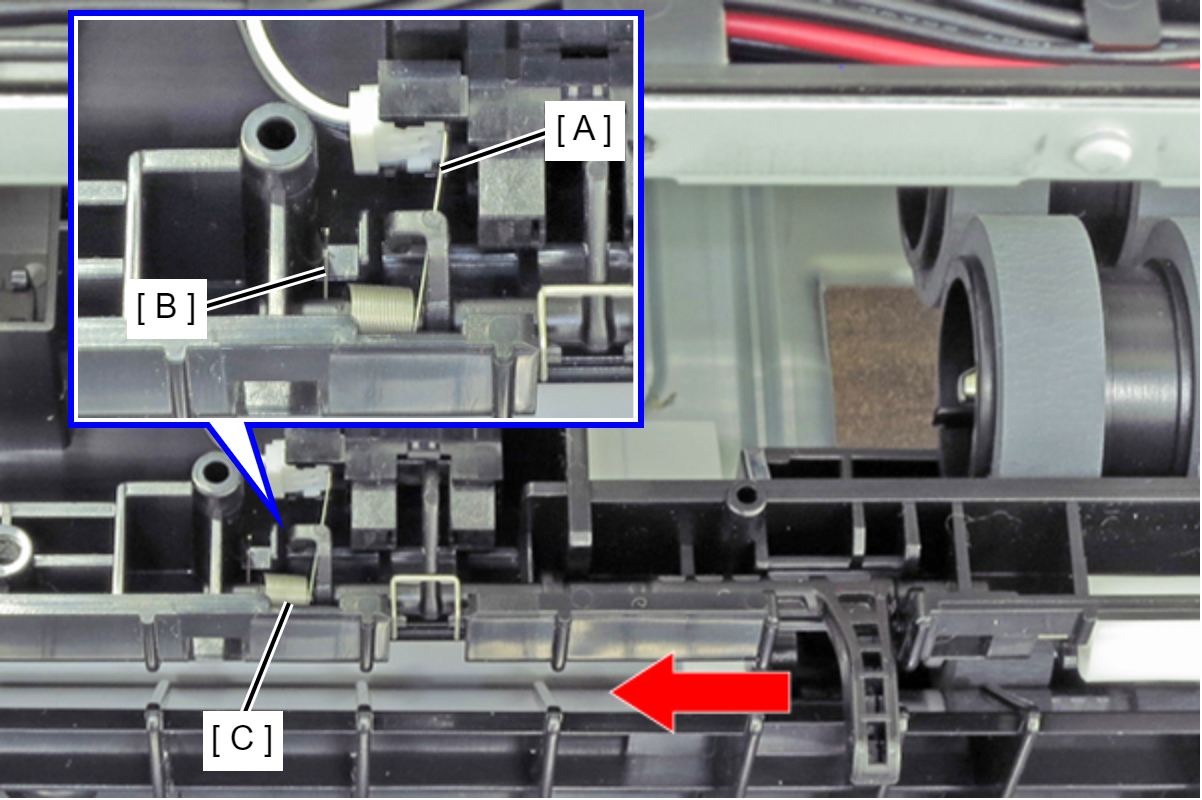
Engage long leg (A) and short leg (B) of the spring (C), and attach it.