101 Status Information
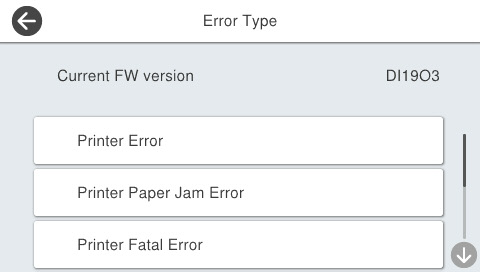
Display status information (FW version and error history) on the operation panel.
The error history to be displayed is as follows.
- Printer error
- Printer paper jam error
- Printer fatal error
- Scanner error
- Scanner fatal error
- System error
- Start the service support mode. (Starting Service Support Mode)
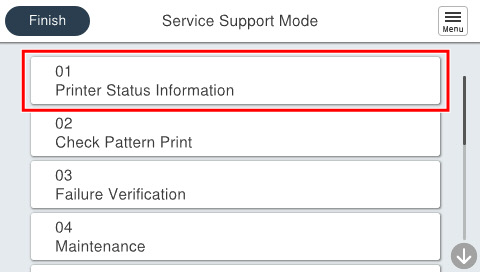
- Select [01 Printer Status Information].
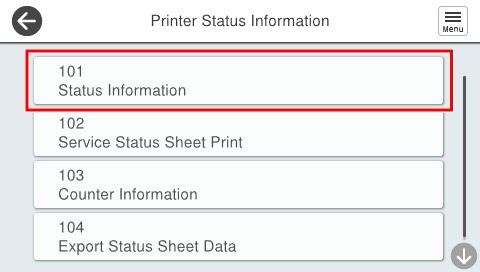
- Select [101 Status Information].
- Select the item you want to check and check status information.