
Ink Leakage Sensor Before Parts Replacement
Procedure
- Start service support mode. (Starting Service Support Mode)
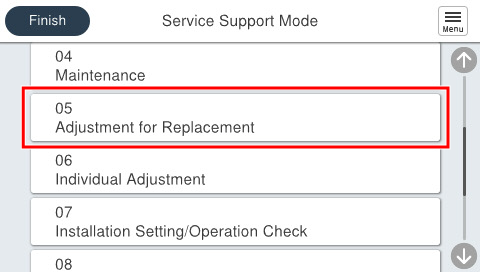
- Select [05 Adjustment for Replacement Parts].
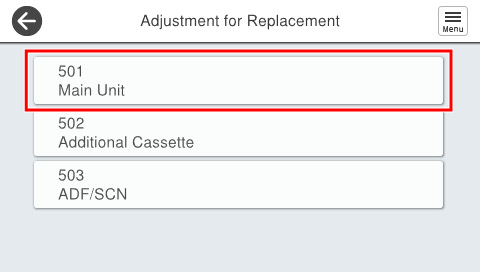
- Select [501 Main Unit].
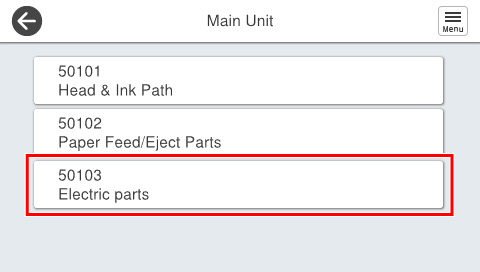
- Select [50103 Electric Parts].
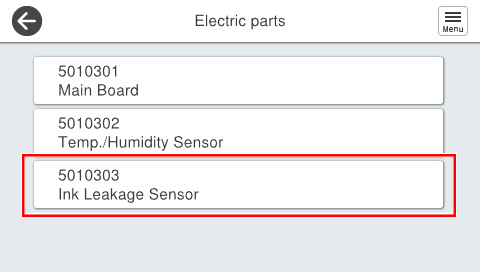
- Select [5010303 Ink Leakage Sensor].
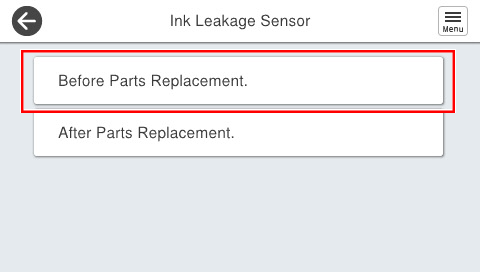
- Select [Before Parts Replacement].
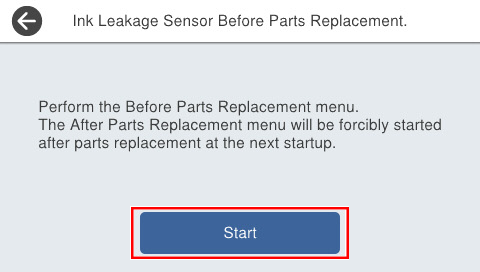
- Press [Start].
- Turn the power OFF.
When the power of the product is turned on, the product starts in service support mode, and the “After replacement” screen of the ink leak sensor is displayed.