
Star Wheel Assy After Parts Replacement
Procedure
- Turn the power ON.
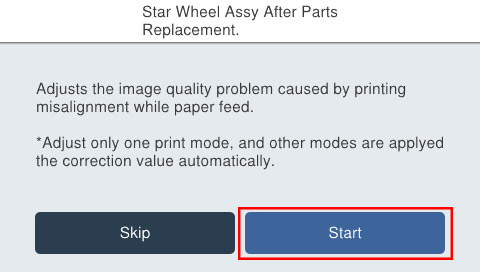
- Press [Start].
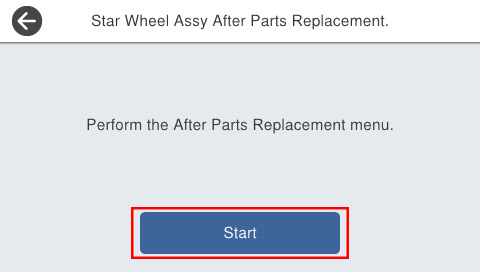
- Press [Start].
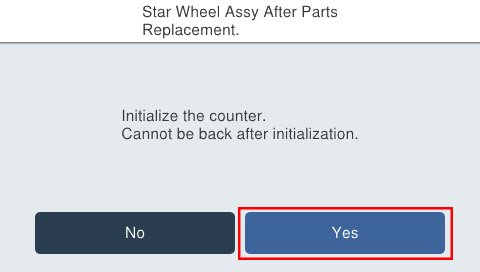
- Press [Start].
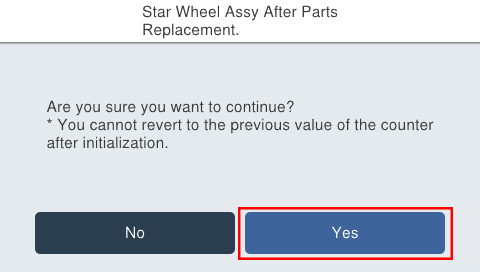
- Check the type of paper you are using and select [Yes] or [No].
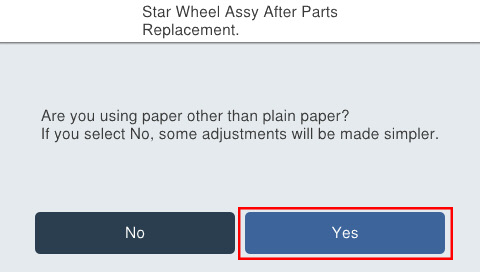
- Press [Start].
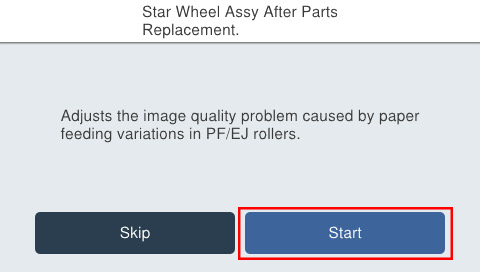
- If the following screen is displayed, press [Pattern print].
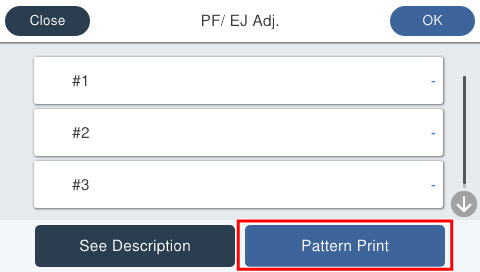
- Press each setting item button to make print settings.
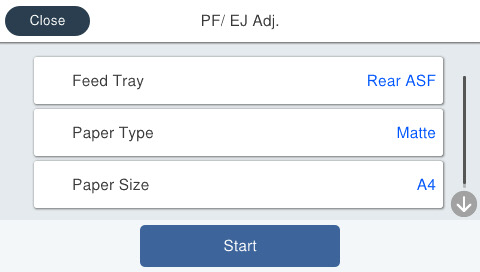
Setting Items Choice Remarks Feed Tray Rear ASF Setting change not possible Paper Type Matte Paper-Heavy weight/Premium Presentation Paper Matte Setting change not possible Paper Size A4 Setting change not possible - Load paper in the selected feed tray and press [Start]. Adjustment patterns are printed on 1 sheet.
- Adjustment pattern
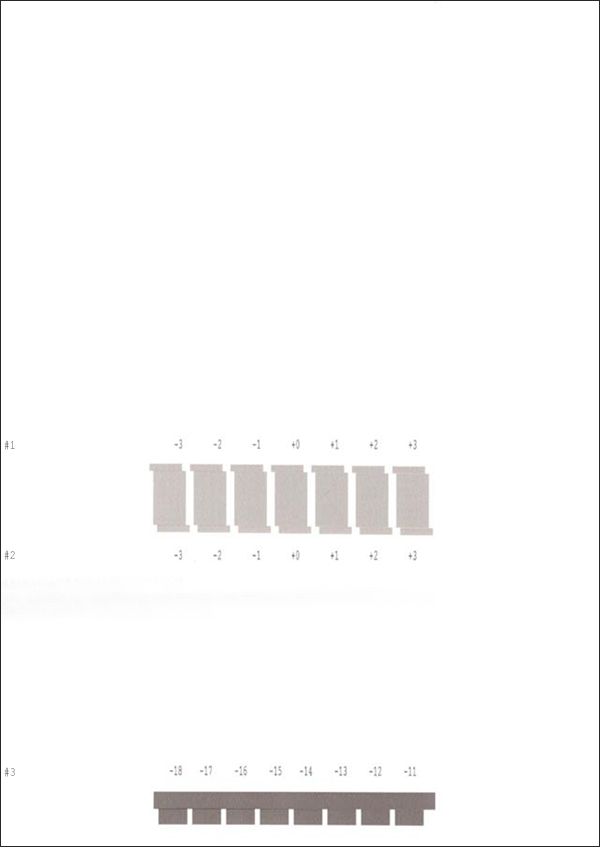
- Adjustment pattern
- Press [OK] on the following screen.
Check the adjustment pattern and determine the adjustment values for each of #1 through #3 based on the judgment procedure.
 Check Point / チェックポイント
- Adjustment value judgment method
Select the value of the pattern with the fewest white lines and with no overlap with upper/lower blocks.
- Adjustment value judgment method
- Press on [#1] through [#3] and enter the adjustment value.
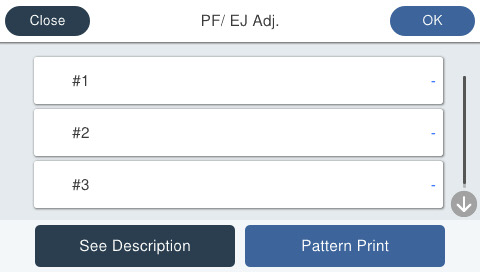
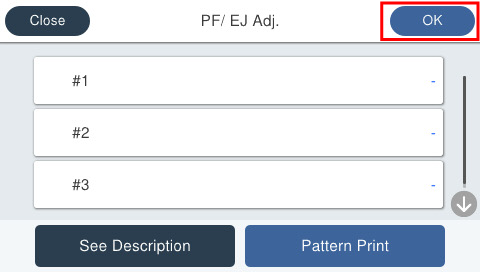
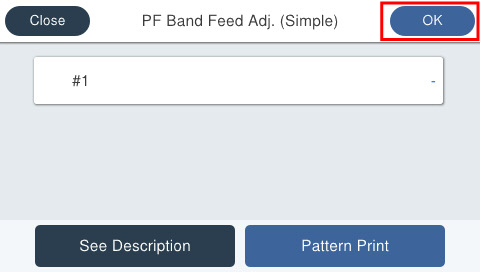
- Press [OK] on the upper right to complete the adjustment. The adjusted values are saved in the printer.
 Note / 補足
If there is no pattern satisfying the judgment method among the adjustment patterns, there is a pattern satisfying the judgment method outside the scope of pattern printing. Therefore, select the best pattern and enter the adjustment value. Following this, again print the adjustment pattern and determine the adjustment value.
- Press [Start].
- If the following screen is displayed, press [Pattern print].
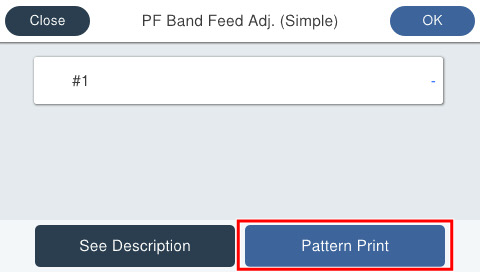
- Press each setting item button to make print settings.
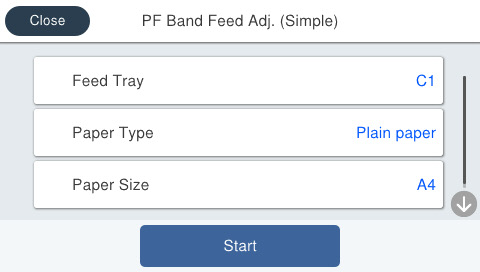
Setting Items Choice Remarks Feed Tray C1, C2, C3, C4, Rear ASF --- Paper Type Plain Paper Setting change not possible Paper Size A4 / Letter --- - Load paper in the selected feed tray and press [Start].
- Adjustment pattern
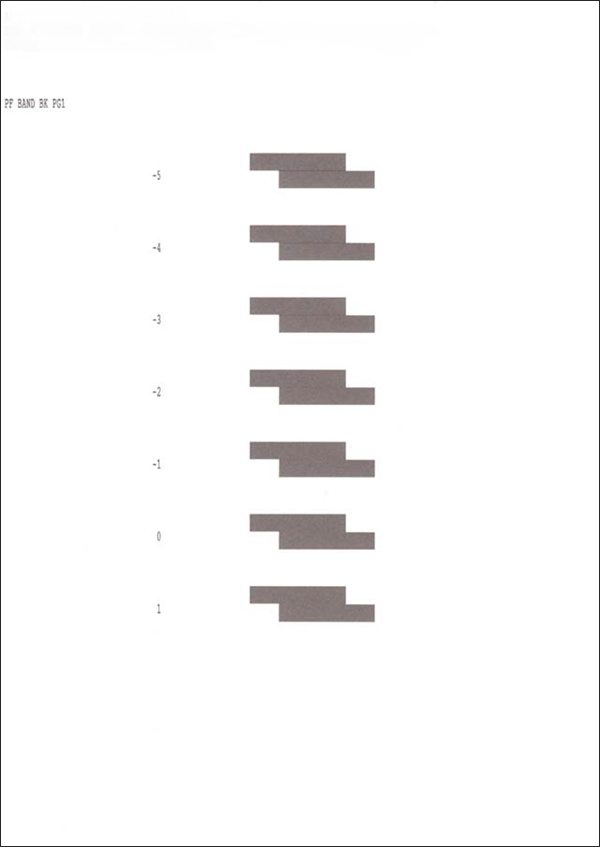
- Adjustment pattern
- Press [OK] on the following screen.
Check the adjustment pattern and determine the #1 adjustment value based on the judgment method.
Check Point / チェックポイント- Adjustment value judgment method
Select the value of the pattern with the fewest white lines and with no overlap with upper/lower blocks.
- Adjustment value judgment method
- Press [#1] and enter the adjustment value.
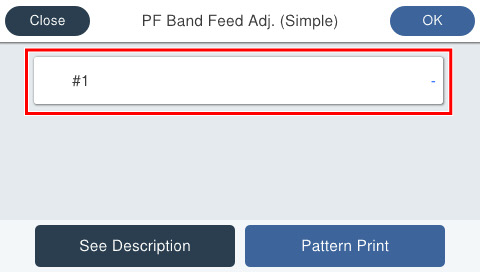
- Press [OK] on the upper right to complete the adjustment. The adjusted values are saved in the printer.
 Note / 補足
If there is no pattern satisfying the judgment method among the adjustment patterns, there is a pattern satisfying the judgment method outside the scope of pattern printing. Therefore, select the best pattern and enter the adjustment value. Following this, again print the adjustment pattern and determine the adjustment value.
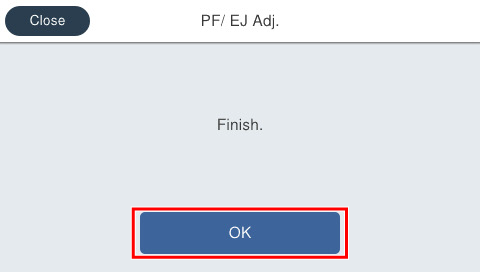
- Press [OK].
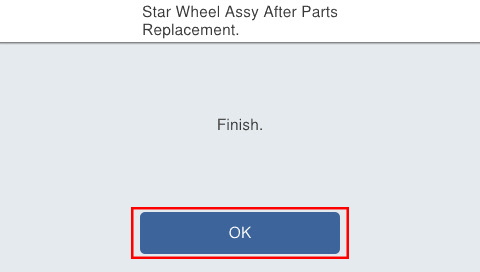
- If print quality does not improve after implementing this menu, Perform following adjustments in this order.
1.60126 Cassette Print Position Adj.
2.60132 PF Band Feed Adj.[When printing on paper other than plain paper] / 60133 PF Band Feed Adj. (Simple)[When printing on plain paper]