
60103 C1 ASF Motor Correction
Overview
Measure product variations to set the appropriate correction values. Also, make a pass/fail judgment by calculating whether or not the operation load is within the expected range from the motor current value.
Required Tool
---
Procedure
- Start the service support mode. (Starting Service Support Mode)
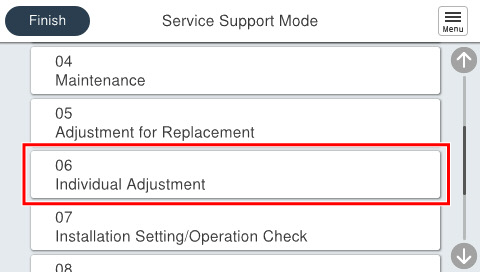
- Select [06 Individual Adjustment].
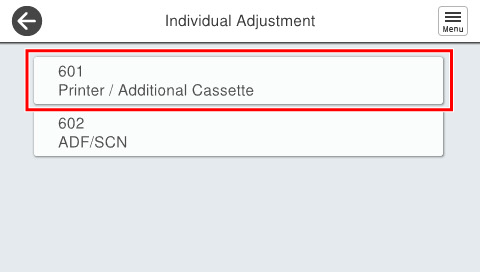
- Select [601 Printer/Additional Cassette].
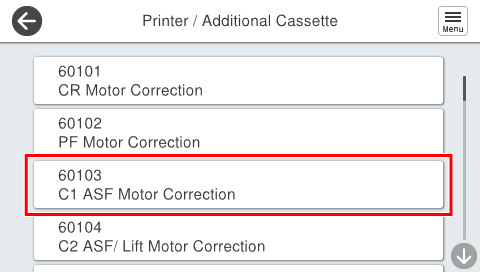
- Select [60103 C1 ASF Motor Correction].
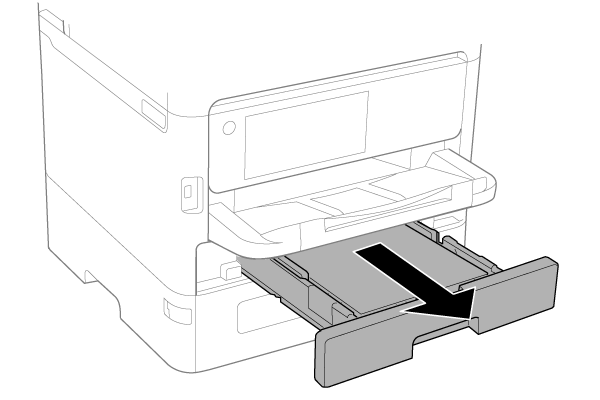
- Pull out the C1 cassette.
- Press [Start].
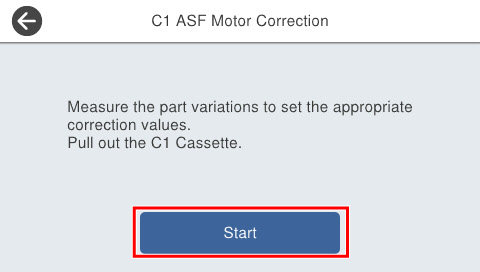
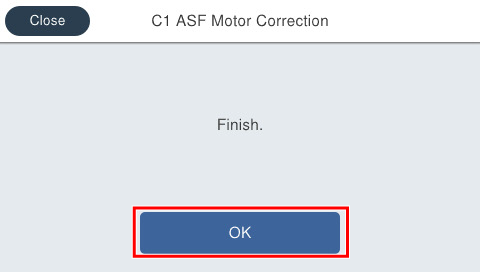
- If the following screen is displayed, press [OK] to complete.
 Check Point / チェックポイント
If an error is displayed, confirm the following and execute again.
- Motor cable connection