60202 Density Calibration
Overview
Adjust the reading density difference between the CIS module on the ADF side and document placed side.
Required Tool
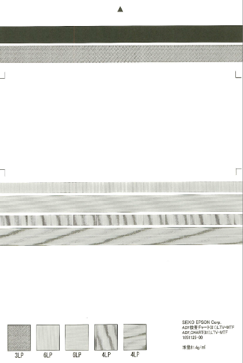
- ADF,CHART(81), LTV-MTF (Parts code: 1651125)
Procedure
- Start service support mode. (Starting Service Support Mode)
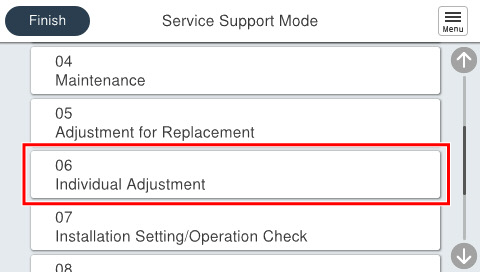
- Select [06 Individual Adjustment].
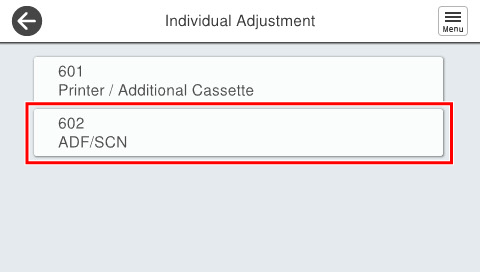
- Select [602 ADF/SCN].
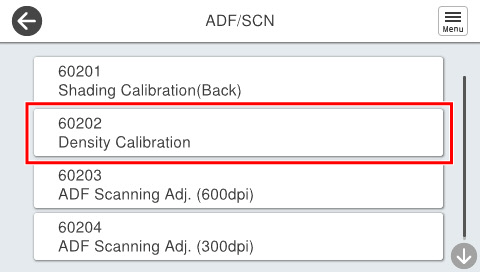
- Select [60202 Density Calibration].
Set the chart on the document placed and press [Start].
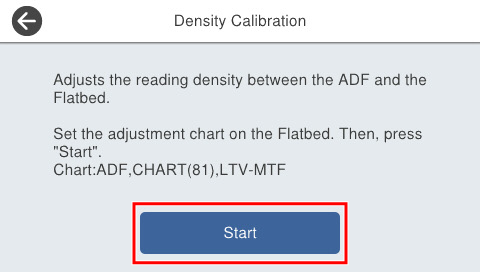
 Check Point / チェックポイント
Chart setting direction
- With the chart printing surface facing down, the top arrow is set to the left side of the platen glass against the platen glass.
Set the chart on the ADF tray and press [Start].
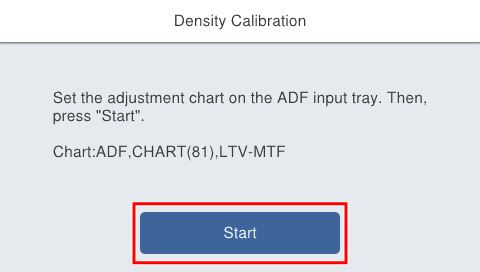 Check Point / チェックポイント
Chart setting direction
- The chart is set in the A4 vertical direction, the print surface is facing up, and the top arrow is set in the paper feed direction.
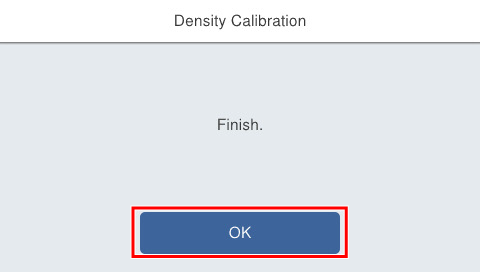
- If the following screen is displayed, press [OK] to complete.