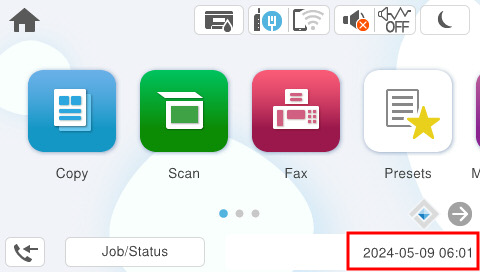
Setting the date and time
 Caution / 注意 Caution / 注意 |
Set the date and time setting correctly. |
- Select [Settings] from the Home menu.
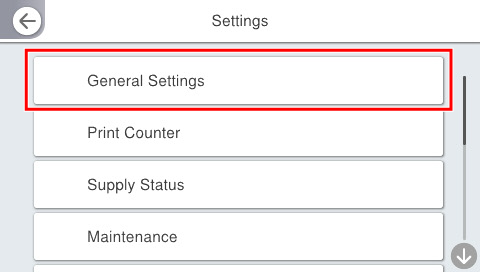
- Select [General Settings] from the Settings menu.
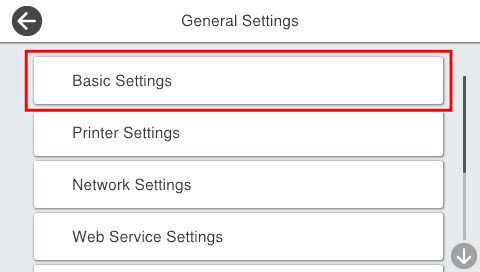
- Select [Basic Settings].
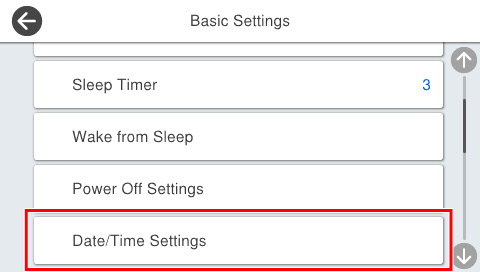
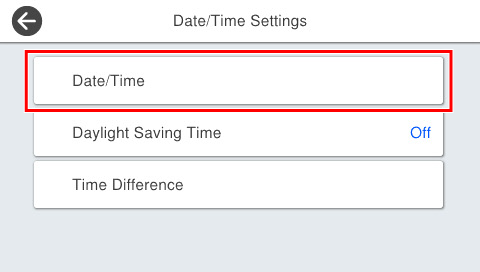
- Select [Date/Time Settings].
- Select [Date/Time].
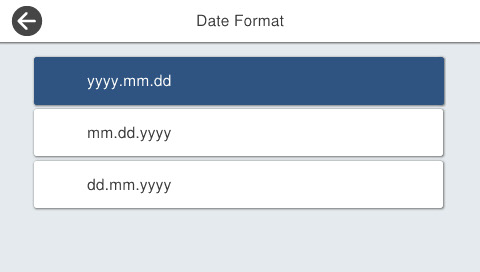
- Select [Date Format].
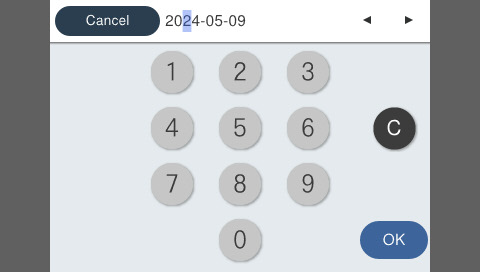
- Enter the date.
- Select the time display format.
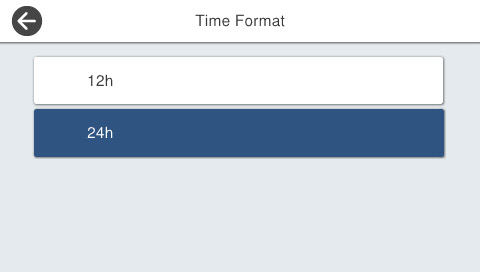
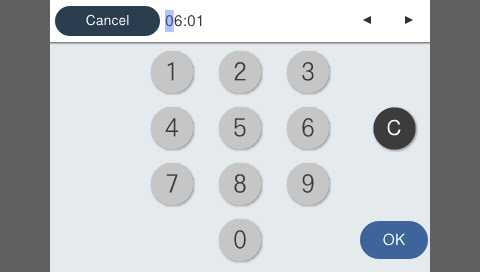
- Input the time and press [OK].
 Check Point / チェックポイント
After setting, make sure to check the date and time displayed on the menu screen is correct.