
60203 ADF Scanning Adj. (600dpi)
Overview
Adjust the scanning start position and sub scaling (paper feeding direction) for ADF scanning (600dpi).
Required Tool
- ADF,CHART(G), A4-DS (Parts code: 1651126)
- Side A
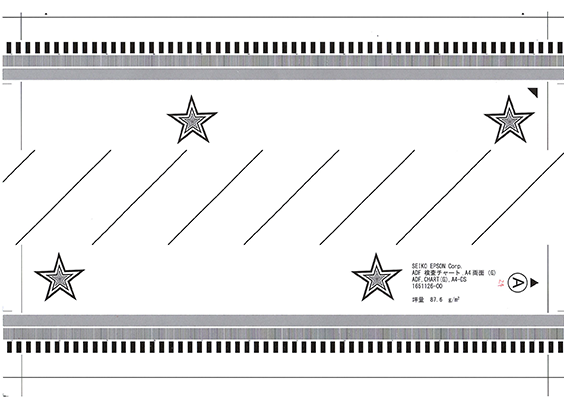
- Side B
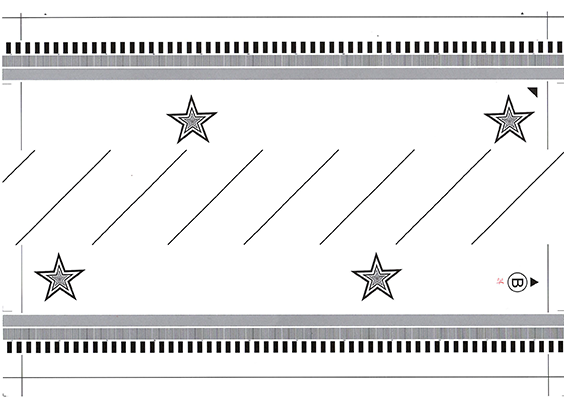
- Side A
Procedure
- Start the service support mode. (Starting Service Support Mode)
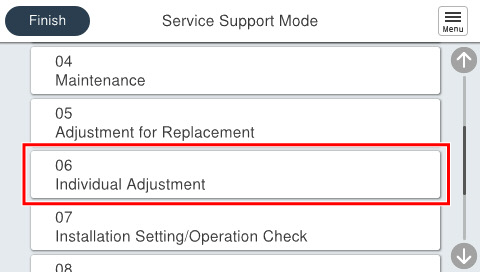
- Select [06 Individual Adjustment].
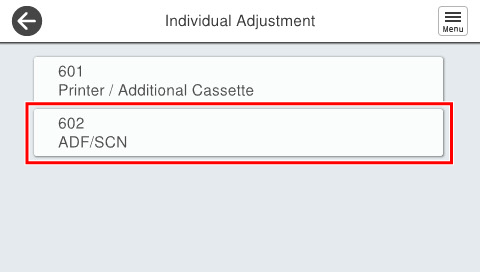
- Select [602 ADF/SCN].
- Select [60203 ADF Scanning Adj. (600dpi)].
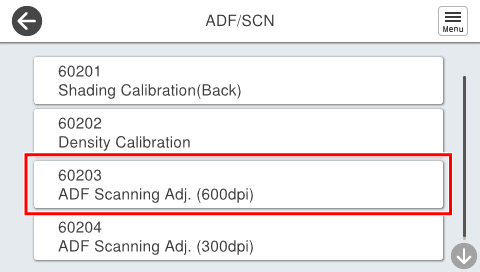
- Set the chart on the ADF tray and press [Start].
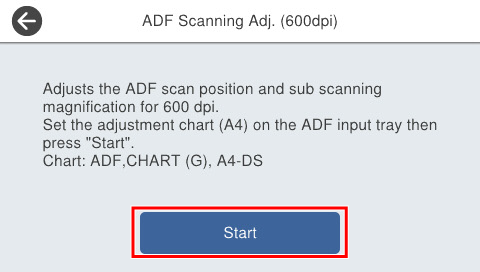
 Check Point / チェックポイント
Chart setting direction
- Load the paper with the A side facing up and facing the paper feed slot so that the arrow is at the top.
- If the following screen is displayed, press [OK] to complete.
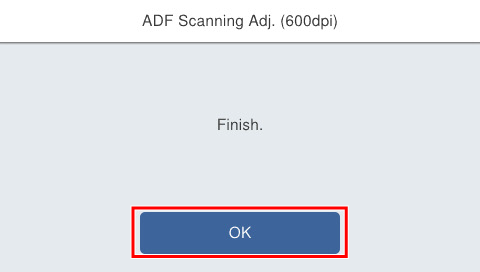
| Check Point / チェックポイント |
After execution, if “Adjustment failed” is displayed, either press “Initial value” to write the initial setting value, or press “Readjust” after setting the chart in the ADF tray and perform adjustment. |