
70702 Paper Feed Confirmation (ADF)
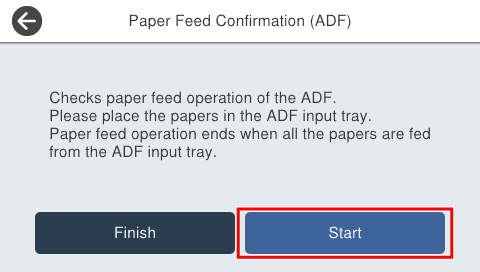
Check the paper passing of the ADF input tray. When all the sheets set in the sheet feed tray are passed, the sheet passing operation ends.
Procedure
- Start service support mode. (Starting Service Support Mode)
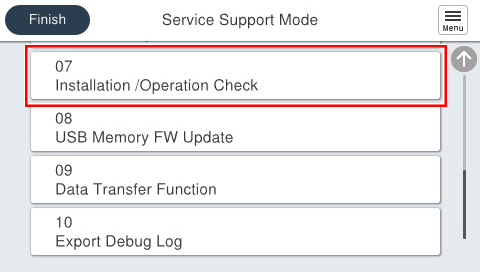
- Select [07 Installation Setting / Operation Check].
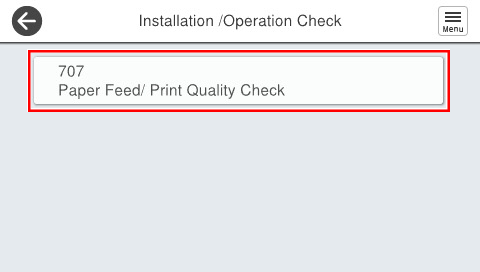
- Select the [707 Paper Feed/ Print Quality Check].
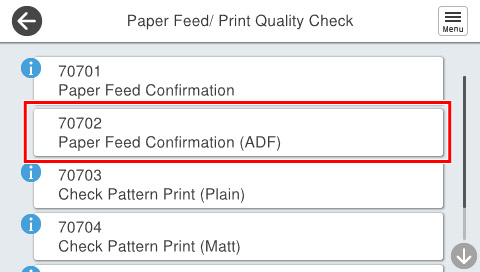
- Select [70702 Paper Feed Confirmation (ADF)].
- Press [Start].
- When paper feed operation is completed, press [End].