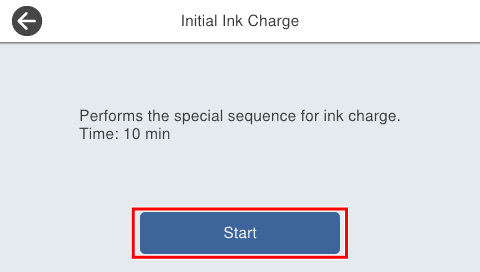
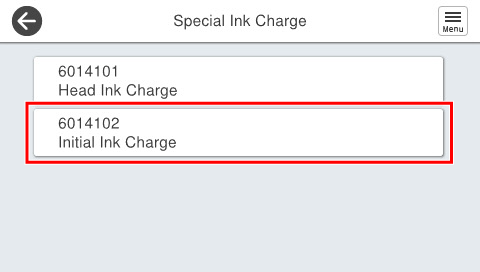
6014102 Initial Ink Charge
Overview
Charges ink to the print head and through the ink path, and puts the printer into a state where printing is possible. (Performed when the ink supply path unit between the ink supply unit and the print head is replaced.)
Required Tool
---
Procedure
- Start the service support mode. (Starting Service Support Mode)
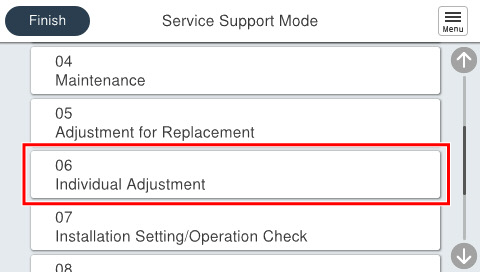
- Select [06 Individual Adjustment].
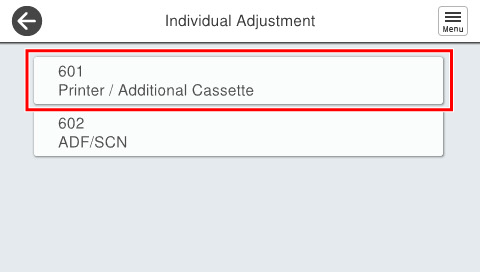
- Select [601 Printer/Additional Cassette].
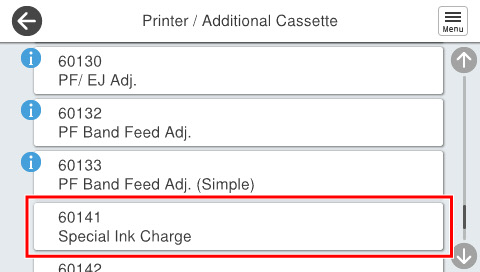
- Select [60141 Special Ink Charge].
- Select [6014102 Initial Ink Charge].
- Press [Start].