60145 CL1 Operation Check
Overview
This menu allows you to check if CL1 is functioning properly.
Required Tool
---
 Caution / 注意 Caution / 注意 |
|
Procedure
- Start service support mode. (Starting Service Support Mode)
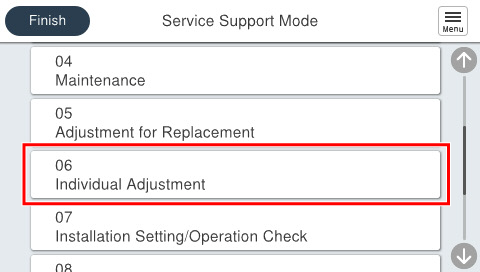
- Select [06 Individual Adjustment].
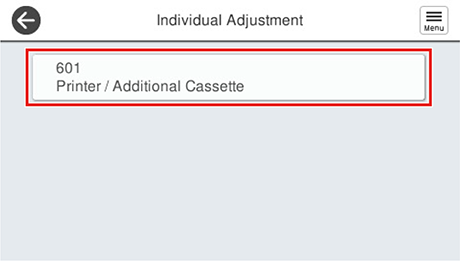
- Select [601 Printer/Additional Cassette].
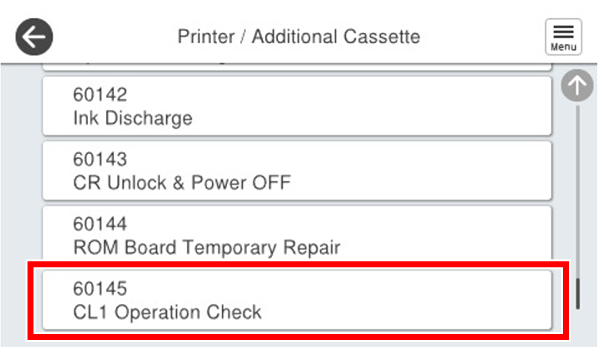
- Select [60145 CL1 Operation Check].
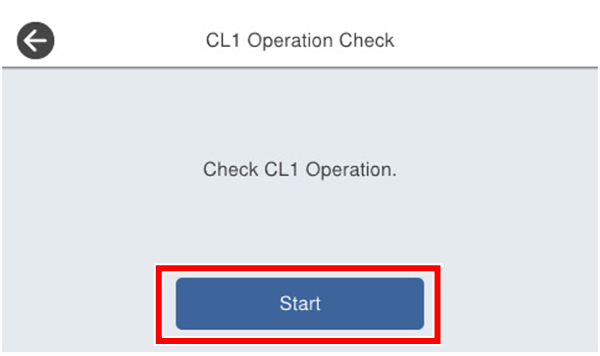
- Press [Start].
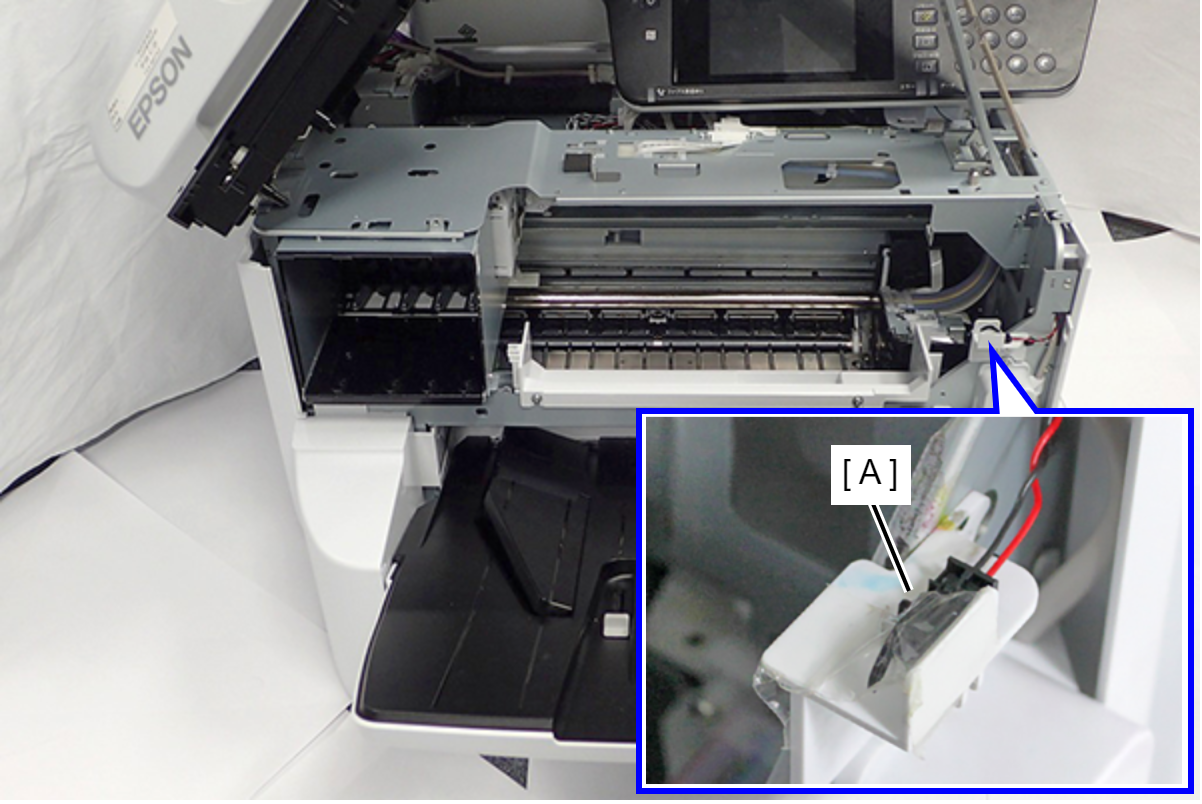
- When the screen below appears, follow the on-screen instructions to check the Ink System cap surface.
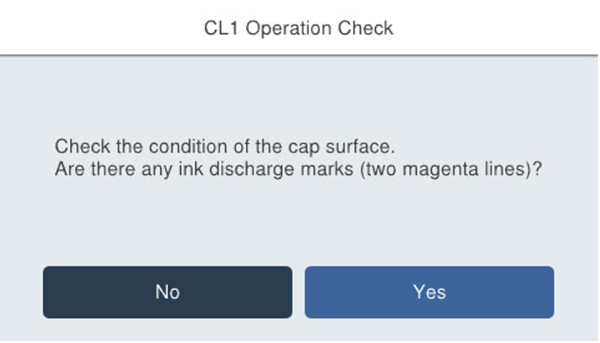
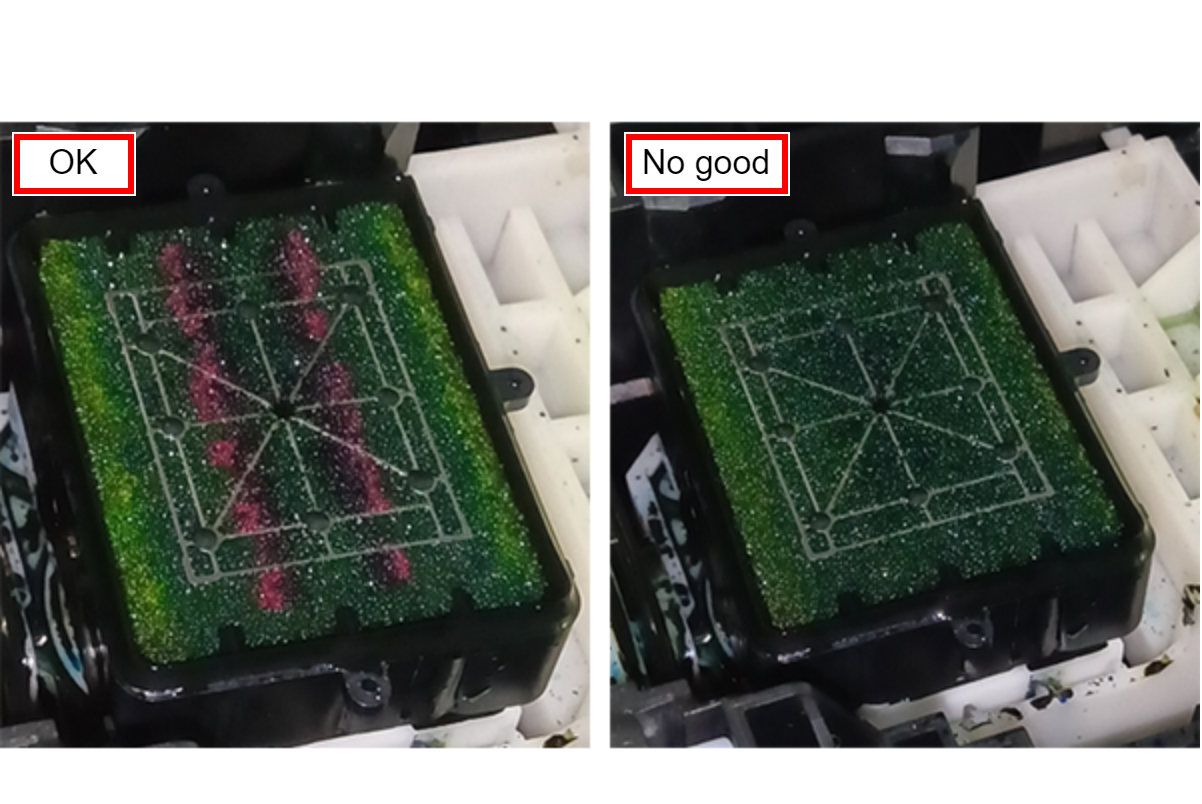
- If the lines are even slightly visible, it is OK. Select [Yes] and proceed to the next step.
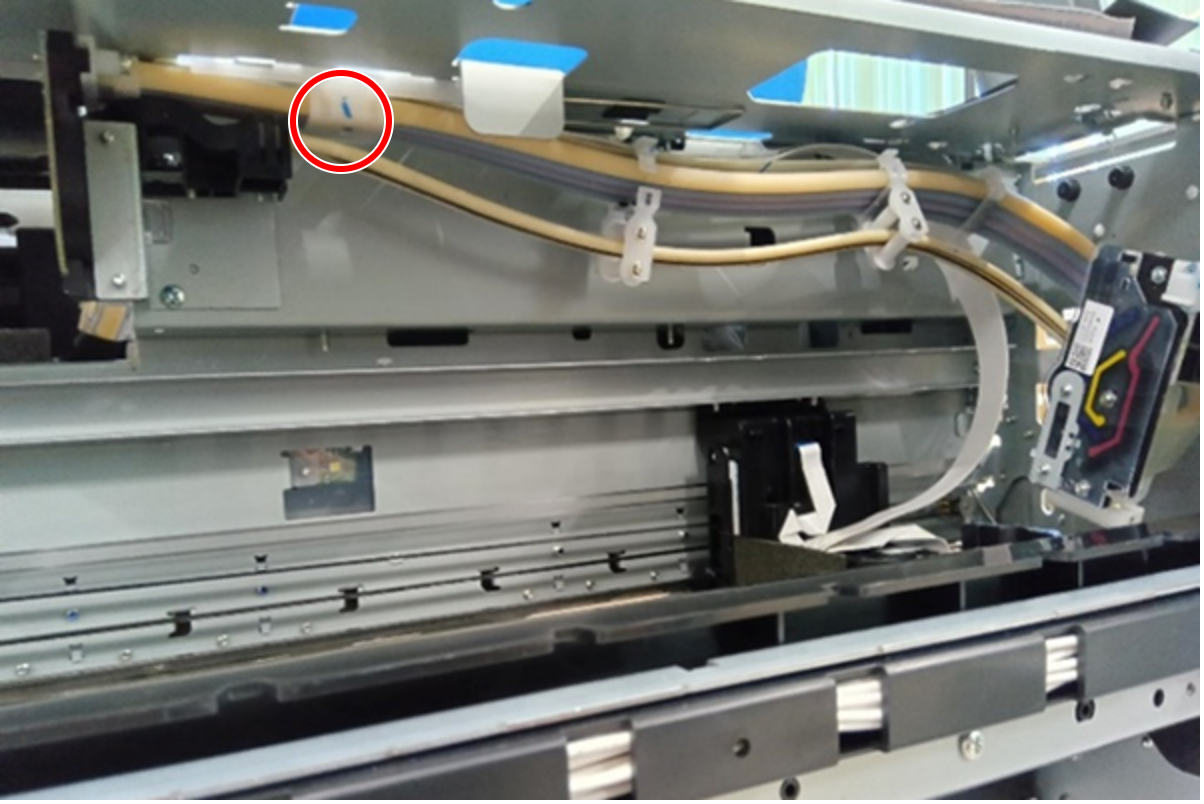
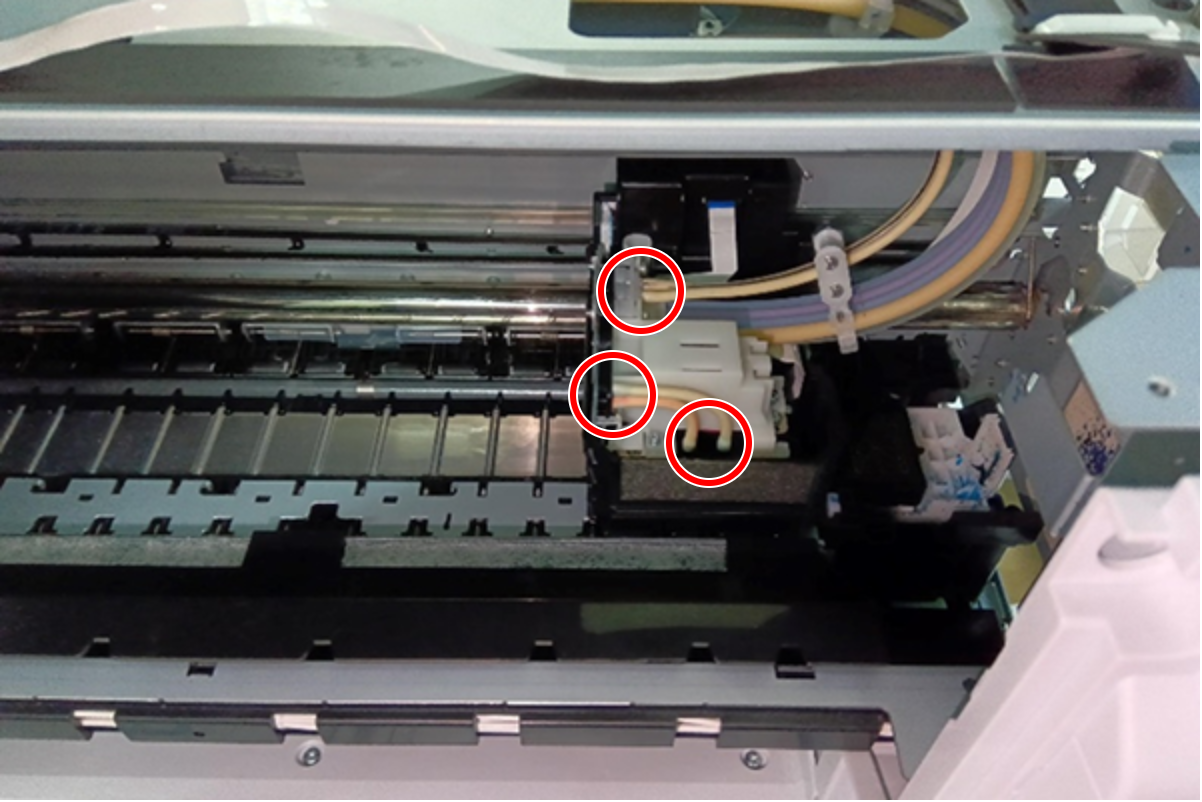
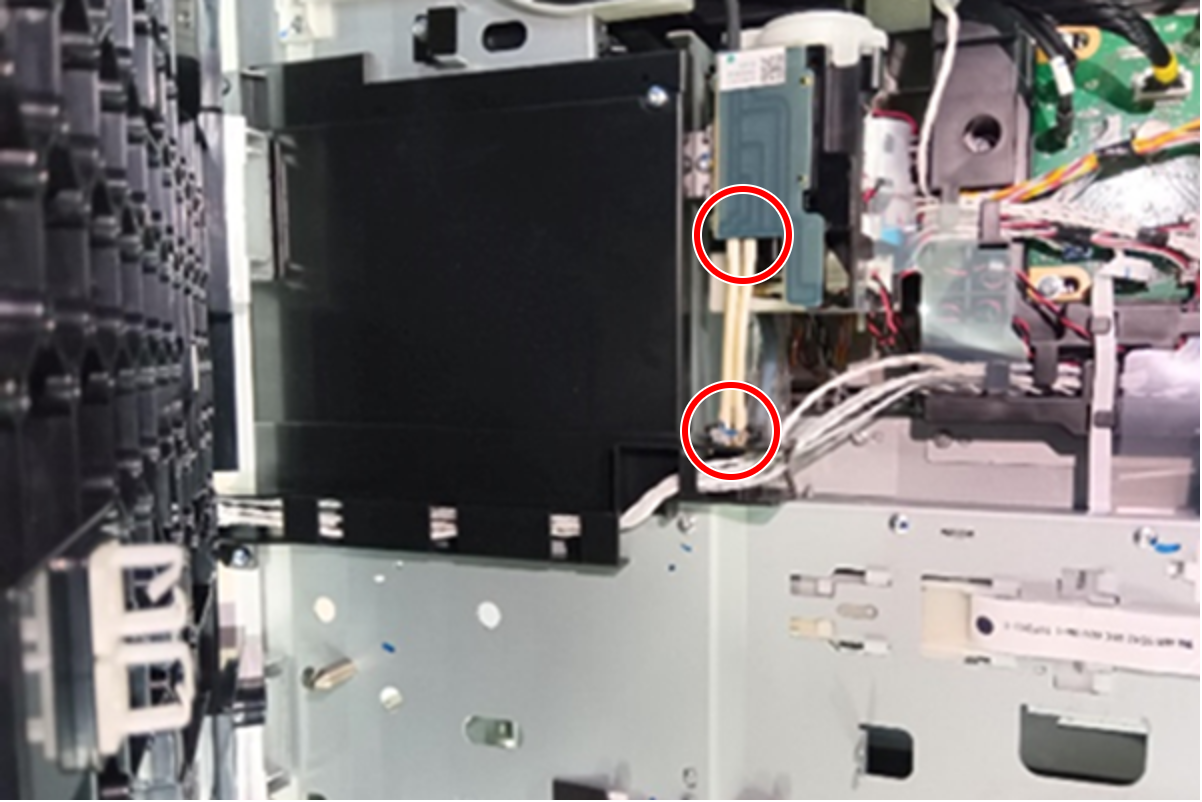
- If they are not visible at all, the Ink Supply Tube Assy may be blocked or not installed properly, so check the installation status.
Ink Supply Tube Assy
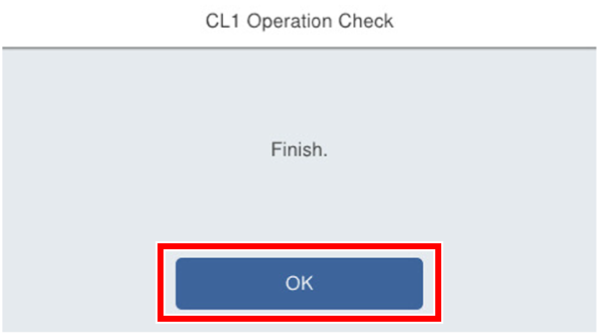
- Press [OK].