How to Check Main Unit Information Transmission Time (WebConfig)
- Enter the IP address of the printer in the web browser.
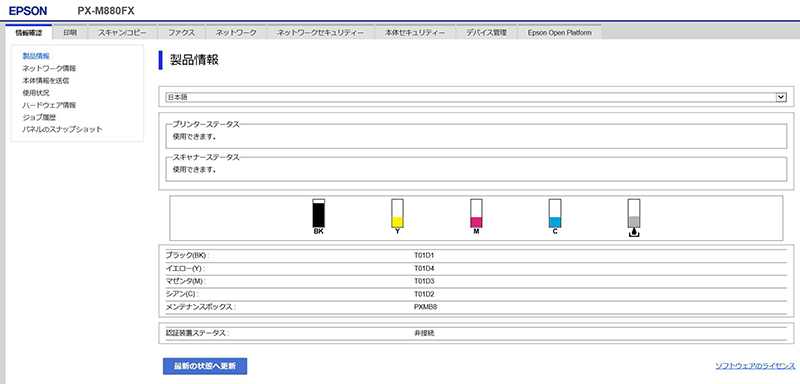
- Check that the WebConfig top screen is displayed.
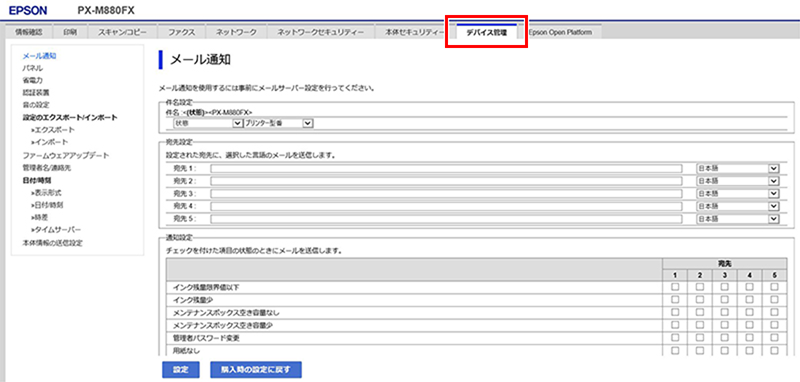
- Click and move the device management tab.
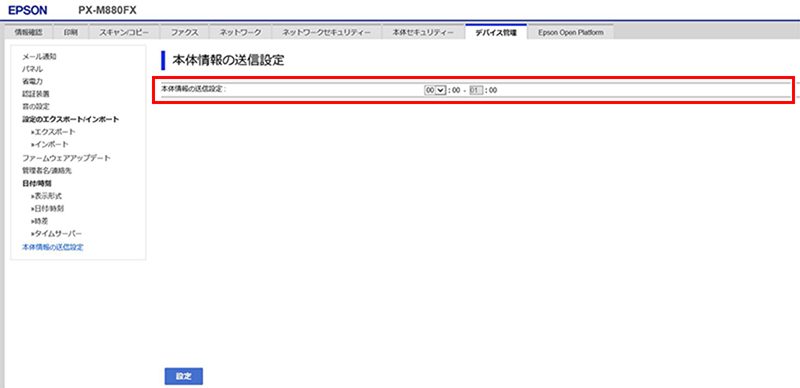
- Click [Main Unit Information Transmission Settings].
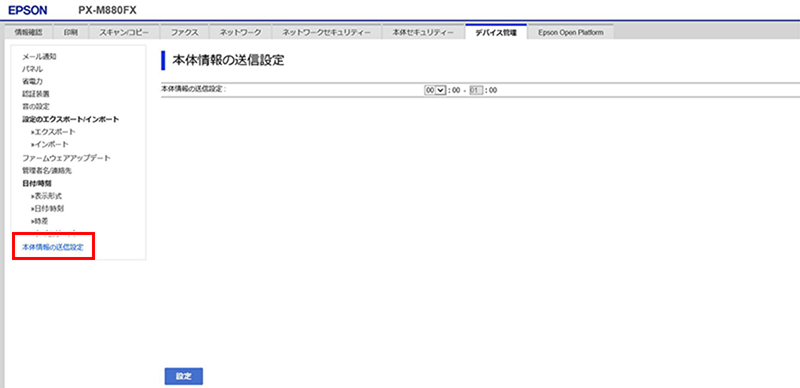
- Click [Main Unit Information Transmission Settings], and select the time zone.
- Select [Settings].
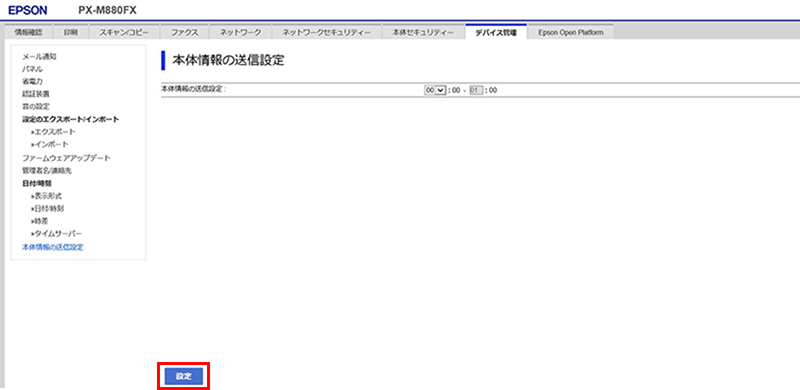
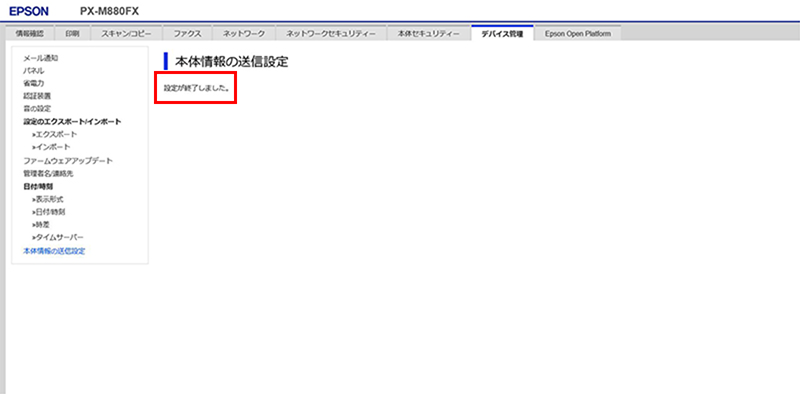
- Check that setting is completed.