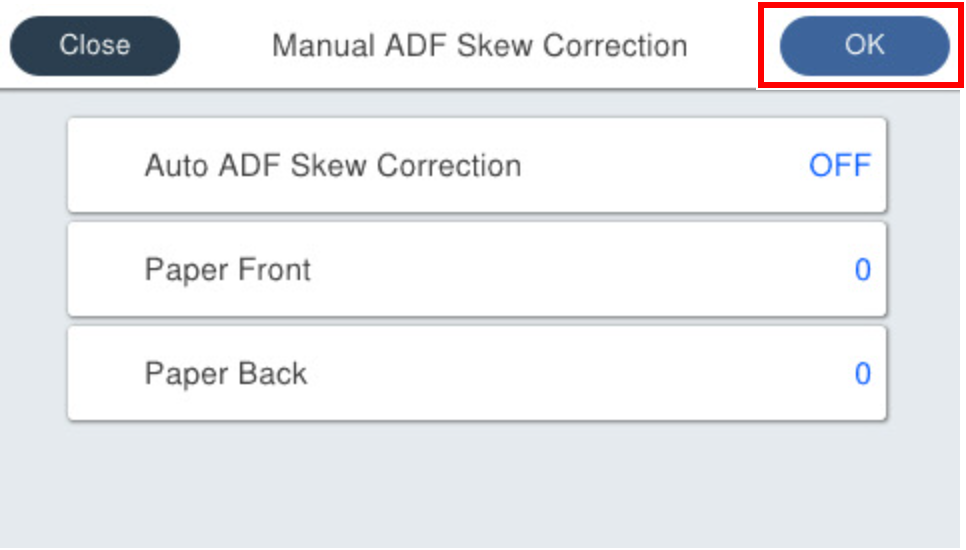
60205 Manual ADF Skew Correction
This menu allows you to manually correct skew of the ADF.
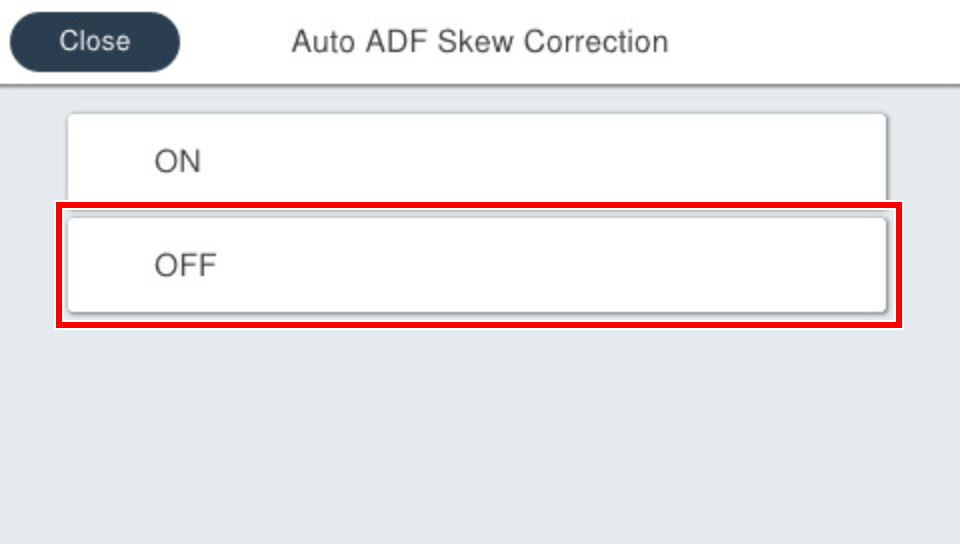
You need to disable the auto skew correction and then enter correction values.
| Setting | Setting range | Initial value | Overview | Amount of change |
|---|---|---|---|---|
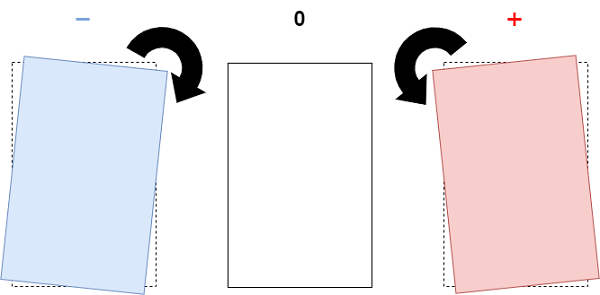
| Paper Front | -128 to 127 | 0 | Angle correction offset value on paper front side | 0.01 degree |
| Paper Back | -128 to 127 | 0 | Angle correction offset value on the back side of paper | 0.01 degree |
Procedure
- Start service support mode. (Starting Service Support Mode)
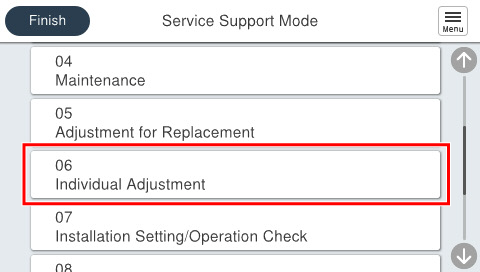
- Select [06 Individual Adjustment].
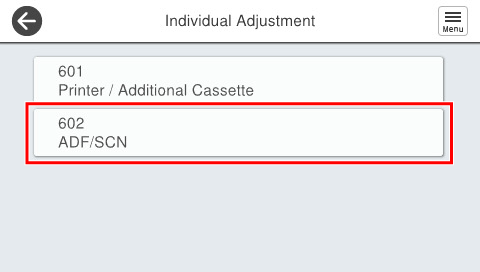
- Select [602 ADF/SCN].
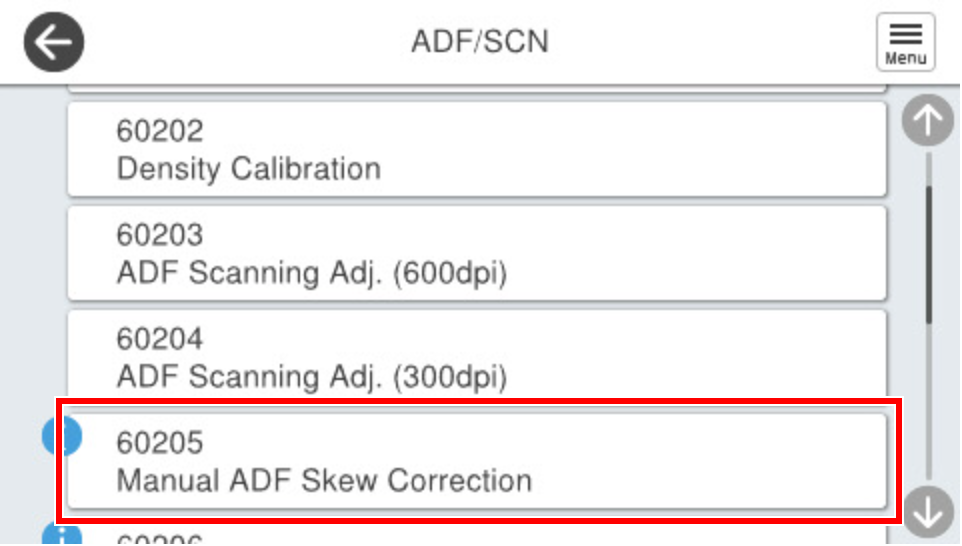
- Select [60205 Manual ADF Skew Correction].
- Select [Auto ADF Skew Correction] and set it to [OFF].
- Select [Paper Front] and [Paper Back], enter a correction value,and press [OK] respectively.