Printer Main Unit/Additional Cassettes Roller Counter
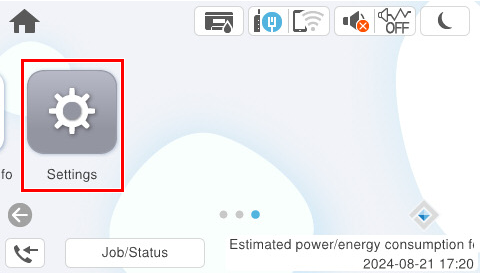
- Select [Settings] from the home screen.
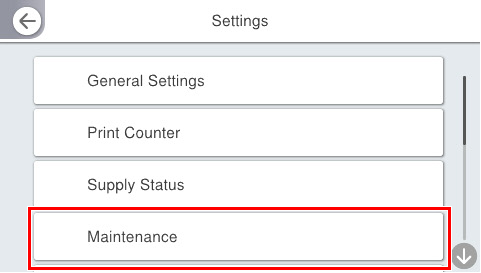
- Select [Maintenance].
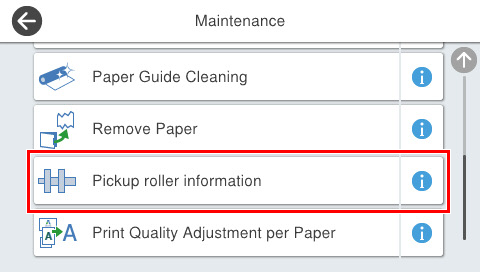
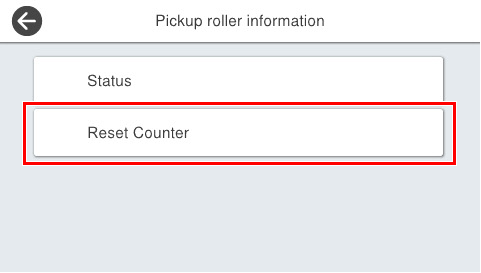
- Select [Maintenance Roller Information].
- Select [Reset Maintenance Roller Counter].
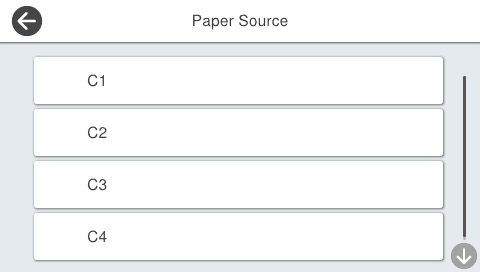
- Select the cassette of the paper feed roller that was replaced.
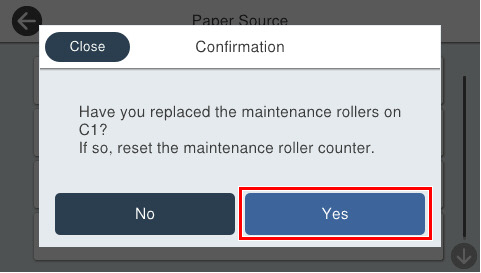
- Select [Yes] to reset the counter.