
Right Housing Assy
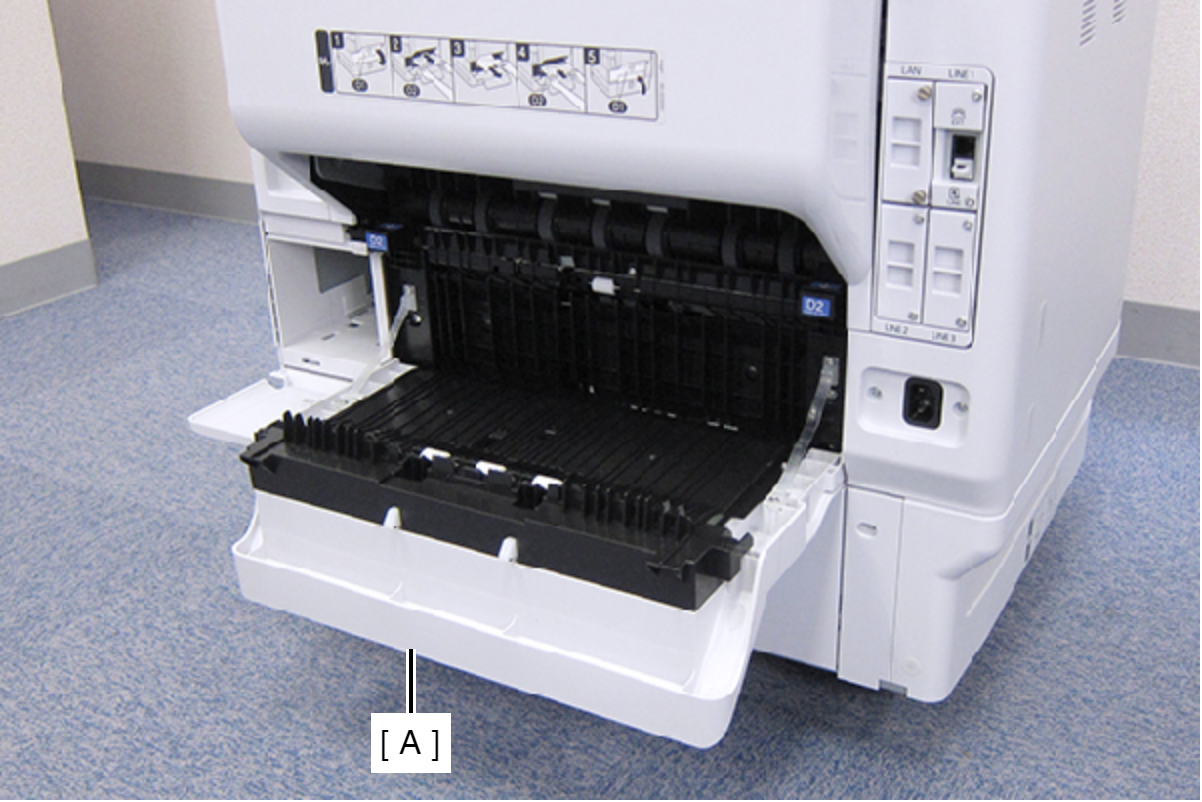
- Open the Duplex Print Cover (A).
- Remove the two screws, then remove the Connector Cover (A).
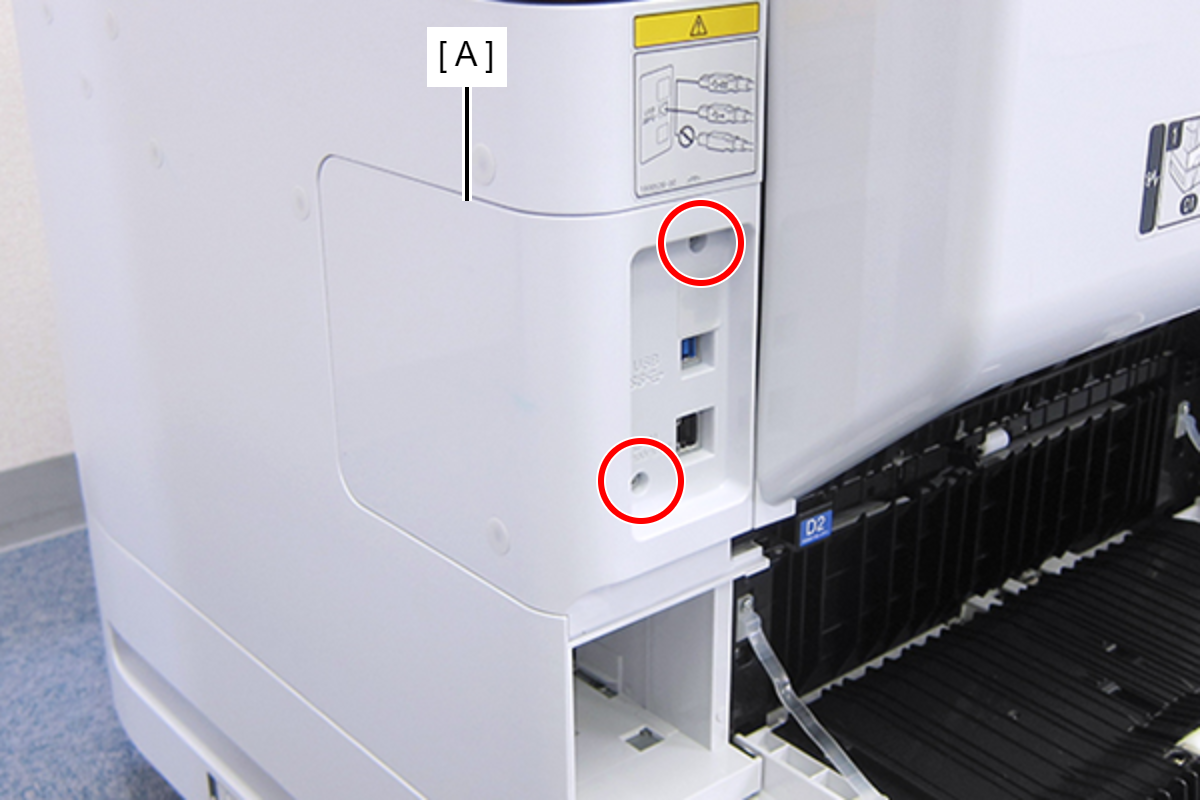
 : C.B.S-TITE-SCREW-3x8-F.ZN-3C
- Remove the two screws, then remove the Right Housing Assy (A) toward the rear of the product.
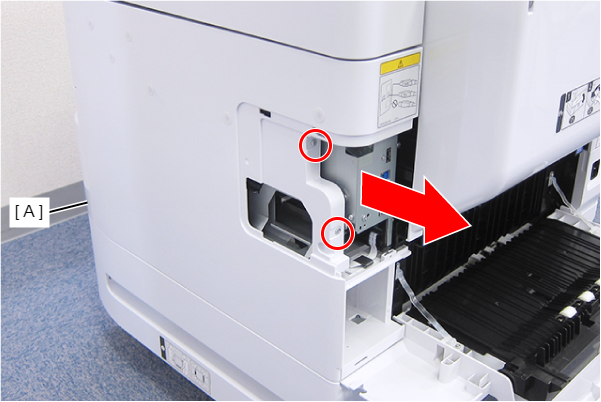
- : C.B.S-TITE-SCREW-3x8-F.ZN-3C